You are prompted to enter a new drive password for the drive or drives to be encrypted. This
password is required each time you want to access the data on the destination (read or write).
If the encryption header set up by Encrypt New Destination is overwritten, the encrypted data
is permanently lost. See the Guidance Software website for more information on the methods
and algorithms used for TD2u encryption.
Securely encrypting destinations takes 15 to 20 seconds.
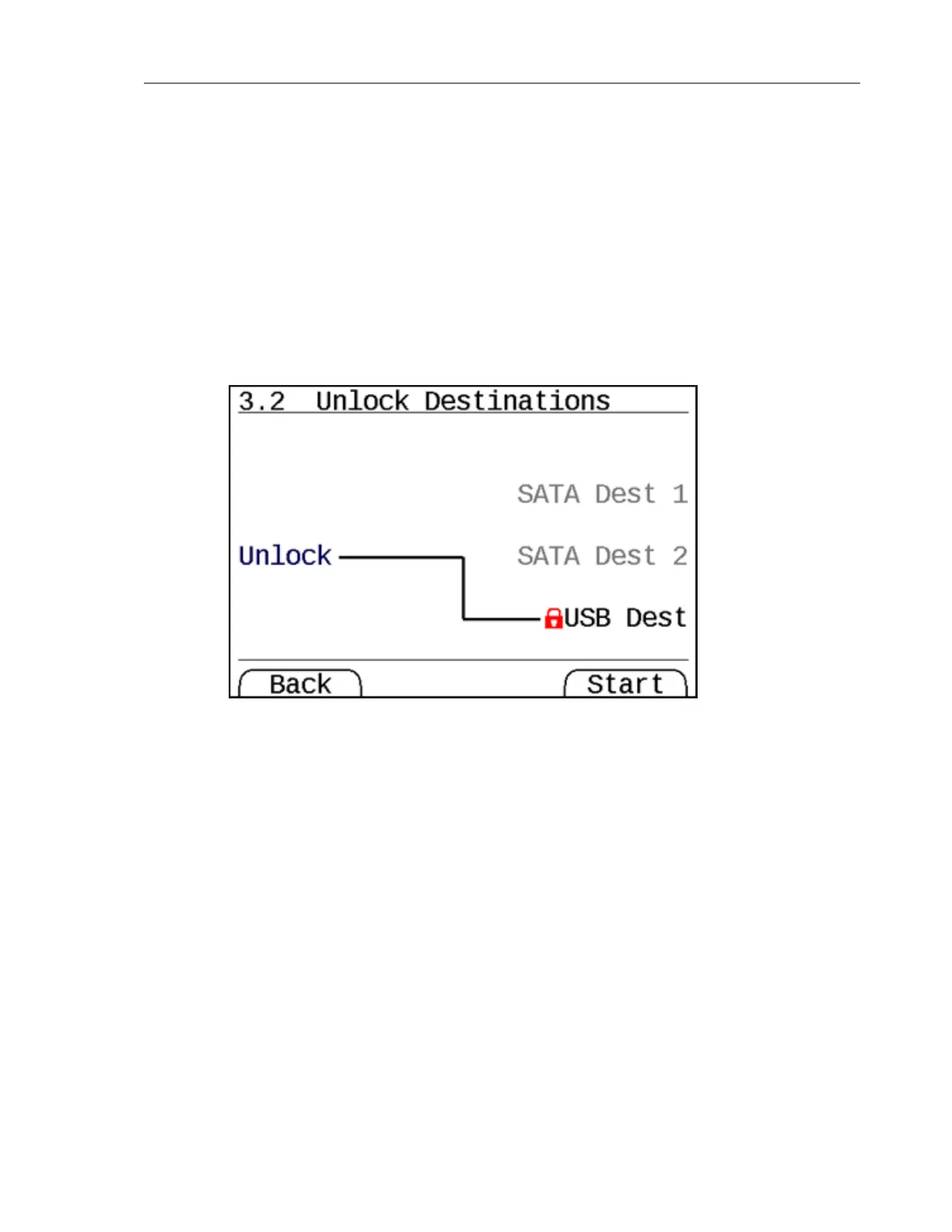
Unlock Destinations (Menu 3.2)
This operation allows you to unlock destinations that appear to have been encrypted by a
TD2u. When you click [Start] there is a prompt to enter passwords for each destination to be
unlocked. Unlocking encrypted destinations takes 15 to 20 seconds.
44 Tableau TD2u User Guide Version 1.3.0


 To Next Page