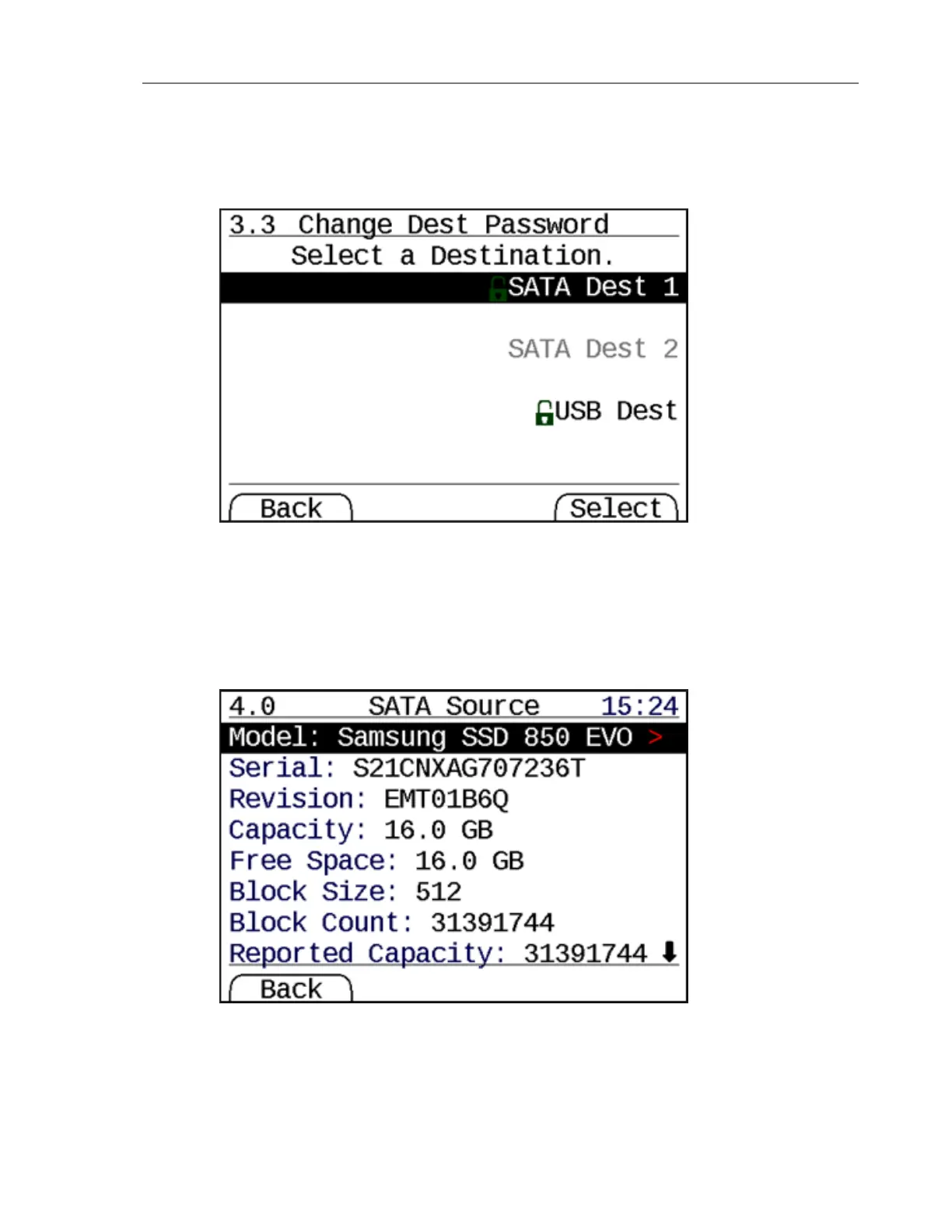
Change Dest Password (Menu 3.3)
This menu allows you to change the destination encryption header on an already unlocked
destination. This does not change the encryption across the drive. Generating a new secure
header takes 15 to 20 seconds.
Disk Information (Menu 4)
The TD2u can display detailed information about the source or the destination hard disk(s).
From the Disk Info (Menu 4.0) screen, select any drive attached to a source or destination
port.
CHAPTER 3 Using the TD2u 45


 To Next Page