3 Technical Description TAC Xenta, TAC Xenta® 400 I/O Modules
20 (48) TAC AB, Dec 2004
0-004-7771-3 (EN)
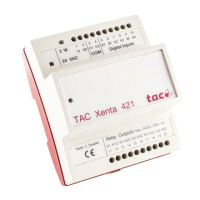
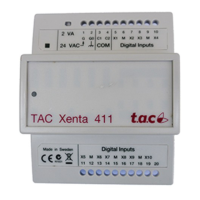
3.3 TAC Xenta 421/422 Digital Input and Output
module
The modules have four digital inputs and five digital outputs. The inputs
can also be used as pulse counters.
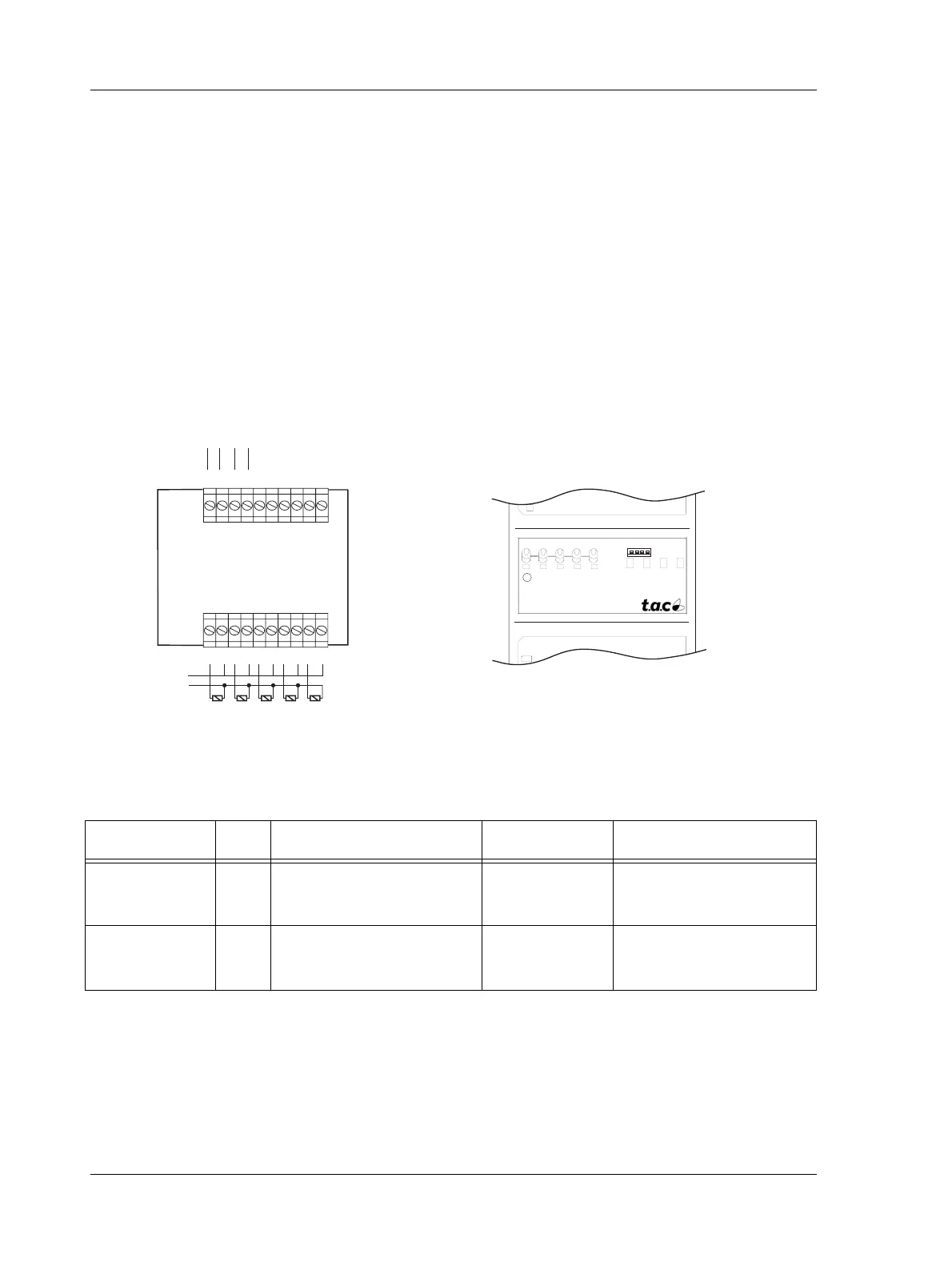
The TAC Xenta 422 is also equipped with LED status indicators, one
for each digital input and manual override switches for the digital out-
puts. The LED colors, red or green, can be selected individually by
altering the DIP switch settings under the front cover.
Terminals (421, 422) and Switches/Indicators (422)
Fig. 3.4: TAC Xenta 421/422 terminals and TAC Xenta 422 relay output switches and Indicators
DO
TAC Xenta 422
ON
AUTO
OFF
2 3 4 5 1 2 3 4
DI
1 2 3 4 5 6 7 8 9 10
11 12 13 14 15 16 17 18 19 20
K1 K1C K2 K2C K3 K3C K4 K4C K5 K5C
G G0 C1C2 X1 M X2 X3 M X4
max 230 V AC
~ 0
24 V AC/DC
}
Comm
}
5 Relay output
Indicators (green)
4 DI Indicators:
⇑ red
⇓ green
Table 3.2: TAC Xenta 421/422 summary
Type No. TAC Menta Block type Terminal ref. Ind./Override (422)
Digital inputs 4 DI - Digital input or
CNT - Pulse counter
X1 - X4
X1 - X4
red or green / -
red or green / -
Relay outputs /
Digital outputs
5 DO - Digital output or
DOPU - Dig. pulse output
K1 - K5
K1 - K5
green
a
/ ON-AUTO-OFF
green
a
/ ON-AUTO-OFF
a. Note! The five output indicators always show the AUTO output status, irrespective of
the output override switch position (ON-AUTO-OFF).


 To Next Page
 Loading...