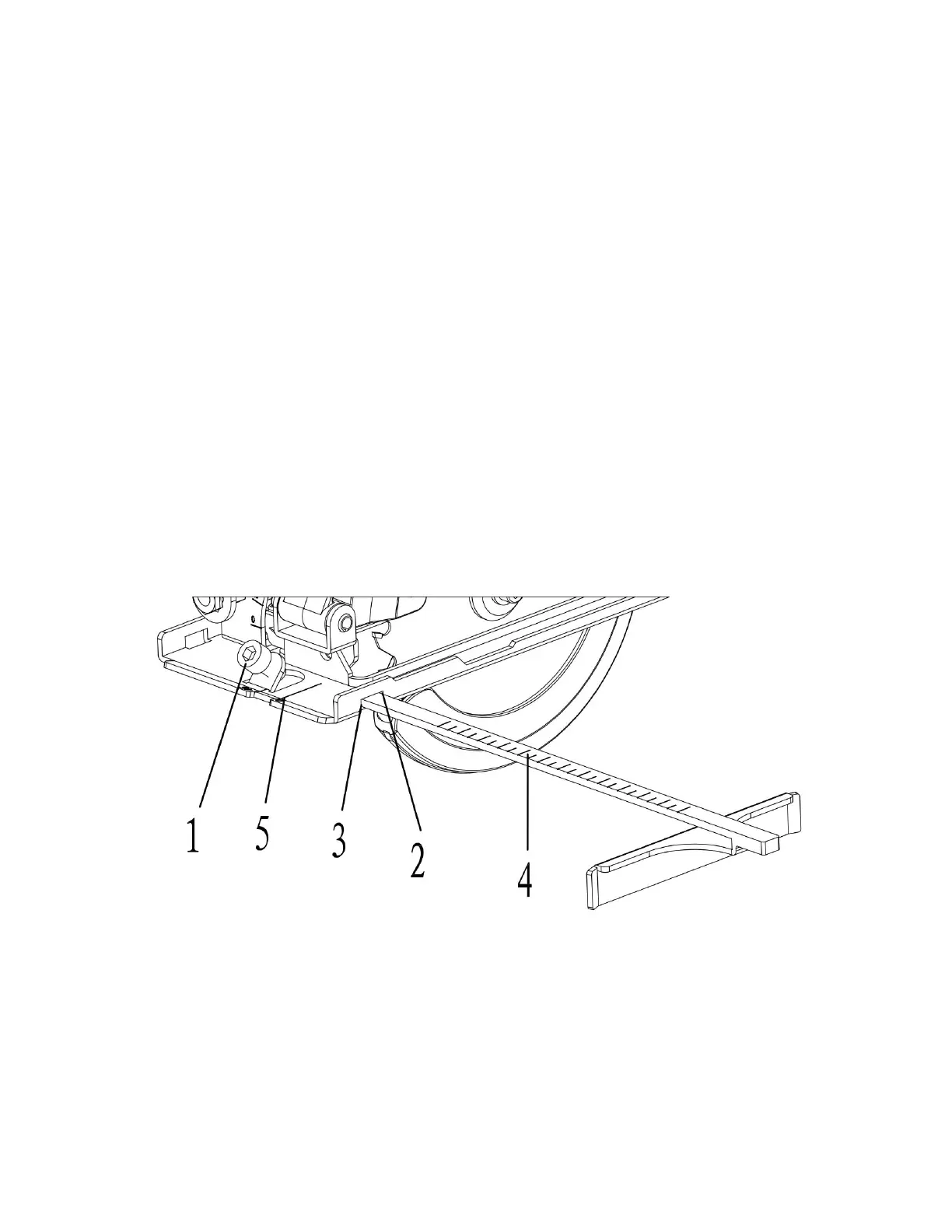
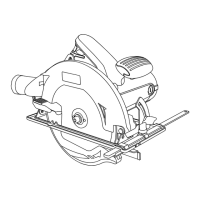
3. Align the desired cutting width on the scale
(4)with the 0° cutting mark (5) in the sole plate.
4. Tighten the edge guide locking screw to lock the edge guide into position.
NOTE: Do not over tighten as you may strip the threads.
5. Make a test cut on a scrap workpiece to verify the edge guide setting. Adjust as
necessary.
Correct selection of cutting speed
This machine has 6 speed control discs, from 1 to 6, the speed is increased in turn.
The cutting speed can be selected depending on the material to be cut. In general,
the higher the hardness of the material, the lower the cutting speed, which can
protect the machine and the saw blade, greatly improving the service life of the
machine and the saw blade.
Warning: When setting speed, the machine must stop running.
ASSEMBLY AND OPERATING
INSTALLING THE VACUUM GUIDE - cont’d
Fig. 5
INSTALLING THE VACUUM ADAPTER A workshop vacuum can be attached to the
circular saw to collect much of the dust created from cutting.
1. Place the small end of the vacuum adaptor (1)over the vacuum port (2) on the
blade housing (Fig. 6).
NOTE: Rotate the adaptor slightly while pushing it onto the vacuum port.


 To Next Page