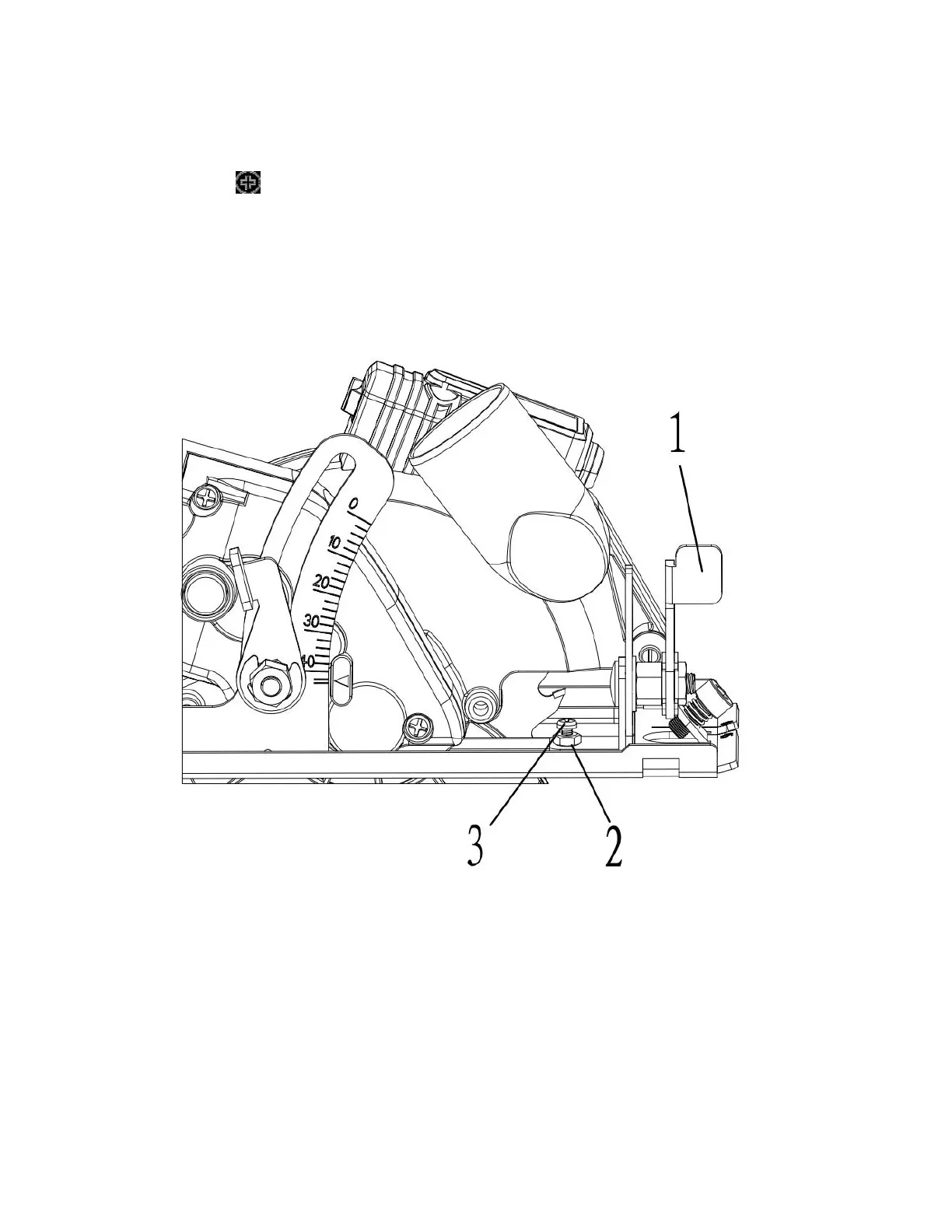
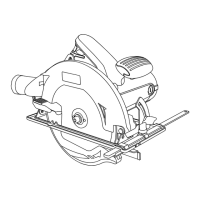
3. If the test cut is not at 90°, turn the zero adjustment lock nut (2) counter
clockwise approximately % turn using a 7mm wrench.
4. Use a #2 screwdriver to turn the zero bevel adjusting screw (3) in or out
until the saw is cutting at 90° when the sole plate is contacting the adjusting screw.
5. Tighten the lock nut while using the screwdriver to prevent the adjusting screw
from turning.
NOTE: When the final adjustment is made and the locknut tightened, recheck the
cutting angle on a scrap workpiece.
Fig.4
INSTALLING THE EDGE GUIDE
The edge guide can be used to facilitate accurate cutting when ripping pieces up to
5" wide.
1. Loosen the edge guide locking screw (1) counter clockwise approximately 2 turns
using the 5mm hex key (Fig. 5).
2. Slide the edge guide mounting rod (2) into the mounting slots (3) in the sole plate.


 To Next Page