9
Usage
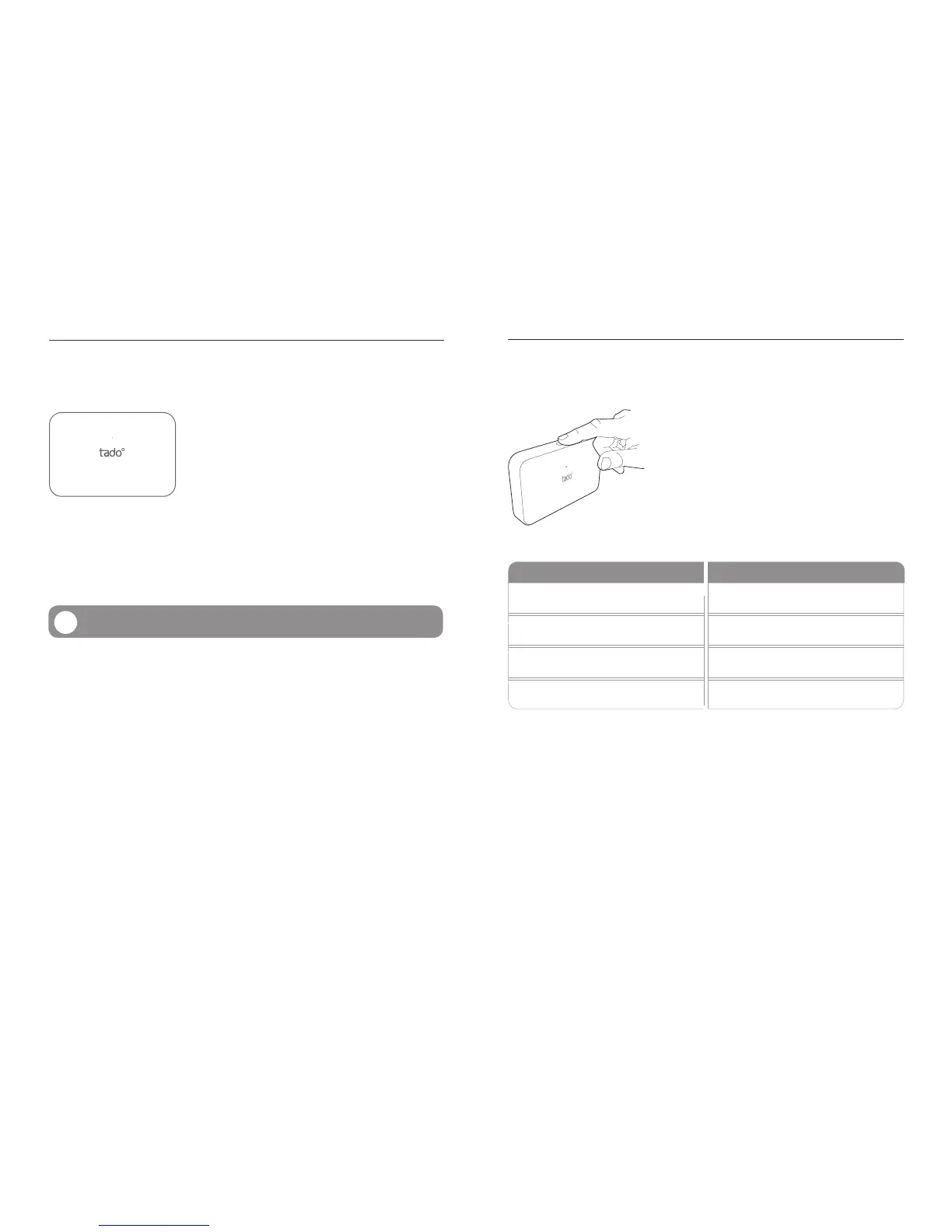
The Extension Box has one mechanical button and one
white LED that shines through the front housing. The
LED pulses slowly during normal operation.
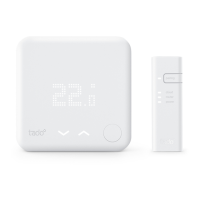
tado° Extension Box
The tado° Extension Box acts as a communication
link between the tado° Smart Thermostat and the
boiler. It replaces external controllers, external recei-
vers or is directly connected to the boiler.
The Extension Box is powered by a 230V mains
connection for relays or by a low voltage power supply
when connected to analog or digital interfaces. For
potential free relay wiring, an additional two wire power
supply cable maybe required which is provided by
tado° upon request.
Extension Box
Please read the chapter “Installation” before installing.
!
Extension Box – Usage
LED Display
LED ACTION MEANING
Off No Power
Blinking Connecting
Blinking (Fast) Pairing
Pulsing (Slow) Normal Operation
Pairing & Reset
During installation the Extension Box needs to be paired with the Bridge. The Exten-
sion Box can be set into pairing mode by pressing the mechanical button for around
4-5 seconds (until the LED starts blinking fast) and subsequently releasing it. The
Extension Box automatically pairs with the Bridge. The LED willl start pulsing slowly
when it has contacted our servers (normal operation).
The Extension Box can be reset by pressing the mechanical button for more than 8
seconds until the LED turns off. The Extension Box then restarts when the button is
released.



 To Next Page