4
Smart Thermostat Smart Thermostat – Usage
Usage
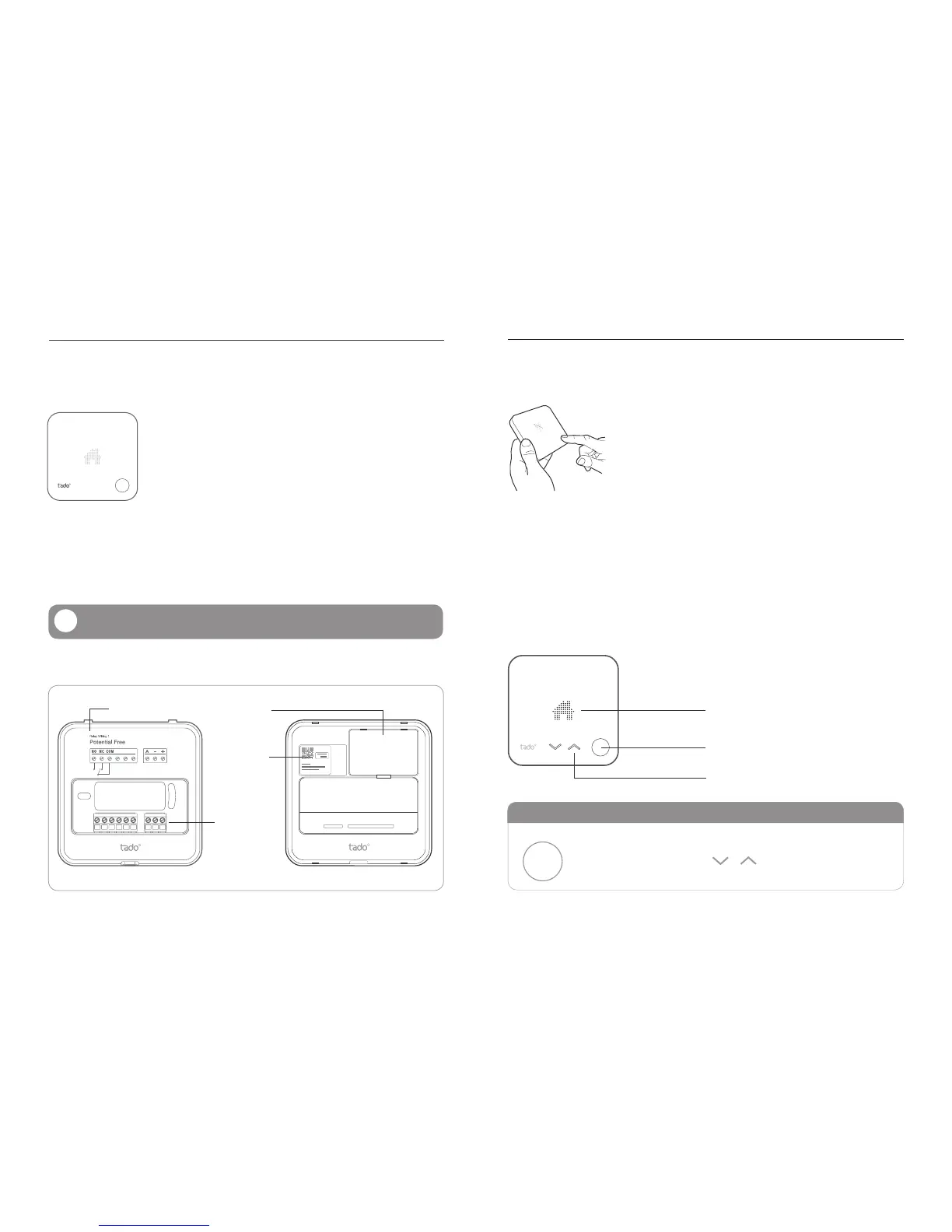
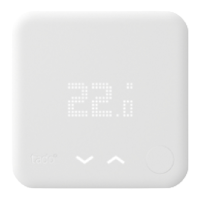
The tado° Smart Thermostat has a user interface which is ac-
tivated by pressing the button in the bottom right corner. First,
the current temperature is displayed. The mechanical button on
the bottom right can be used to ip through the menu. The next
press switches to the Operation/Mode screen.
After pressing the button once more, the setpoint temperature is displayed and can be
adjusted using the touch arrow buttons, which light up when settings can be changed.
Setting changes are stored after 3 seconds which is indicated by a ashing of the set-
ting. Saving the setting can also be achieved by pushing the mechanical push button.
The setting is stored and the UI switches to the next menu point.
On heating systems that support hot water preparation, the current hot water state
(on/off or temperature on specic systems) and hot water operation are accessible
by pressing the mechanical push button again. The activation notications are shown
immediately after pressing the mechanical push button for activating the UI.
Please read the chapter “Installation” before installing.
CONTROL ELEMENTS
The mechanical push
button activates and
moves through the menu
The touch arrows switch
operation and adjust
setpoint temperature
LED matrix display
Mechanical push button
Touch arrows
Serial Number
& Authentication
Code
Terminal Blocks
Wall mounted Backplate
Back of the Device
Battery Case
Wiring Diagram
!
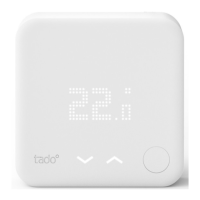
tado° Smart Thermostat
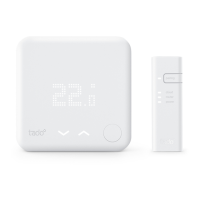
The tado° Smart Thermostat replaces existing thermostats or
acts as a wireless thermostat together with the tado° Extension
Box for heating systems that didn‘t have a wired thermostat
before. It measures room temperature and allows the user to
modify operation and set point temperature. If it is wired to the
boiler it directly controls the heating. If it is not wired, it commu-
nicates with the boiler via the tado° Extension Box.
The tado° Smart Thermostat is powered by three AAA batteries which are included in
the packaging. The paper strip must be removed from the battery case to activate the
power supply. Batteries typically last for two years. tado° informs the user via email
and/or push notication when it is time to replace the batteries.
Mechanical Design



 To Next Page