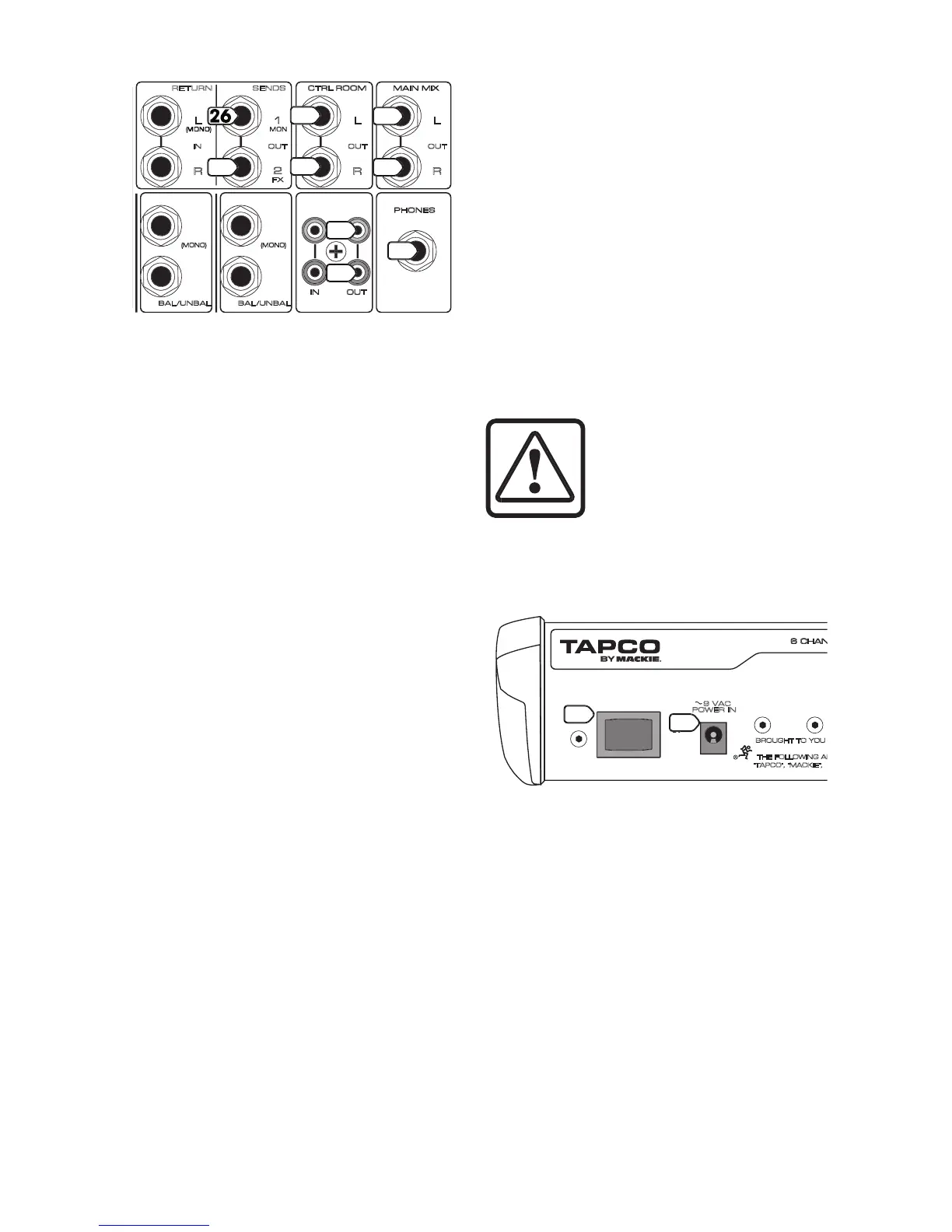
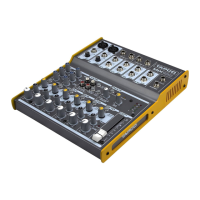
These 1/4" TRS jacks represent the end of the mixer
chain, where your fully mixed stereo signal enters the
Connect these outputs to the inputs of your
ampli ers, powered speakers, or serial effects
processor (graphic equalizer, for example).
These 1/4" TRS jacks can be used to provide
another main mix output (with the CTRL ROOM (18)
switch set to MAINS), or to monitor the CD/Tape Inputs
(CTRL ROOM switch set to CD/TAPE).
Connect these outputs to the inputs of an ampli er,
powered speakers, or recording device.
26. AUX SEND 1 MON OUTPUT
To create a stage monitor mix, connect this 1/4" TRS
output into your monitor ampli er’s input, or powered
monitor’s input. This jack can also be used to feed the
inputs of an effects device.
Each channel strip has an AUX 1 MON (8) send
control knob that adjusts how much of that channel’s
signal appears at this output. The output from this jack
is the sum of all those active channels that have their
AUX 1 knobs set to more than the minimum position.
affected by the channel LEVEL
(11), or MAIN MIX (22) controls.
This 1/4" TRS output can be used to connect to the
input of an external effects device.
Each channel strip has an AUX 2 FX (9) control that
adjusts how much of that channel’s signal appears
at this output. The output from this jack is the mix of all
those active channels that have their AUX 2 knobs set
affected by the channel LEVEL (11),
but not the MAIN MIX (22) control.
Since this output is post-channel EQ and
LEVEL, it is not used as a traditional stage monitor cue.
It is intended to patch into an effects device’s input,
Use these jacks to capture the entire performance to
tape. The signal at these jacks is a sample of the main
mix, as it appears at the MAIN (24) output. The TAPE
OUTPUT level is affected by the MAIN MIX (22) control.
The stereo signal at this output jack is the same as
the CTRL ROOM (25) outputs, but it is not affected by
the position of the CTRL ROOM (19) knob. You can
listen to the main mix, or the CD/TAPE, depending
upon the position of the CTRL ROOM (18) switch.
The PHONES (20) control allows you to set the levels
in your headphones as desired, without disturbing the
main mix or control room levels.
the PHONES jack can drive any
standard headphones to very
loud levels. Please see page 2 for
information on hearing protection.
See Appendix B for information about 1/4" TRS
Push the side of the switch labeled “
mixer on; you should see the
with happiness. To turn the mixer off, push the switch
As a general rule, turn the mixer on rst, before any
ampli ers or powered speakers. At the end of a show,
turn it off last. This will prevent any turn-on or turn-off
thumps from being heard in the speakers.
This connection is where you connect the supplied
external AC power supply to provide AC power to
the mixer. Connect the external power supply to the
Blend 6 rst, then plug the power supply into a suitable
and properly rated AC outlet.
Make sure you use the correct external
power supply capable of providing 9 VDC at 1.5 amps.
POWER


 To Next Page