Appendix A: Service Information
Service for TAPCO mixers is available at our factory,
located in sunny Woodinville, Washington. Service for
TAPCO mixers living outside the United States can be
obtained through local dealers or distributors.
If your mixer needs service, follow these instructions:
Review the preceding troubleshooting suggestions.
Call Tech Support at 1-877-827-2669, 7 am to 5 pm
PST, to explain the problem and request an RA
(Return Authorization) number. Have your mixer’s
serial number ready. You must have an RA number
before you can obtain service at the factory.
Keep this owner’s manual. We don’t need it to
Pack the mixer in its original package, including
endcaps and box. This is very important. When
you call for the RA number, please let Tech
Support know if you need new packaging. LOUD
Technologies is not responsible for any damage
that occurs due to non-factory packaging.
Include a legible note stating your name, shipping
address (no P.O. boxes), daytime phone number,
RA number, and a detailed description of the
problem, including how we can duplicate it.
BIG PRINT on top of the box. BIG PRINT
Units sent to us without the RA number will be refused.
Ship the mixer to us. We suggest insurance for all
forms of cartage. Ship to this address:
We’ll try to x the mixer within three to ve business
days. Ask Tech Support for the latest turn-around
times when you call for your RA number. The mixer
must be packaged in its original packing box,
and must have the RA number on the box. Once
it’s repaired, we’ll ship it back the same way in
which it was received. This paragraph does not
necessarily apply to non-warranty repair.
Details concerning Warranty Service are spelled
out in the Warranty section on page 19.
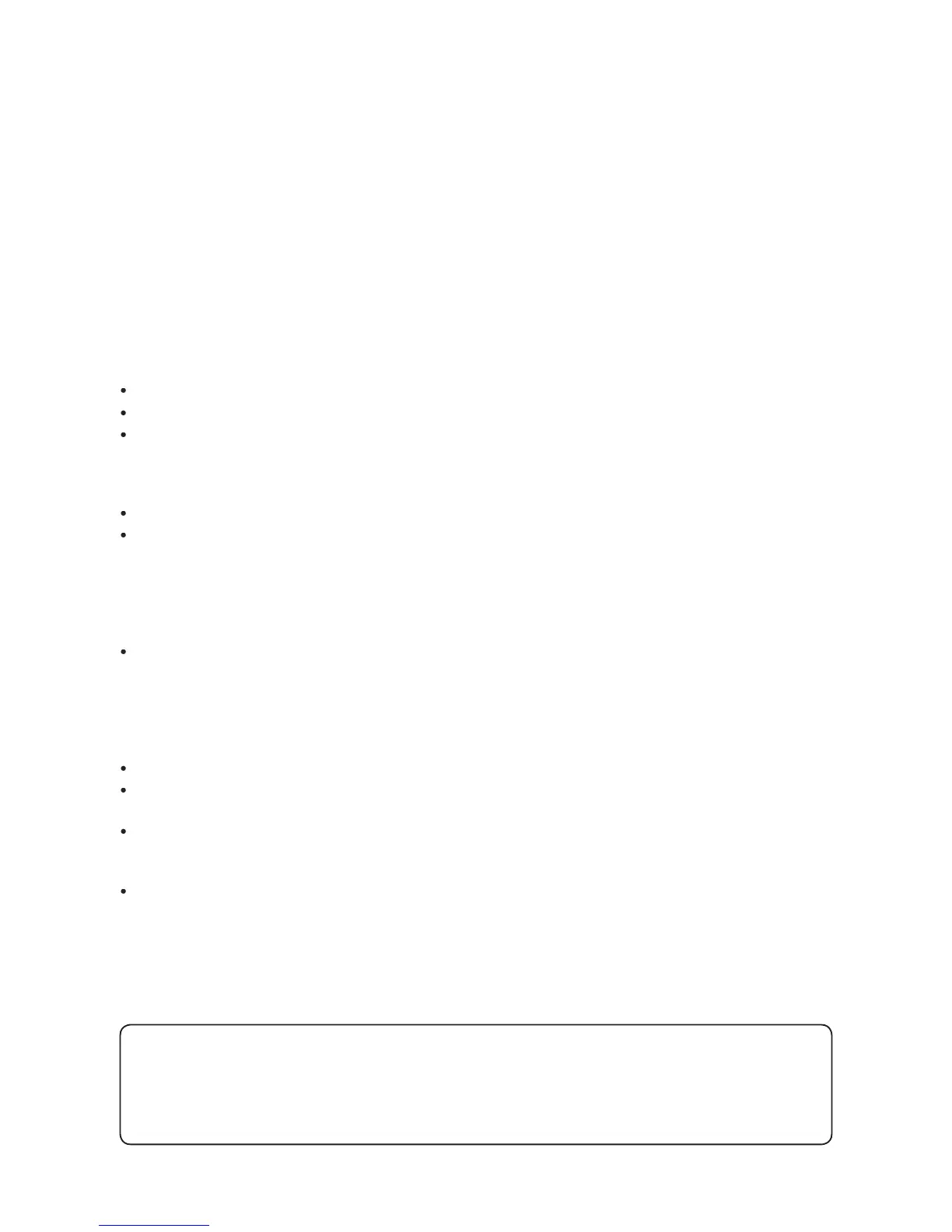
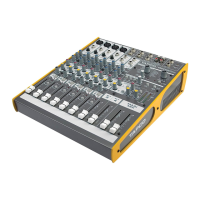
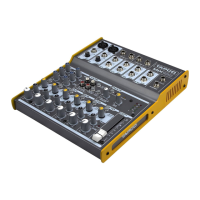
If you think your TAPCO Blend 6 has a problem,
please do everything you can to con rm it before
calling for service. Doing so might save you from the
deprivation of your mixer and the associated suffering.
These may sound obvious to you, but here are
some things you can check. Read on.
Is the channel GAIN turned up?
Is the channel LEVEL turned up?
Try the same source signal in another channel, set
up exactly like the suspect channel.
MAIN MIX control turned up? MAIN MIX
If it’s a stereo pair, try switching them around. For
example, if a left output is presumed dead, switch
the left and right cords, at the mixer end. If the left
speaker is still dead, it’s not the mixer.
controls down, one by one. If the noise
disappears, it’s either that channel or whatever is
plugged into it, so unplug whatever that is.
Our favorite question: Is the
Is the external power supply securely plugged into
connector on the back of the Blend 6?
Is the external power supply plugged into an AC
power strip? Make sure the power to the power
Are all the lights out in your building?
Lonely? Looking for that special someone? Do you have a question about
Please call our Technical Support chaps at
, Monday to Friday, from 7 am to 5 pm PST.
After hours, visit www.tapcogear.com and look under
, or e-mail us at techmail@tapcogear.com


 To Next Page