19
Installation and Setup
Password (Security Code)
You can enter or change password.
1. Select “Password” on the LOCK menu then press
B.
2. Follow step 2 as shown left (Rating). “Change” or
“New” is highlighted.
3. Enter the new 4-digit code, then press ENTER.
Input it again to verify.
4. Press SETUP to exit the menu.
If you forget your Security Code
If you forget your security code you can clear it using
the following steps:
1. Press SETUP to display the Setup menu.
2. Input the 6-digit number “210499” and the security
code is cleared.
3. Enter a new code as described above.
Note:
When “ ” appears on the TV
screen, press STOP and then press SET UP to move
to the setup menu.
Country Code
Enter the code of the country/area whose standards
were used to rate the DVD video disc, based on the
list
on page 32.
1. Select “Country Code” on the LOCK menu then
press B.
2. Follow step 2 as shown left (Rating).
3. Select the first character using v / V buttons.
4. Press ENTER and select the second character
using v / V buttons.
5. Press ENTER to confirm your country code
selection.
OTHERS
The PBC and DivX(R) Registration settings can be
changed.
PBC
Set Playback Control (PBC) to On or Off.
On: Video CDs with PBC are played according
to the PBC.
Off: Video CDs with PBC are played the same
way as Audio CDs.
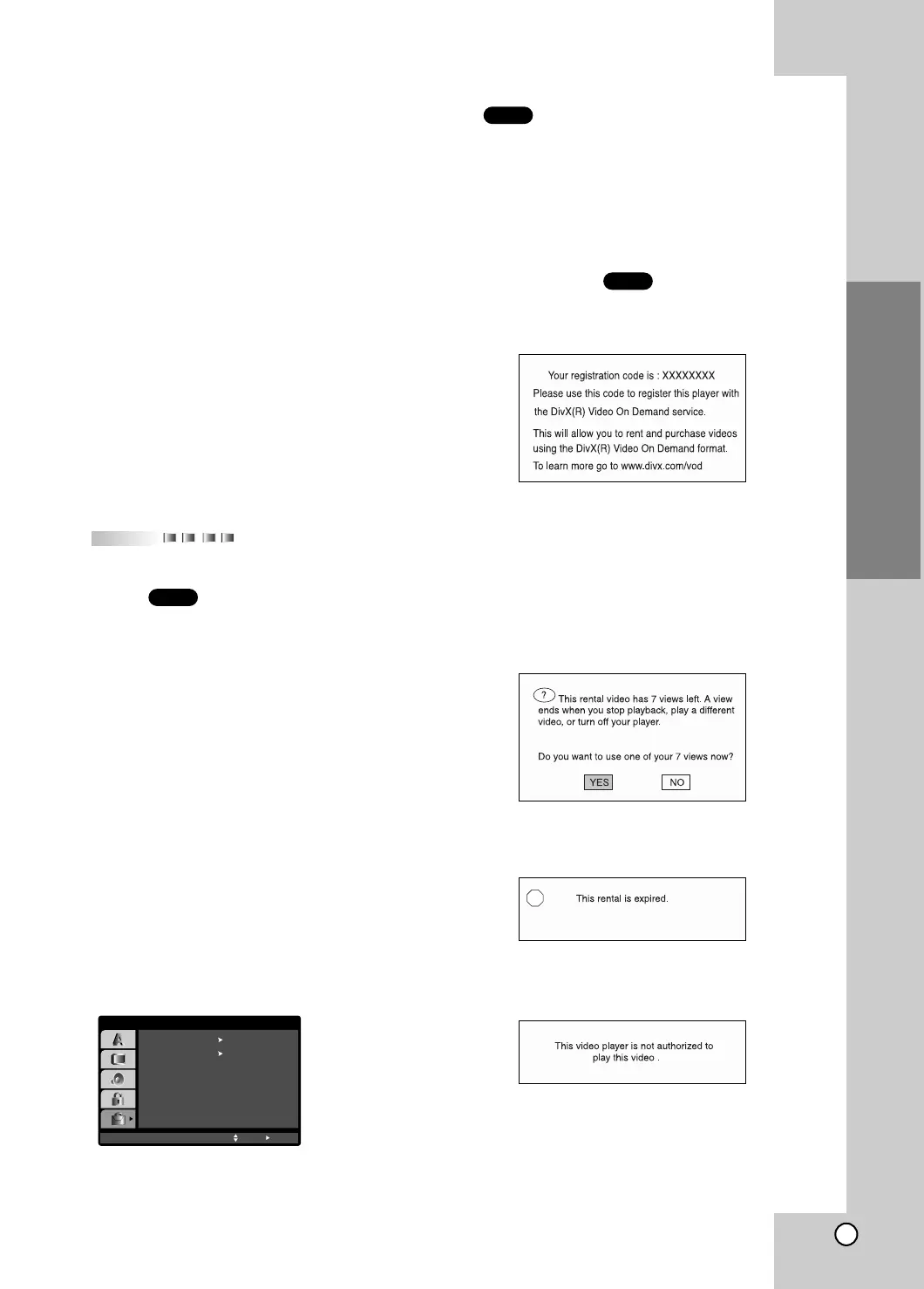
DivX(R) Registration
You can show the DivX DRM (Digital Right
Management) Registration code for your unit only.
The Registration code is used for VOD (Video-On-
Demand) service agent.You can purchase or rental an
encrypt move file.
Notes:
If you rent the DivX VOD file, it has several options of
viewing limits as show below.
• Display the number which you can watch the file.
• The rental has been expired.
• Display the authorization error.
DivX
VCD
DVD
PBC
Move
OTHERS
On
Select
SelectDivX(R) Registration



 To Next Page