20
5.1 Speaker Setup
This chapter includes important reference information
to help you set your DVD/CD receiver.
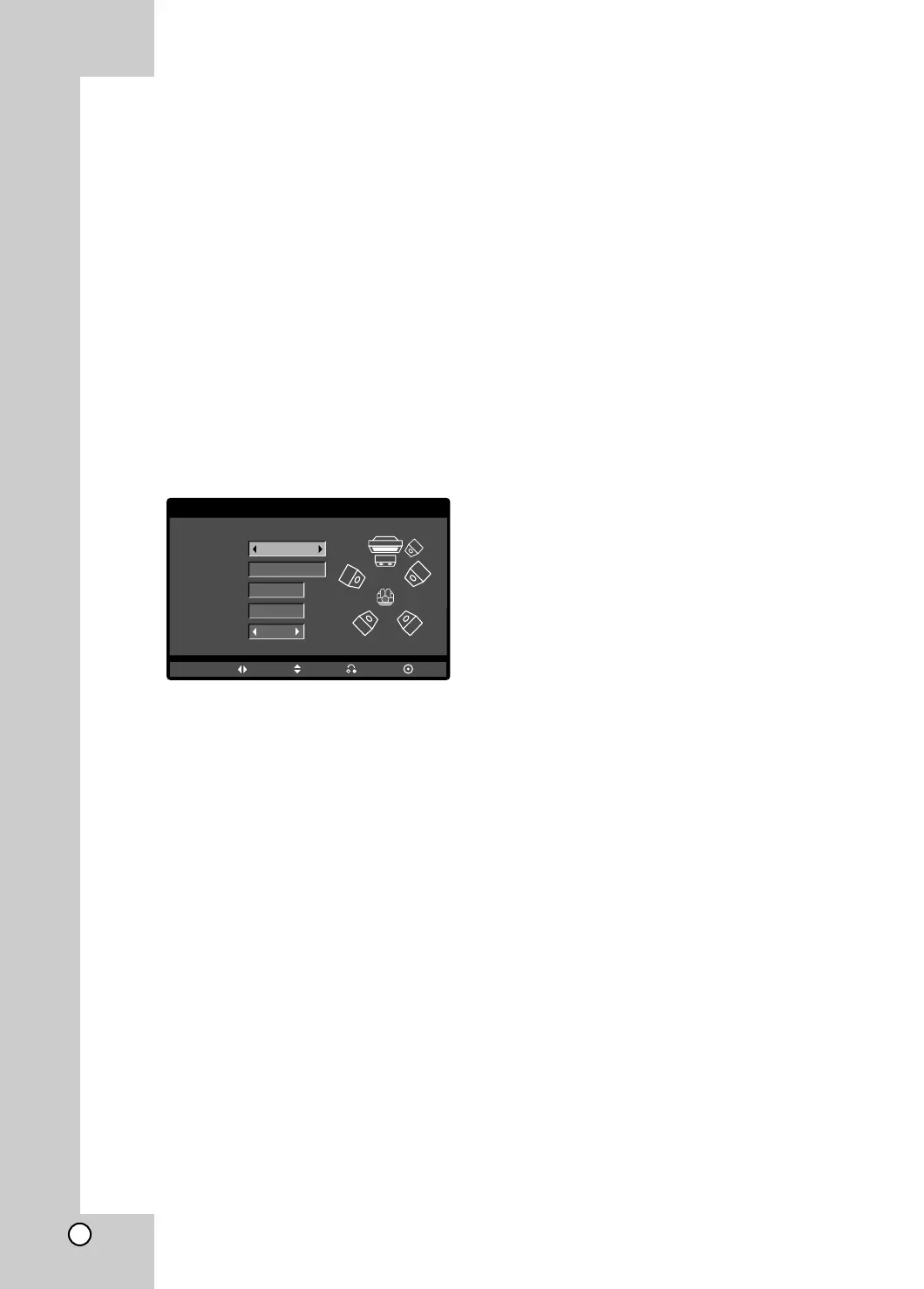
SPEAKER SETUP
Make the following settings for the built-in 5.1 channel
surround decoder.
1. Press SETUP. The setup menu appears.
2. Use v / V to select the AUDIO option then press
B to move to the second level.
3. Use v / V to select the Speaker Setup option then
press B to move to the third level. “Select” is
highlighted.
4. Press ENTER and 5.1 Speaker Setup menu
appears.
5. Use b / B to select the desired speaker.
6. Adjust options using v / V / b / B buttons.
7. Press ENTER to confirm your selection. Returns to
the previous menu.
Speaker
Select a speaker that you want to adjust. (Front
speakers (Left), Front speakers (Right), Center
Speaker, SubWoofer, Rear speakers (Left), or Rear
speakers (Right),
Note:
Certain speaker settings are prohibited by the Dolby
Digital licensing agreement.
Size
Since the speaker settings are fixed, you cannot
change the settings.
Volume
Press b / B to adjust the output level of the selected
speaker. (-5dB ~ +5dB)
Distance
If you connected speakers to your DVD/CD receiver,
setting the Distance lets the speakers know how far
the sound has to travel to reach your set listening
point. This allows the sound from each speaker to
reach the listener at the same time.
Press b / B to adjust the Distance of the selected
speaker.
Note:
You can adjust the Distance of Center speaker and
Rear speakes (Left & Right) only.
Test
Press b / B to test the signals of each speaker. Adjust
the volume to match the volume of test signals
memorized in the system.
Front Left (L) → Center → Front Right (R) →
Rear Right (R) → Rear Left (L) → SubWoofer
AUDIO
Speaker
Volume
Distance
Test
Move Return
Select
Size
Front L
Small
0
dB
m
2
Off
Enter



 To Next Page