24
Playing an Audio CD or MP3/WMA
Disc
The DVD/CD receiver can play MP3/WMA formatted
recordings on CD-ROM, CD-R, or CD-RW discs.
Audio CD
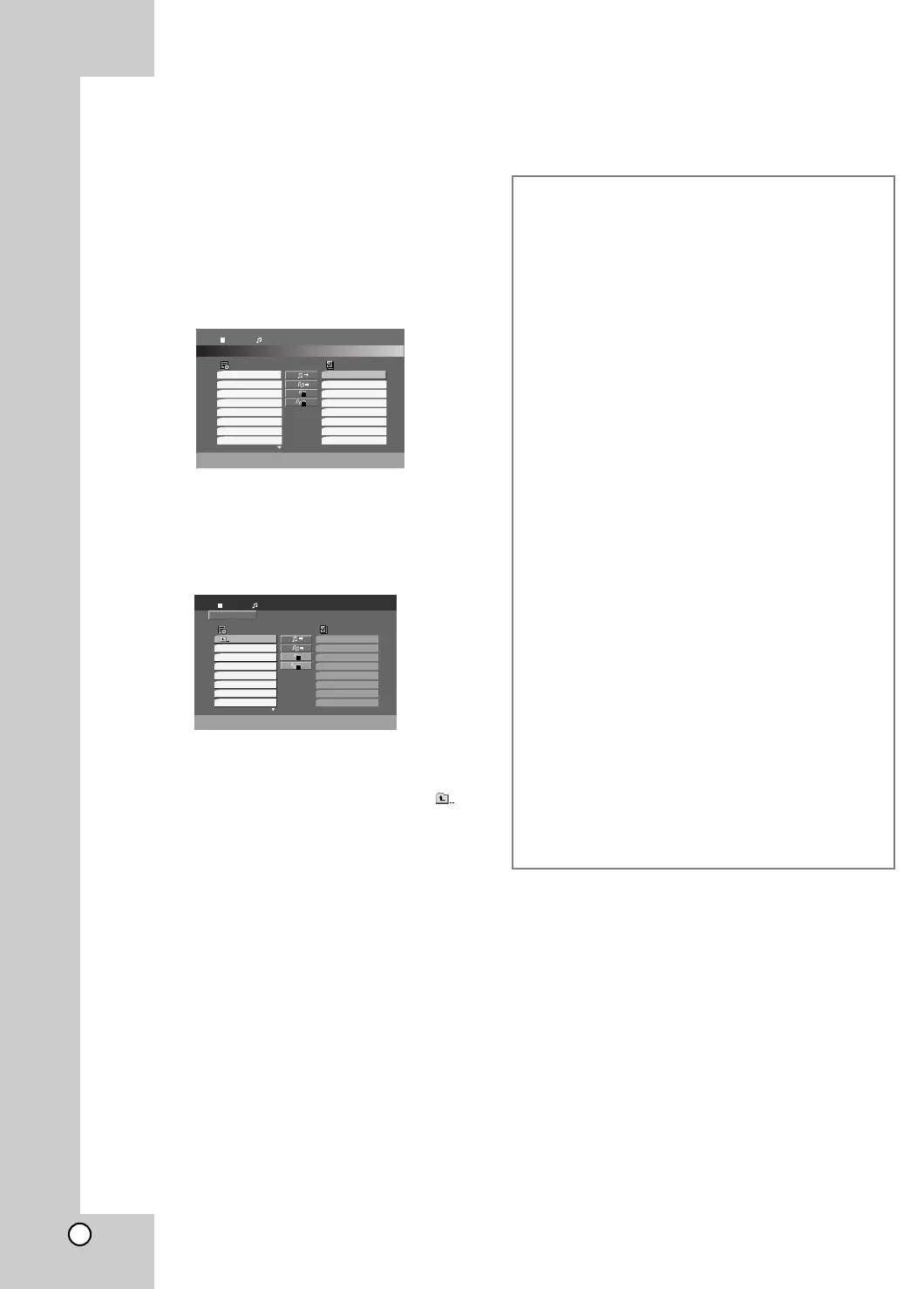
Once you insert an audio CD a menu appears on the
TV screen. Press v / V to select a track then press
PLAY or ENTER and playback starts.
MP3 / WMA
1. Press v / V to select a folder, and press ENTER
to see the folder contents.
2. Press v / V to select a track then press PLAY or
ENTER. Playback starts.
Tip:
• If you are in a file list on the MP3/WMA menu and want to
return to the Folder list, use the v / V to highlight and
press ENTER.
• On a CD with MP3/WMA and JPEG you can switch
MP3/WMA and JPEG. Press TITLE and MP3/WMA or
JPEG word on top of the menu is highlighted. Then use
b / B to select MP3/WMA or JPEG then press ENTER.
Program
List
Track1
Track2
Track3
Track4
Track5
Track6
Track7
Track8
Track8
Track3
Track12
Track7
Track6
Track9
Track1
Track10
0:00:00
1 / 12
Audio CD
Program
List
0:00:00
1 / 104
MP3 / WMA
2-Music2
1-Music1
3-Music3
4-Music4
5-Music5
6-Music6
7-Music7
MP3 / WMA disc compatibility with this player is
limited as follows:
• Sampling frequency: within 32 - 48 kHz (MP3),
within 24 - 48kHz (WMA)
• Bit rate: within 32 - 320kbps (MP3),
40 - 192kbps (WMA)
• The player cannot read an MP3/WMA file that has
a file extension other than “.mp3” / “.wma”.
• CD-R physical format should be ISO 9660
• If you record MP3 / WMA files using software that
cannot create a file system (eg. Direct-CD) it is
impossible to playback MP3 / WMA files. We
recommend that you use Easy-CD Creator, which
creates an ISO 9660 file system.
• File names should have a maximum of 8 letters
and must incorporate an .mp3 or .wma extension.
• They should not contain special letters such as /
? * : “ < > l etc.
• The total number of files on the disc should be
less than 999.
This DVD/CD receiver requires discs and recordings
to meet certain technical standards in order to
achieve optimal playback quality. Pre-recorded
DVDs are automatically set to these standards.
There are many different types of recordable disc
formats (including CD-R containing MP3 or WMA
files) and these require certain pre-existing
conditions (see above) to ensure compatible
playback.
Customers should note that permission is
required in order to download MP3 / WMA files
and music from the Internet. Our company has
no right to grant such permission. Permission
should always be sought from the copyright
owner.



 To Next Page