5
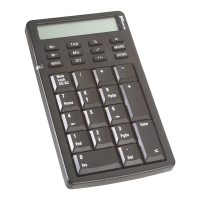
Targus Wireless Calculator Keypad
Establishing a Communications Link
After your computer detects the USB receiver and the
default driver software is installed, you may need to
establish a communications link between the receiver and
the keypad before you can use it.
1 Plug the receiver into your computer's USB port and turn
on the keypad.
NOTE: Make sure that your computer and keypad are
turned on and your computer has detected the USB
receiver before you establish a communications link.
The LED on the receiver will flash for 30 seconds to
indicate ID search mode.
2 During this time, press and release the connection
button on the back of the calculator/keypad.
When a communications link is established, the LED on
the receiver will stop flashing.
You are now ready to use the calculator/keypad.
Reset
On/Off switch
Connection button














 To Next Page