54
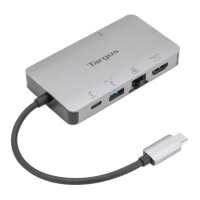
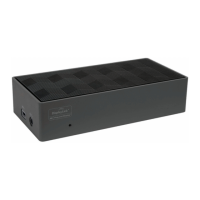
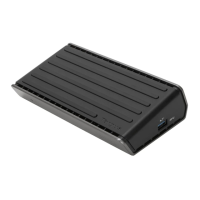
Targus USB-C Single Video 4K HDMI/VGA Docking Station
with 100W Power Delivery
GB
Targus USB-C Single Video 4K HDMI/VGA Docking Station
with 100W Power Delivery
Introduction
Thank you for your purchase of the Targus USB-C Single Video 4K HDMI/VGA
Docking Station with 100W Power Delivery.
Contents
• Targus USB-C Single Video 4K HDMI/VGA Docking Station with 100W
Power Delivery
• User Guide
System Requirements
Hardware
• USB-C host (Thunderbolt 3 host compatible)
Operating System
• Windows® 10
• Mac OS® X v10.15.4-10.6
• Chromebook
TM
Connecting the Dock to Your Computer
This portable dock is a plug and play device. It will automatically operate
when the USB-C connector is attached to a computer/laptop equipped with a
USB-C port.
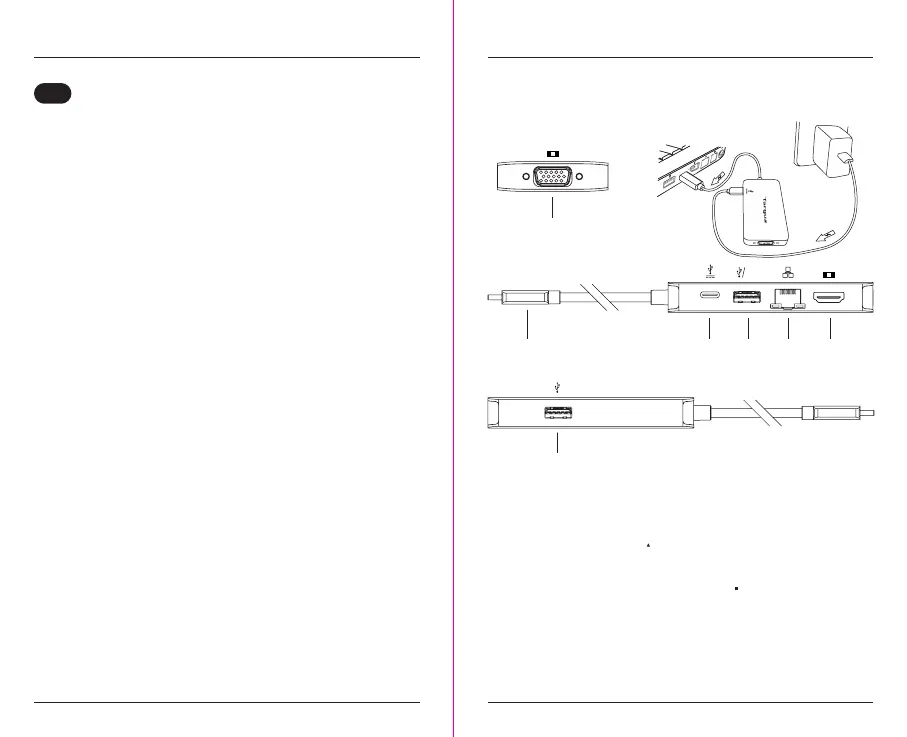
Features Description
USB-C Device
or USB-C PD
Adapter
USB-C USB A
Device
USB A
Device
HDMI Display
4K@30Hz
VGA
Gigabit
Ethernet
Features
• USB 3.2 Gen 1 SuperSpeed 5Gbps Upstream Facing Host Plug Connector
- Supports USB-C Power Delivery up to 100W Upstream*
- Supports Power Delivery 3.0
Fast Role Swap
• One USB 3.2 Gen 1 SuperSpeed 5Gbps Downstream Facing Type-C
Device Receptacles
- Supports USB-C Power Delivery Pass Through
• Two USB 3.2 Gen 1 SuperSpeed 5Gbps Downstream Facing Type-A
Device Receptacles
- One Supports BC1.2 at 1.5A charging (when USB-C Power Pass Through
Port and laptop are connected)
• One Gigabit Ethernet Port
- Supports 10/100/1000Mbps
4K@30Hz
1.5A



 To Next Page