4ARGUSÖ-OBILEÖ$OCKINGÖ3TATIONÖWITHÖ6IDEO
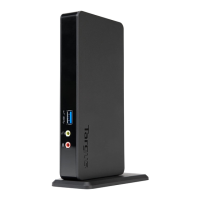
The Docking Station provides the
following ports:
• 15-pin VGA (Supports 1280 x 1024 at 16 bit colour)
• Two 3.5 mm Audio: (1) stereo out and (1) microphone
in
• RS232 Serial
• RJ-45 Ethernet 10/100
• Two USB 2.0 (White)
• Two USB Power Ports (Black) - Providing up to 1Amp
Package Contents
In addition to this user’s guide, the package contains:
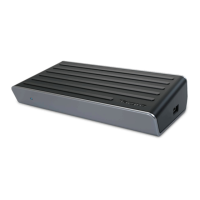
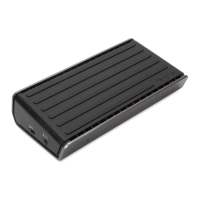
• Targus Mobile Docking Station with Video
• High-speed USB 2.0 upstream cable
• Driver software CD
• AC power adapter (Required)
System Requirements
Hardware
• PC with an Intel
®
Pentium
®
processor or equivalent
•CD-ROMdrive
• USB version 2.0 port
• AC power source (AC adapter required)
NOTE: When connected to a USB version 1.1 port on your
computer, the Docking Station’s performance level will be less
than optimal and the video port will not function properly. For
best results, connect it to a USB version 2.0 port.
Operating System
• Windows
®
2000 - Service Pack 2 or greater
• Windows
®
XP - Service Pack 1 or greater
• Windows Vista
TM






 To Next Page