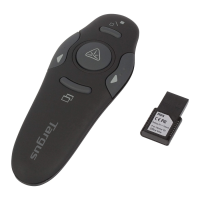
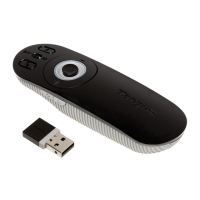
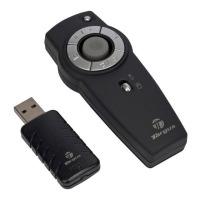
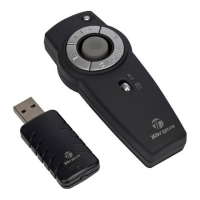
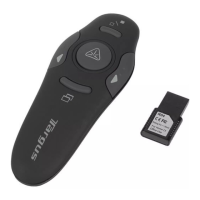
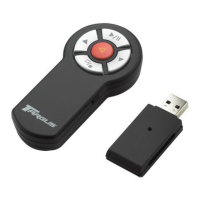
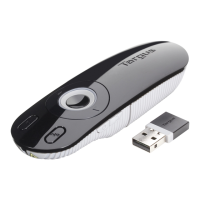
Targus Wireless Multimedia Presenter with Trackball
OFF
ON
4 Turn the power switch located on the side of the
presenter to the “On” position.
Connecting the Receiver
and Installing theDefault
Device Drivers
1 Plug the USB receiver into an available USB port on your
computer.
Windows®
98
SE/Me Operating Systems
The Add New Hardware Wizard appears.If it does not, the
operating system has installed the default driver automati-
cally. No othersteps are necessary.
2 Click Next.The locate driver screen appears.
3 Select Search for the best driver for your device.
(Recommended) and then click Next.The wizard searches for
the appropriate device driver.
4 Click Next, then Finish to complete the driver installation.



 To Next Page