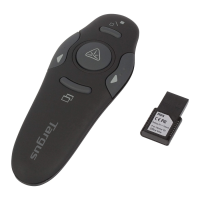
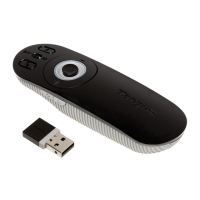
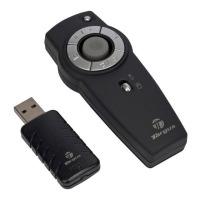
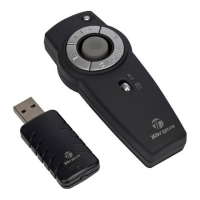
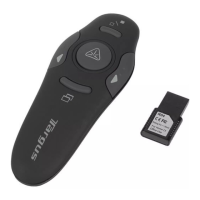
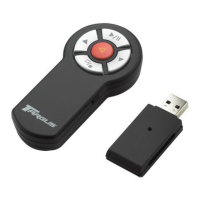
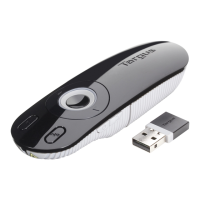
Targus Wireless Multimedia Presenter with Trackball
Using the Presenter
• Green LED - Mouse mode
• Red LED - Presentation mode
• Yellow LED - Multimedia mode
Functionality
The presenter provides 3 working modes:
Mouse Mode
• Internet hot key
• E-mail hot key
The presenter’s default setting is Mouse mode. To change
modes, press the Mode select button. The mode indicator
LED illuminates to indicate the mode you are currently in:
In Mouse Mode the device will work as a Mouse and
provides functionalities as follows:
NOTE: THE FOLLOWING KEYS DO NOT WORK UNDER THE WINDOWS 98
OPERATING SYSTEM:



 To Next Page