6 – Disk management and file import/export
TASCAM 2488 User’s Guide 71
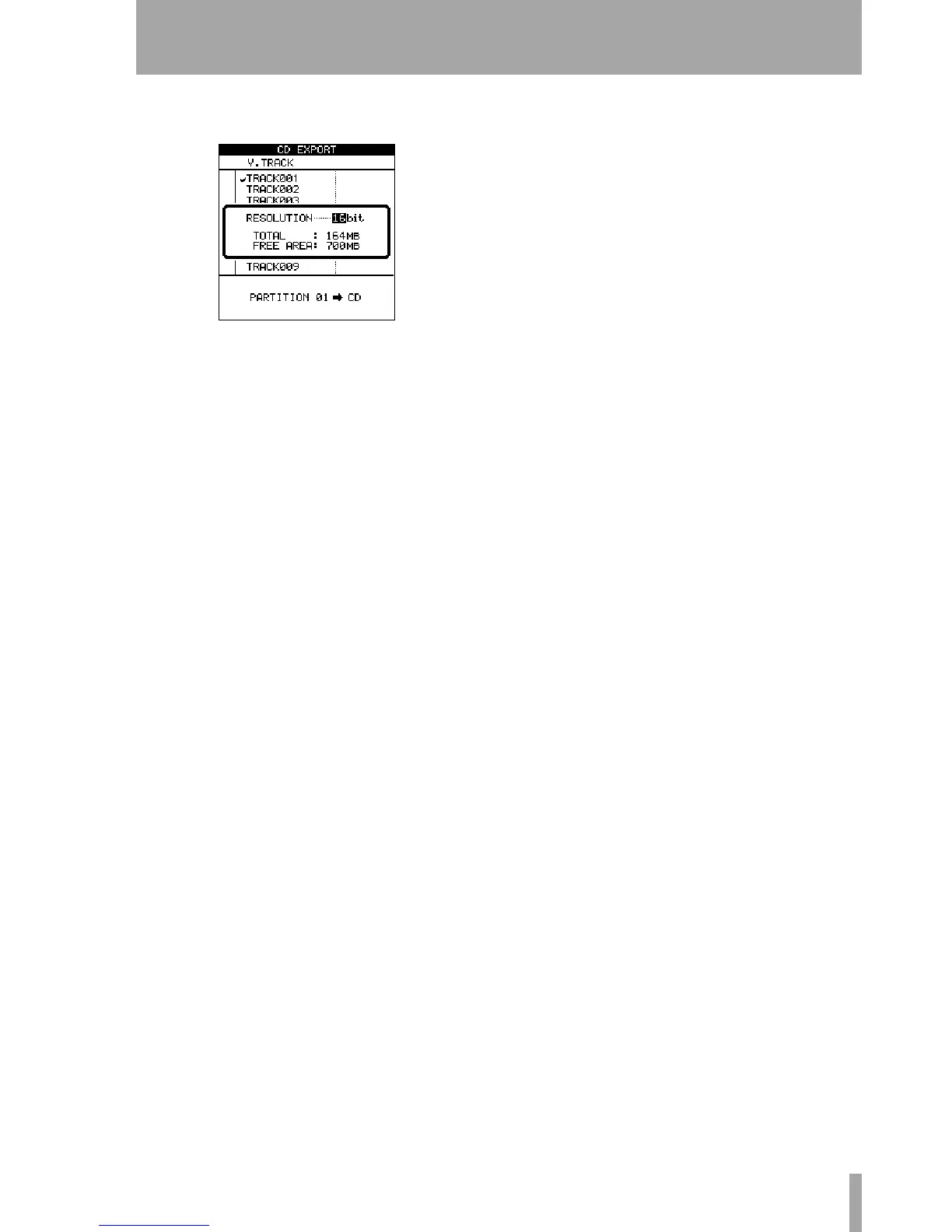
2 Select the virtual track to be exported and
press
ENTER.
3 Select the resolution of the resulting file (16 or
24 bits). The resolution of the exported data
affects the size of the file.
4 Press ENTER to copy the virtual track con-
tents to disc, or
EXIT to cancel the process.


 To Next Page