9 – General preferences
TASCAM 2488 User’s Guide 85
• CATCH: the fader level remains the same initially.
However, if you then move the physical fader so
that the physical level becomes the internal level
(the faders “catch” the internal level), the physical
level changes at that point. This ensures that there
are no sudden leaps in volume due to a difference
between the physical fader and the internal setting.
NOTE
NOTE
Note that the setting made for this option will apply to
the current song, and any songs loaded afterwards,
until the setting is changed.
Digital input The digital input can be assigned to
any pair of inputs (
A/B, C/D, E/F, G/H). These inputs may
then be assigned to channels in the usual way.
Press the
ENTER key to confirm the assignment.
This assignment is not made until the
ENTER key is
pressed, with the digital source connected, and is not
stored as part of the song information.
The 2488 can accept digital audio from 44.1 kHz
sources.
Recorder
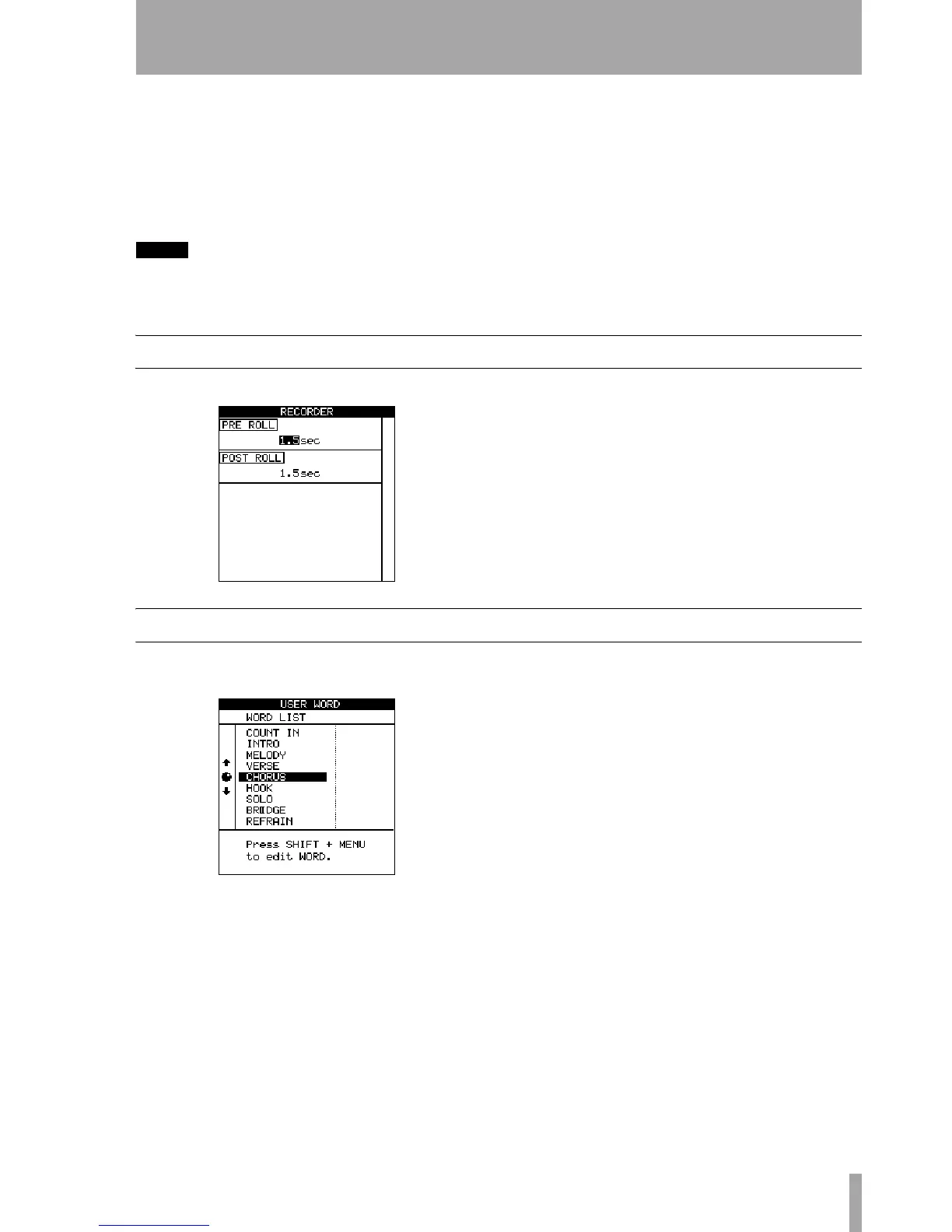
These preferences affect the recorder operation: There are only two parameters here, used to change
the pre roll and post roll times of the auto punch
operation (see “Auto punch operations” on page 46).
User word
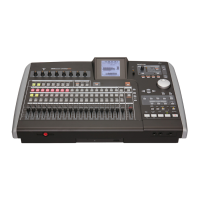
When titling, you can use preset words or phrases in
your location points.
The 2488 comes with many standard useful phrases,
but if you are playing a style of music not catered for
by these words, you can use this preference screen to
add your own words (up to 12 characters long), for
example
BANJO SOLO.
Select the word to be edited and then press
TITLE
(shifted
MENU) to edit it, as described in “Titling” on
page 12. Press
ENTER when you have finished edit-
ing the word.


 To Next Page