TASCAM DA-3000
25
4 – Recording
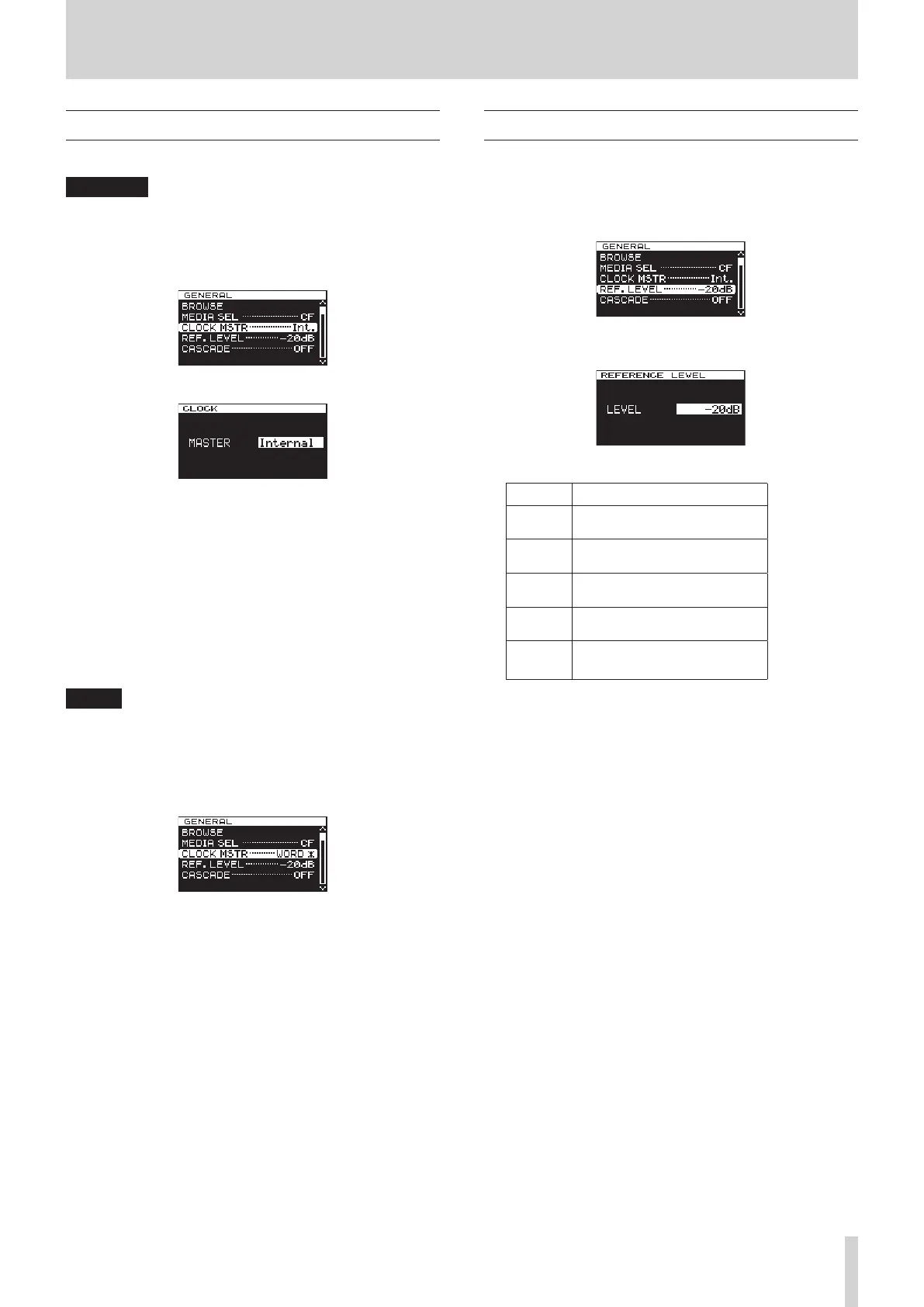
Setting the master clock
You can set the master clock used by this unit.
CAUTION
When multiple digital audio devices are connected in the
same system, make certain that they all use the same
master clock.
1. Press the MENU button to open the
GENERAL
menu, and
turn the MULTI JOG dial to select
CLOCK MSTR
.
2. Press the MULTI JOG dial to open the
CLOCK
screen.
3. Turn the MULTI JOG dial to select the master clock.
Options:
Internal (default): Use the unit's built-in master clock.
WORD: Use the clock signal input through
the WORD SYNC IN connector as
the master clock.
DIN (DIGITAL IN): Use the clock signal of the currently
selected digital audio input source
as the master clock.
4. Press the MULTI JOG dial to confirm the selection and return
to the menu screen.
NOTE
•
If a “CLOCK LOST...” pop-up error message appears, press the
EXIT/CANCEL [PEAK CLEAR] button to return to the Menu
Screen, and change the master clock setting.
•
If the unit cannot lock to the set master clock, it will
automatically switch to the internal clock and a star (*) will
appear at the end of the selected setting.
Setting the reference level
You can set the reference level for analog input and output to a
dB value less than the maximum level (0dB).
1. Press the MENU button to open the
GENERAL
menu screen,
and turn the MULTI JOG dial to select (highlight)
REF.
LEVEL
.
2. Press the MULTI JOG dial to open the
REFERENCE LEVEL
screen.
3. Turn the MULTI JOG dial to set the reference level.
Options Details
−9dB
Standard level: +6 dBu
Maximum level: +15 dBu
−14dB
Standard level: +4 dBu
Maximum level: +18 dBu
−16dB
(default)
Standard level: +4 dBu
Maximum level: +20 dBu
−18dB
Standard level: +4 dBu
Maximum level: +22 dBu
−20dB
Standard level: +4 dBu
Maximum level: +24dBu
4. Press the MULTI JOG dial to confirm the selection and return
to the menu screen.



 To Next Page