c. Go to the Wi-Fi settings on your Phone, you will see T66_xxxxxxxx in the list of
available Wireless networks.
Note: You can change the Wi-Fi name in the menu setting.
d. Connect your Phone to the “T66_xxxxxxxx” via Wi-Fi.
The default Wi-Fi Password for the T66 is: 1234567890.
Note: You can change the Wi-Fi password in the menu setting.
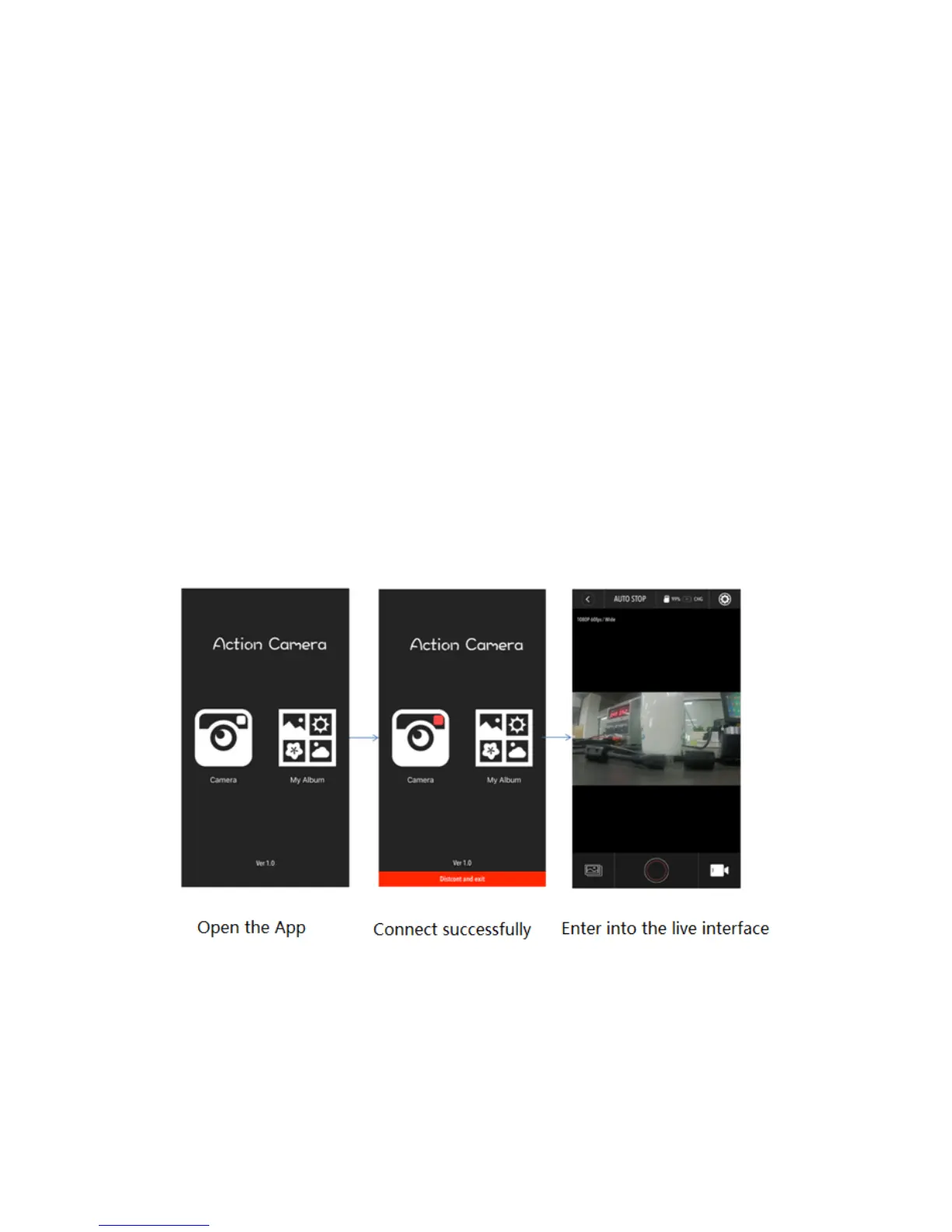
e. Open the app “iSmart Pro”
Important: Before connecting camera via Wi-Fi, you need to download the
“iSmart Pro” App on your smart phone or tablet.



 To Next Page