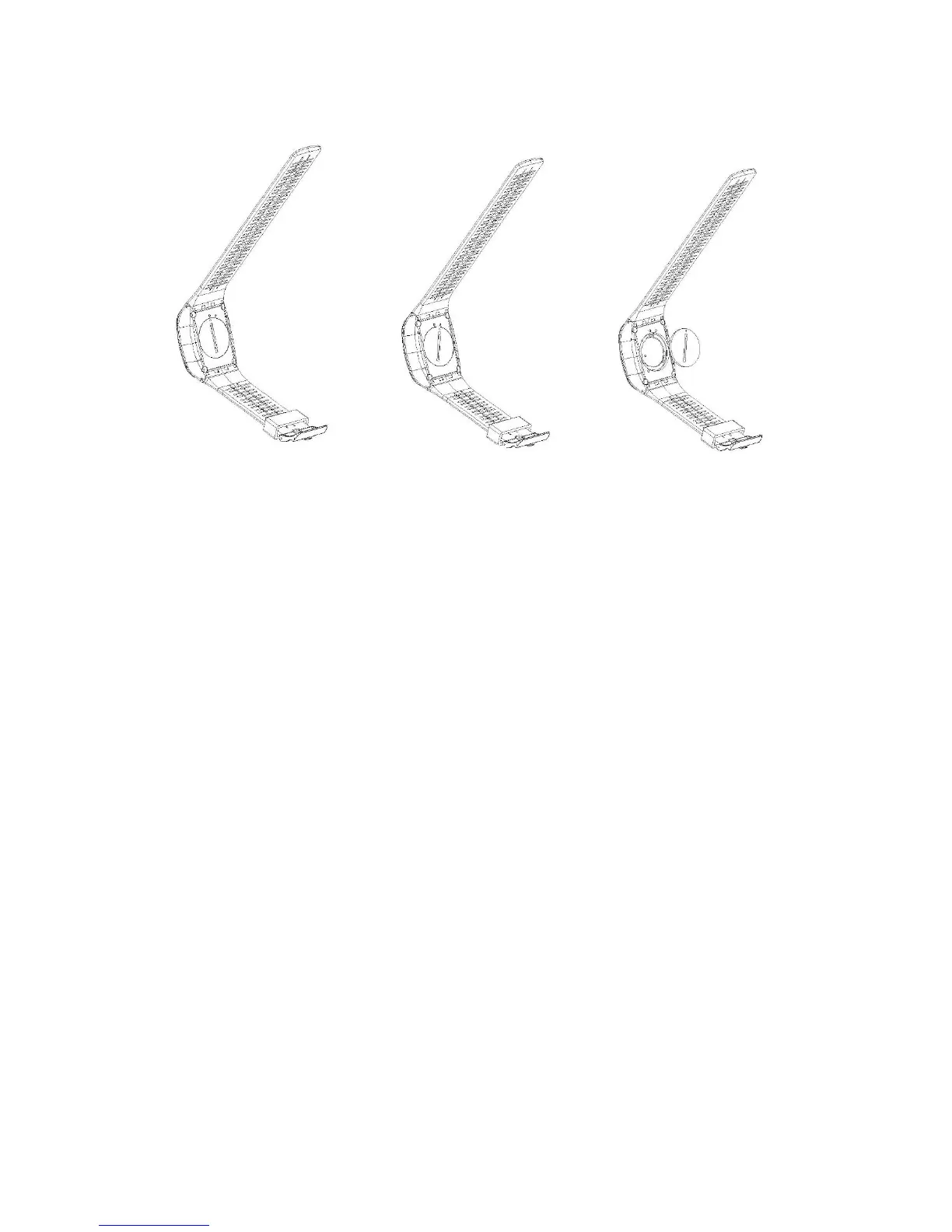
How to replace a button battery?
Step 1 --- Step 2 --- Step 3
1. Begin by purchasing a replacement battery for your remote. You need a button
battery with model No. CR2032.
2. Screw the round cap at the bottom of remote, see above pictures for reference.
3. Remove the old battery.
4. Insert the new battery into the slot where the old battery was, with the flat
surface up.
8. Wi-Fi Setup
The T66 allows full camera control, live previewing and playback of photos/videos on
most Smart phones and Tablets.
a. Download the App “iSmart Pro” from “Google Play” or from the Apple “App
Store”.
b. Activate Wi-Fi in the GENERAL SETUP MENU.
Note: You can easily access the Wi-Fi setting with touch operation by swiping up



 To Next Page