10 MNL202.3
ENGLISH
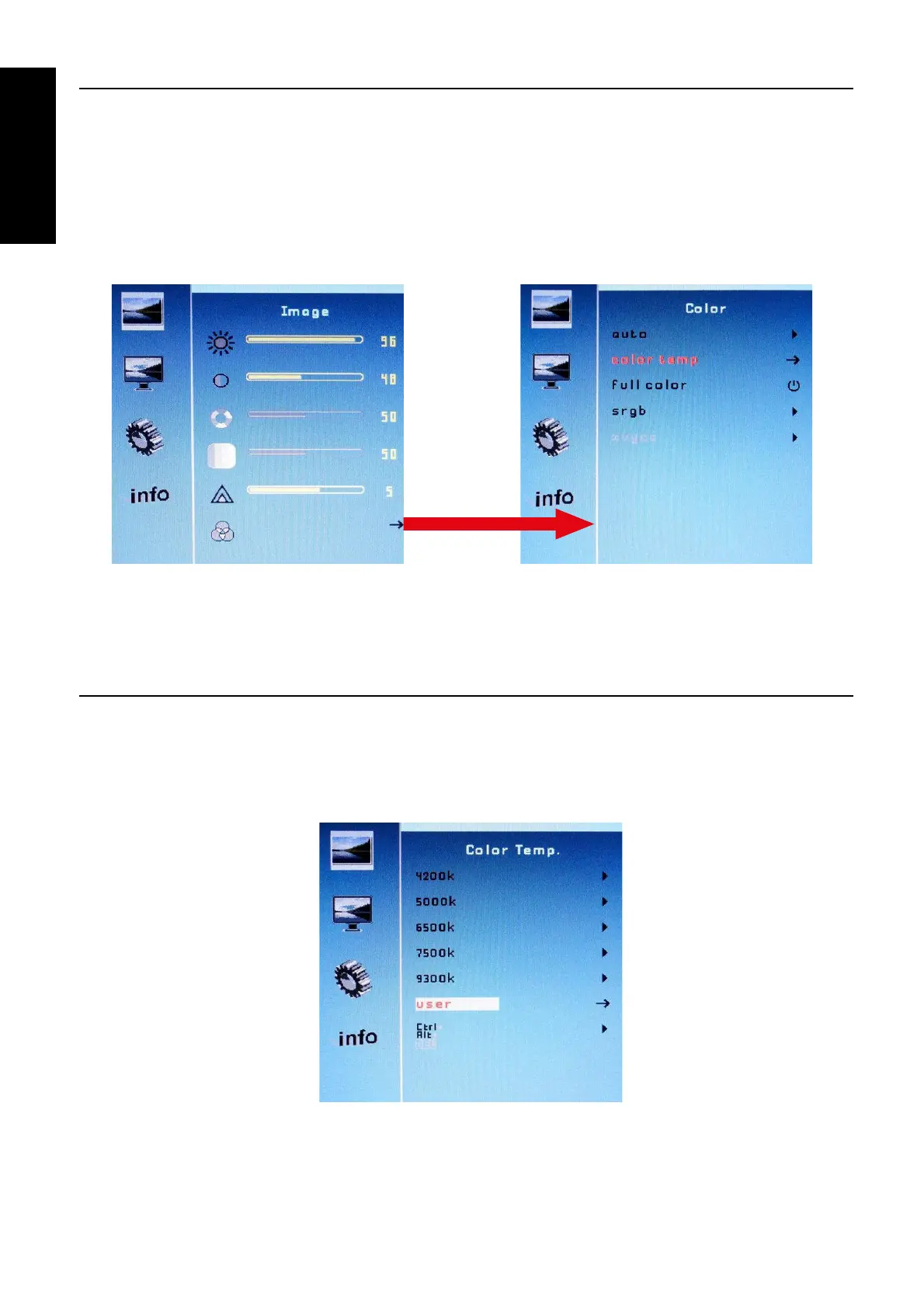
2.2 MENU “COLOR”
• Auto (RGB only): automatically set the color to a standard;
• Color Temp: go to Color Temp menu;
• Full Color: lets you adjust the default FULL COLOR;
• SRGB: lets you adjust the color space sRGB;
• “SRC / Exit” of external OSD keyboard: go back to previous menu.
(Example)
2.3 MENU “COLOR TEMP”
• Set the color temperature;
• User: primary colors intensity adjust;
• “SRC / Exit” of external OSD keyboard: go back to previous menu.



 To Next Page