21
3.2 Button Functions
ENCODER (+/-)
+ Increasing the setting value
+ Decreasing the setting value
+ Select programmes
MODE Button to conrm settings
RECOVERY Heart rate test on your recovery condition
RESET Resets all values
START/STOP Starts and stops your training
3.3 Turning On and Setting the Equipment
1. Plug the adapter into the socket.
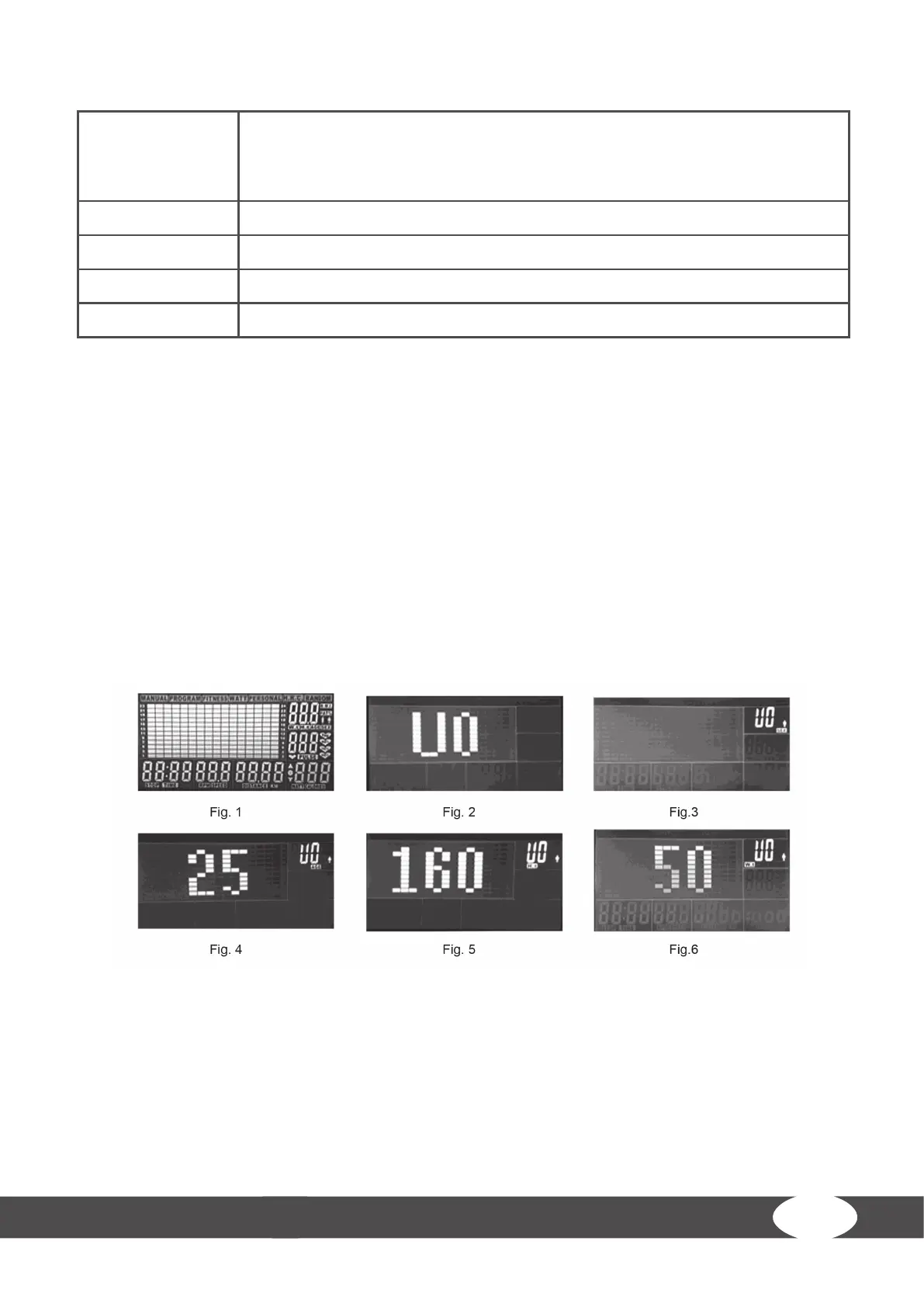
The console beeps and turns on. All segments on the LCD screen are displayed for two seconds (g. 1).
2. Select between U1 to U4 with the encoder (g.2).
3. Enter gender, age, height and the weight.
4. Conrm the settings with the MODE button.
When you have entered the prole of the user data, the console switches to the main menu.
5. Press START/STOP button to start your workout.



 To Next Page