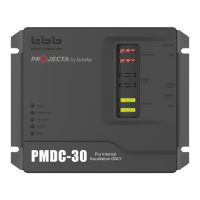
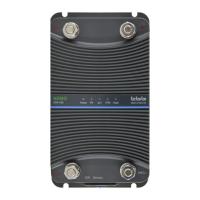
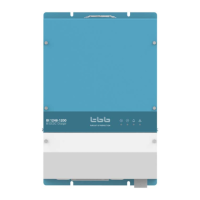
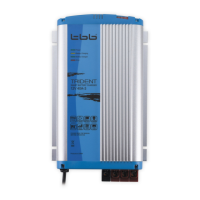
To protect the PCB from the moisture and corrosion, each TRIDENT battery charger
has been sprayed by protective lacquer on PCB.
2.3 Indicator Lights and Settings on the Front Panel
LED Sign Reason
“Power” OFF Battery charger disconnected
Power supply failure
Incorrect power supply connection
Mains voltage too low
Mains fuse blown
FLASHING Battery connection not good
Wrong voltage battery connected (24V to 12V
battery charger)
“Charging” ON Batteries charging(constant current stage)
FLASHING Batteries charging(constant voltage stage)
“Charged” ON Batteries charged (Floating)
“Power” and
“Charged”
FLASHING Equalization switch is set to “ON” before the
battery charger is power on
“Reverse Polarity” ON Polarity inversion on output
FLASHING Charger over temp, charger will reduce the
output power
“Charging” and
“Charged”
FLASHING Battery over temp, charger shut off


 To Next Page