12
Chapter 4. Watch TV with DVBDream
4.1. Install and use DVBDream
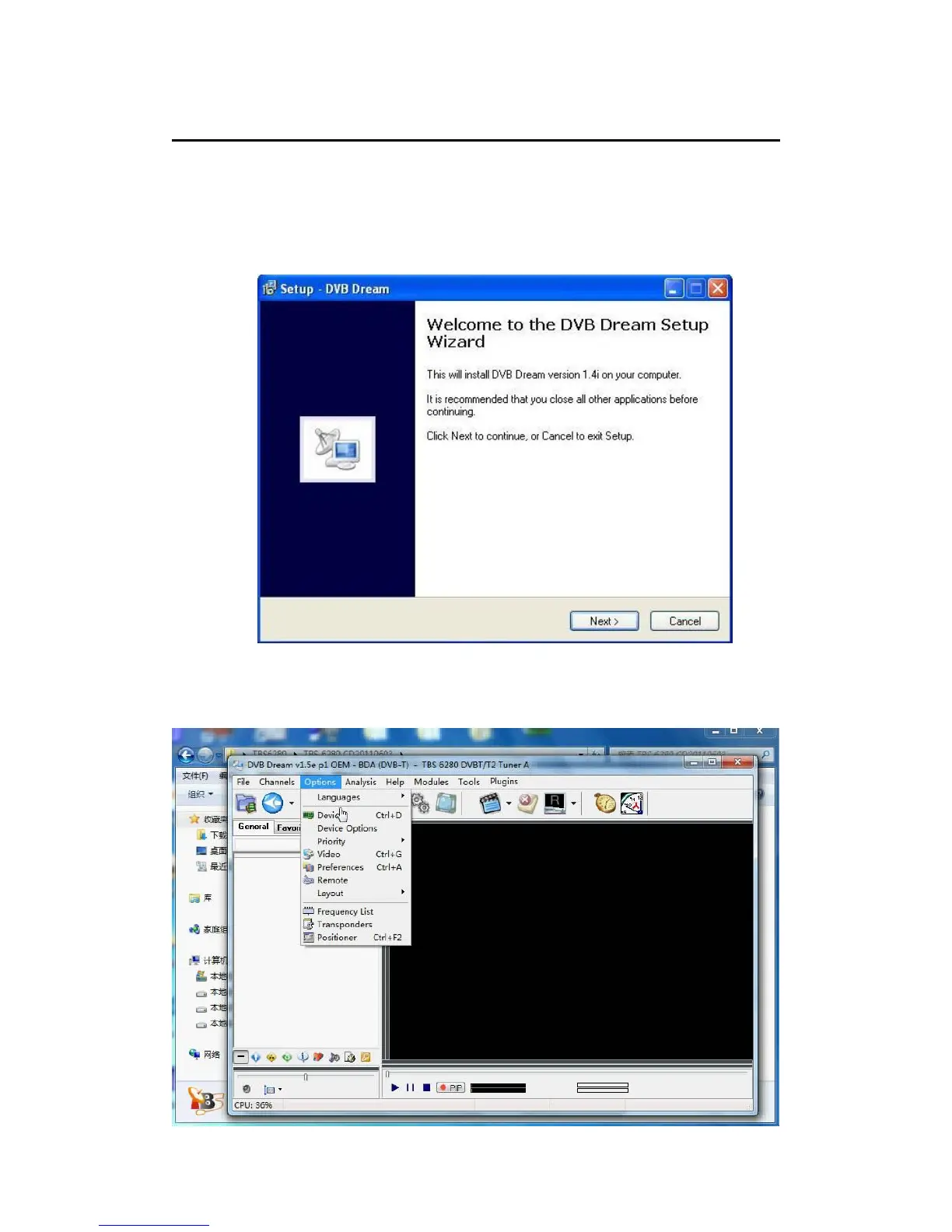
Click “Install DVBDream” to start installation, and then click “Next” until the
installation is completed.
While TBS6220/6280 is installed in your PC, run DVBDream. Click “Device” under
“Options” menu, and you will see TBS model name on the dialog.



 To Next Page