17
Chapter 5. Watch TV with Windows 7 Media Center
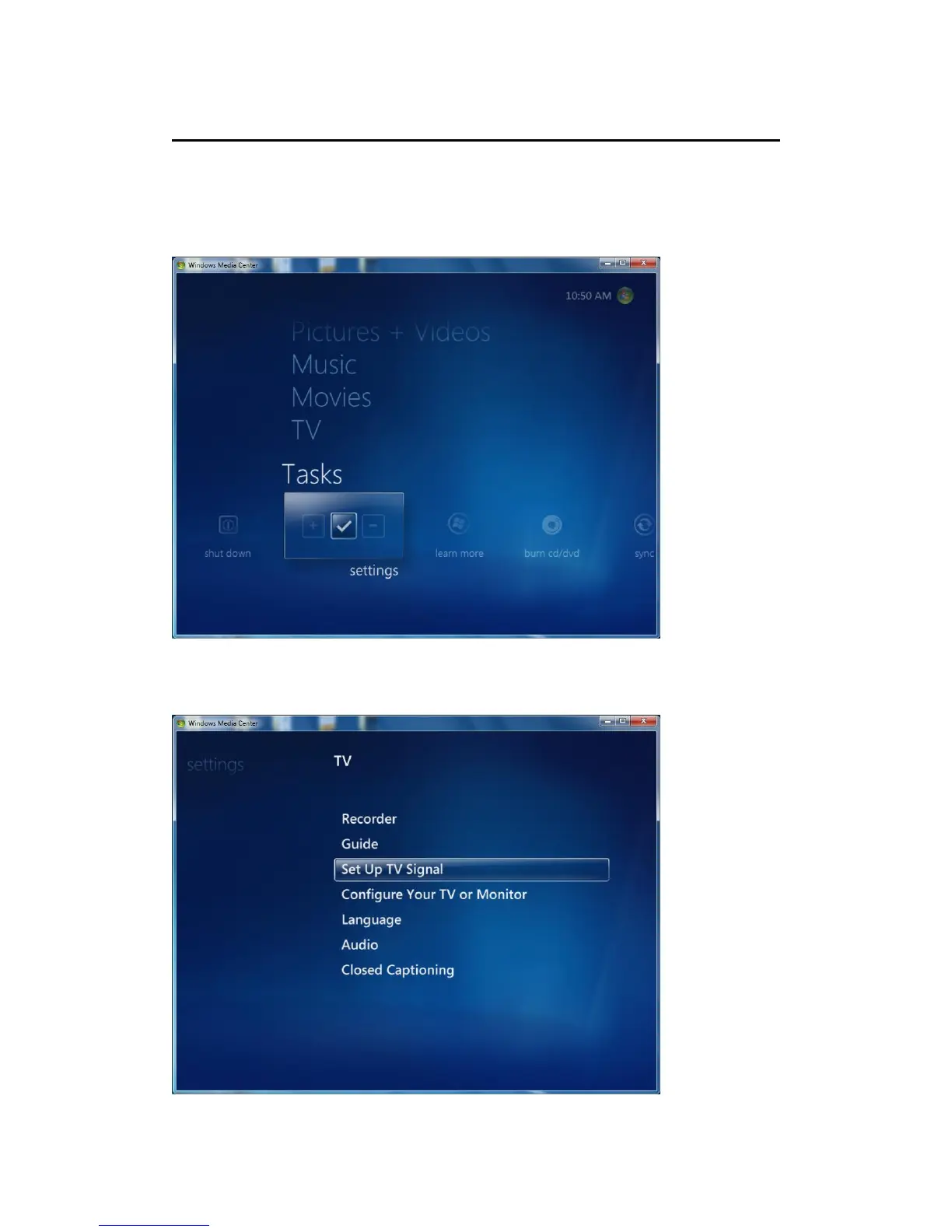
After TBS DVB-T2 TV tuner is installed in your computer, now you can launch
Windows 7 Media Center. Click “settings” under “Tasks” column, and then a new
window will prop up. See the screenshot below.
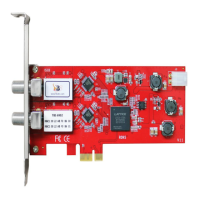
Click “TV” in the new window, and you will see the following window. Then, click
“Set Up TV Signal” to proceed.



 To Next Page