4
Chapter 2. Installation
2.1 Hardware Installation
For installing TBS 6280/6220/6284 DVB-T/T2 TV Card, insert the card into PCI
Express x1,x4, x8 or x16 slot, then connect rooftop or mini aerial to card “RF IN”
port. For TBS6284, a loop through cable is provided to connect one tuner’s “RF
OUT” to the second tuner’s “RF IN”. For installing the TBS5880 USB DVB-T2/T/C
TV Box, you can connect the TBS5880 with the computer directly via USB
Note:
1) An indoor antenna is provided to watch Freeview in the areas where the signal is
strong. Change of orientation of the antenna or using amplified antenna may
improve reception. Standard or special aerial from the roof should help to achieve
the best reception quality.
2) A power cable is provided with some model, but it’s only necessary when the tv
tuner card can’t get sufficient power supply from the PCI Express slot.
2.2 Software Installation
Before you begin, make sure your computer qualify the system requirements.
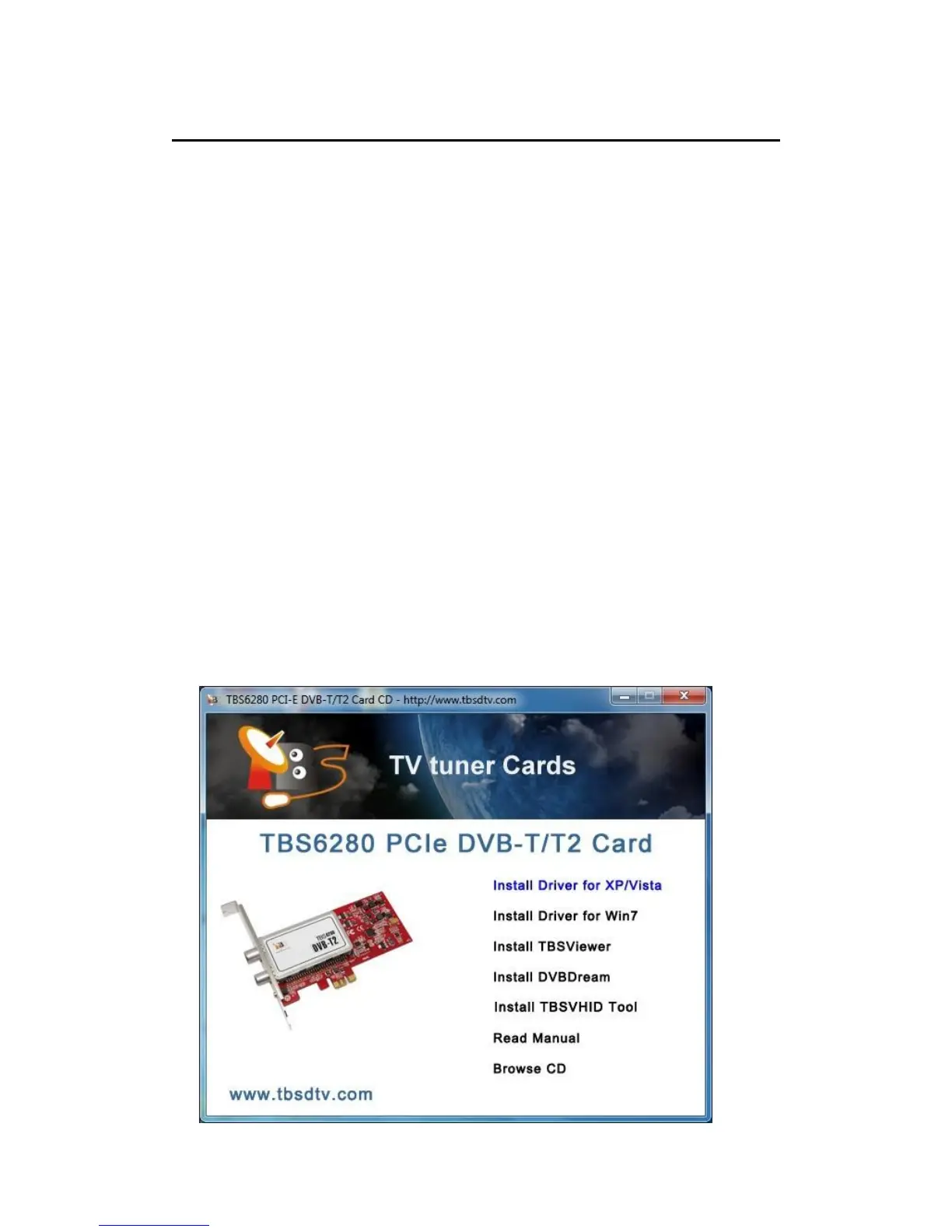
Insert the Installation CD into your CD/DVD-ROM. Click “Install Driver” while
auto-run appears.



 To Next Page