24
Charpter 6 How to Watch Encrypted Programs with
CAM
Take TBS5880 for example,TBS5880 USB DVB-T2/T/C TV Box equipped with a
CAM (Conditional Access Module) slot in one end of the box for plug-in CAM,
which makes it possible to connect a CAM with a compatible Pay-TV subscription
Smartcard to enjoy Pay-TV channels.
6.1. Installation
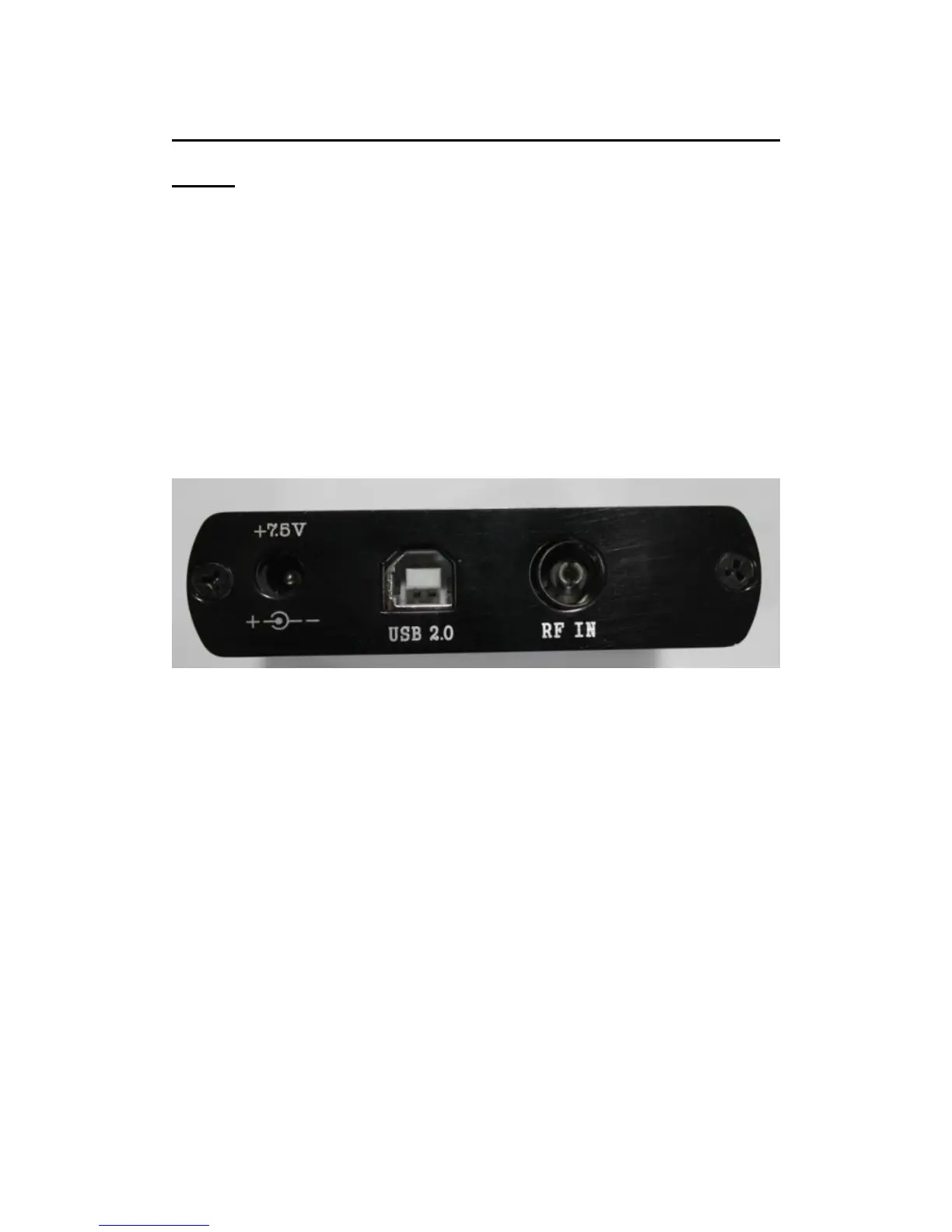
For installing TBS5880 USB DVB-T2/T/C TV Box ,. Connect aerial to TBS5880 “RF
IN” with cable. Plug the power supply to “DC7.5V” connector. Then connect
TBS5880 to your PC with an USB cord in “USB2.0” port as shown on the picture
below.
To watch pay TV, you will need to subscribe to pay TV service and get the
subscription pay TV smartcard first. Then you will need a CAM which is compatible
with your smartcard encryption system.
Procedures:
Step1: Insert the smartcard into the CAM. The smartcard should be inserted with the
golden pin side facing the thicker side of the CAM as shown below.



 To Next Page