25
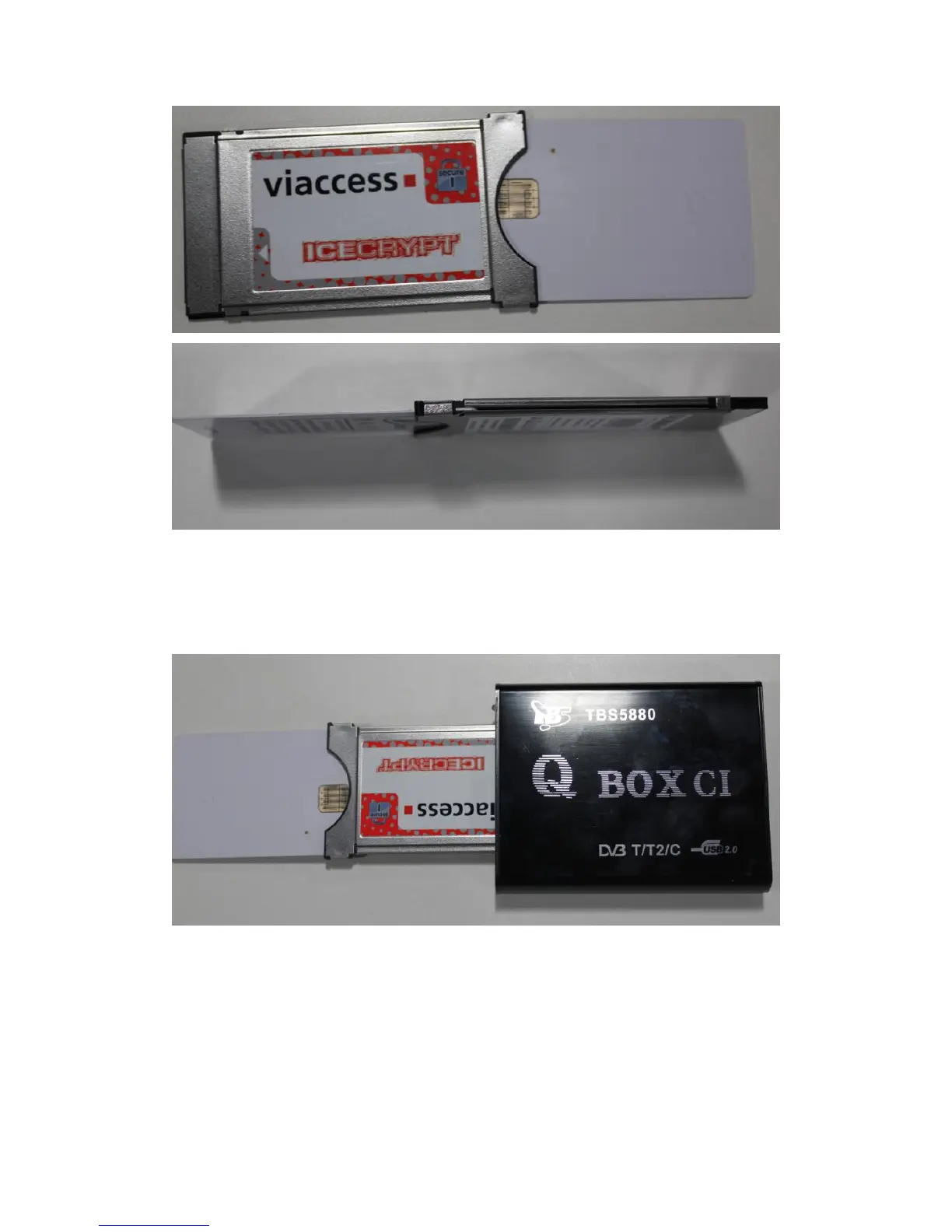
Step2: Insert the CAM into the TV Box CI slot. The thicker side(normally the side
with brand and model information) of the CAM should face the up side of the box.
The CAM should be inserted with the correct side up otherwise it won’t be recognized
by the box.
6.2. How to check CAM information
After you have right installed TBS5880 driver and DVBDream, you can check CAM
information as follows:
select “Module”, then “TBS-CI”,Then the “CAM Interface” window will pop out for
your service. You can check the CAM information as shown in the picture.



 To Next Page