18
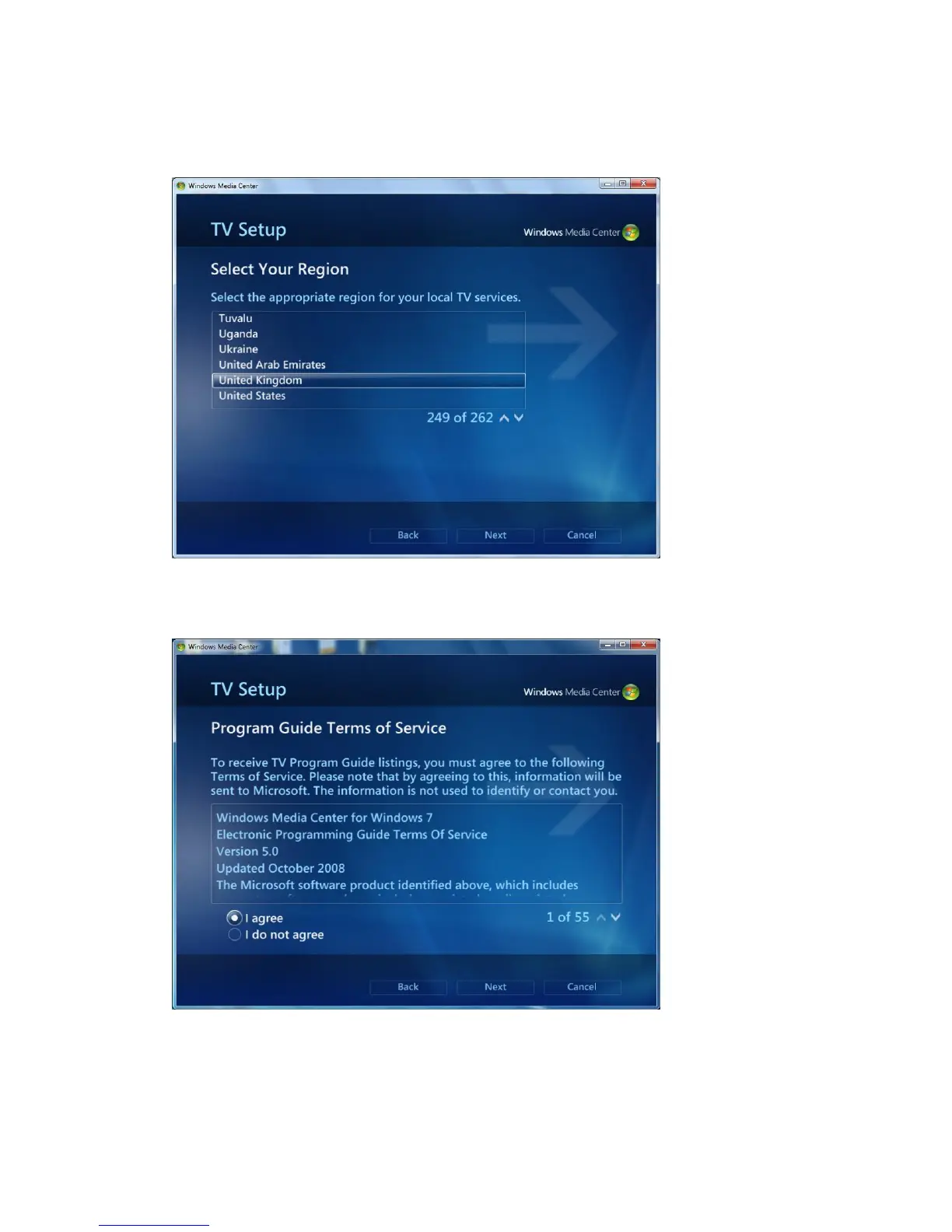
Then you will see the following window asking you to select your region and input
your postal code. If the region is correct, please click “Yes” and “Next”. Otherwise
just click “No” and select the correct one again.
Then the window “Program Guide Terms of Service” will appear. Select “I agree”
to continue.
The Windows7 Media Center starts to download digital TV setup data for your region.
It will take several minutes, so please wait patiently.



 To Next Page