13
Accessing Web UI
4.
TheWebUserInterfaceiscompablewiththefollowingbrowsers:
y
MozillaFirefox
y
Safari13orlater
y
InternetExplorer11orlater
y
MicrosoEdge
y
GoogleChrome
4.1
1. Openyourwebbrowser.
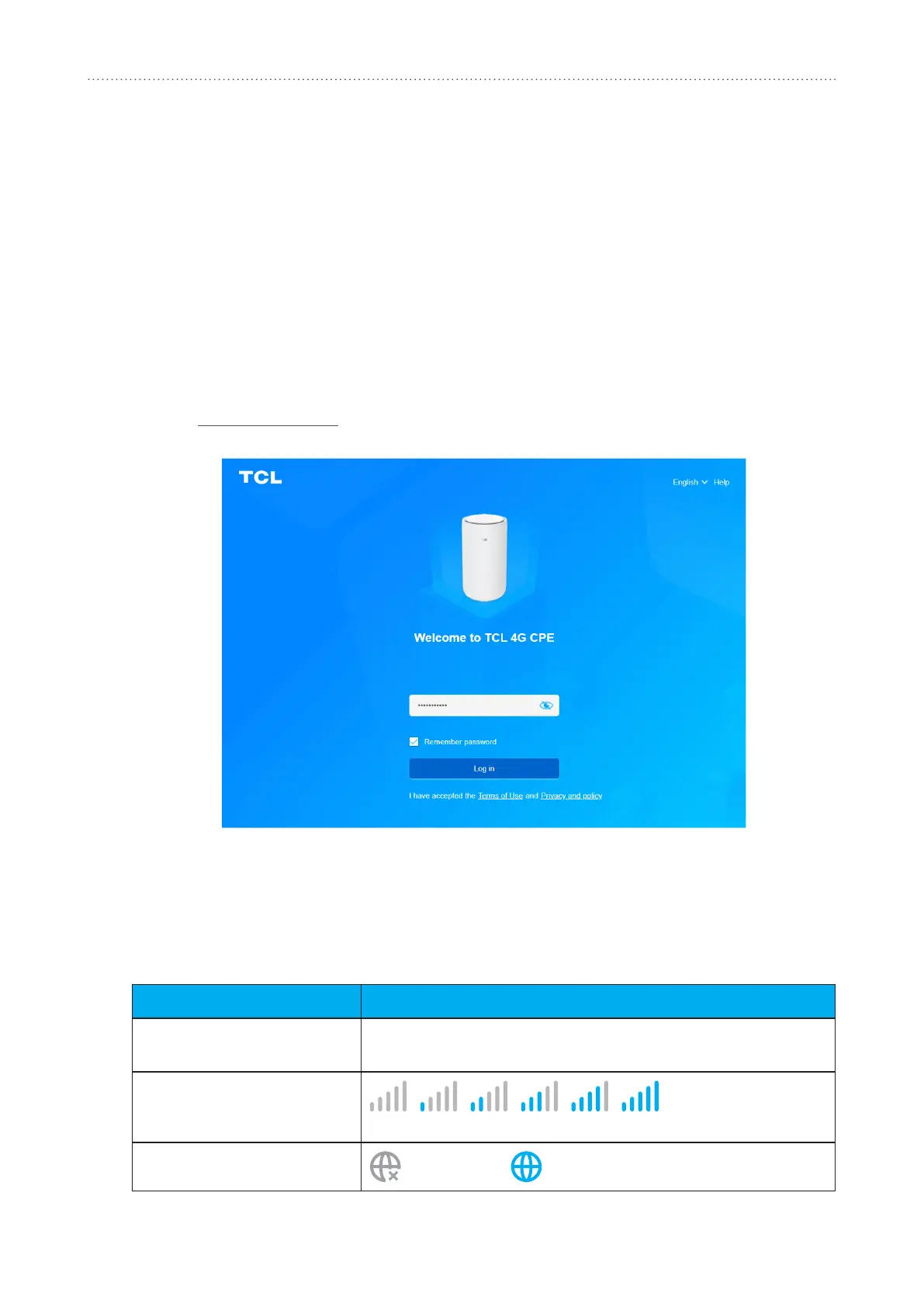
2. Go to http://192.168.1.1toentertheloginpageandfollowtheon-screeninstructionsto
completetheloginprocess.
3. LogintochangeyourdevicedeviceSSIDandpassword,orchangeotherbasicsengs.
YoucanndyourdefaultWi-Fipasswordonthelabellocatedontheboomofyourdevice.
4.2
Icon displayed
Networktechnology
4G
willbedisplayed.
No service
willbedisplayedwhenthereis
nonetworkavailable.
Signalindicator
Fromnosignaltoexcellent.
Conneconstatus
Disconnected, Connected



 To Next Page