TDK-Micronas GmbH Page 17 of 23
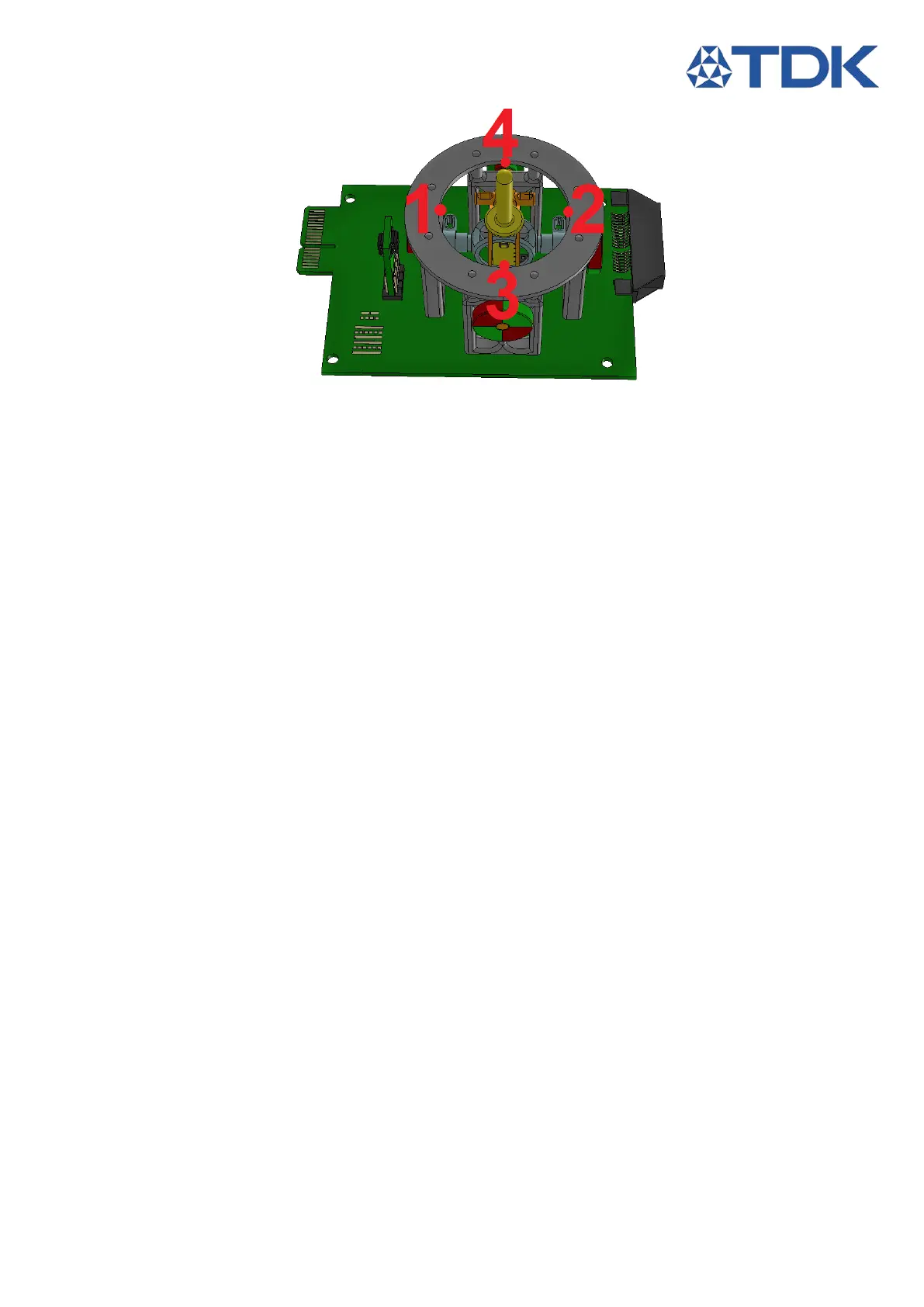
Figure 38: Calibration Points
4.2 Evaluation Software Instructions
1. Extract the file Joystick_Module_Environment.zip on your Computer.
2. Connect the preferred Communication Device to the Computer USB port and the Joystick Module
PCB.
3. Run Joystick_Module_Environment.exe.
4. If the Sensor is used for the first time (or the sensor is not programmed via HAL 3900 PE)
a. Navigate to the Configuration Tab
b. Select the programming device you are using TDK SPI Programmer or MSP
c.
Select the Sensor to be programmed
d.
Click the appropriate chip select setting
e.
Press Program Sensor, a message appears showing the status of the process.
5. Navigate to the Main tab
6. Make Sure the Com Mode is set to Auto and press Start.
7. Once communication to the sensor is established you are redirected to the Magnetic Field Tab
8. When the 3D environment is loaded, the Joystick Tab is available and the progress bar stops flashing.
9. Press Stop Application to Terminate the program


 To Next Page