Need help?
Do you have a question about the TDK TREK Micro and is the answer not in the manual?
Details the speaker's physical controls, ports, and indicators.
Illustrates the process of charging the speaker using a USB connection.
Instructions for pairing the speaker via NFC and Bluetooth.
Step-by-step guide to connect two TREK Micro speakers for TWS functionality.
Explains the LED light indicators for TWS pairing success and failure.
Identifies which speaker acts as the left and right channel in TWS mode.
Instructions on how to connect and use the speaker's Aux Out port for receiving Bluetooth audio.
Explains the meaning of different LED light colors and patterns for device status.
 General
| Brand | TDK |
|---|---|
| Model | TREK Micro |
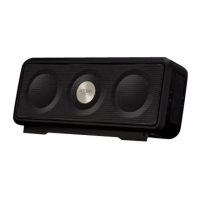
| Type | Portable Bluetooth Speaker |
| Waterproof | Yes |
| Dustproof | Yes |
| Bluetooth | Yes |
| NFC | No |
| Battery Life | Up to 6 hours |
| Battery Type | Lithium-ion |
| Water Resistance | IP64 |
| Connectivity | Bluetooth, 3.5mm Aux-in |


 To Next Page