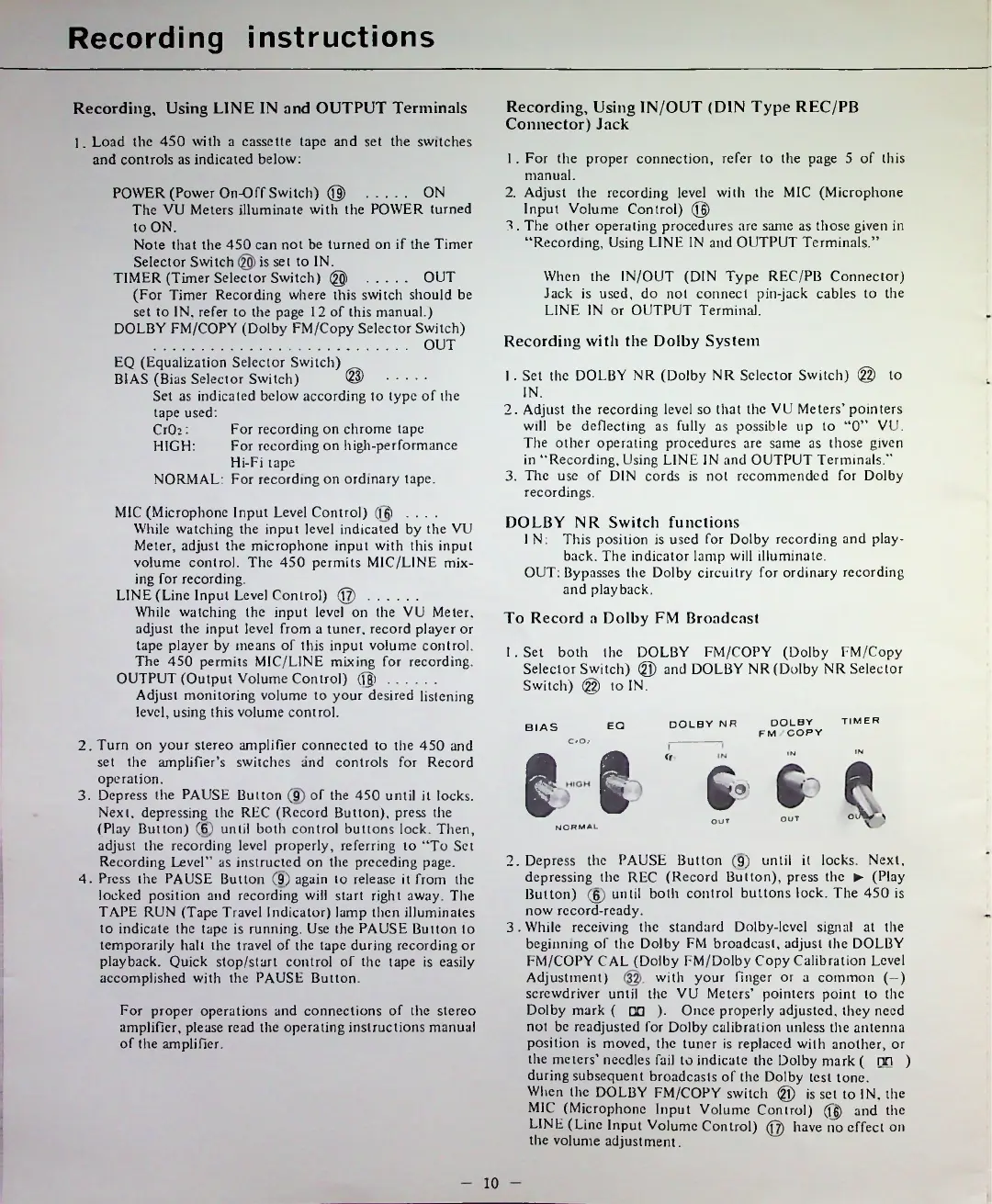
EasyManua.ls Logo

Teac 450 - Recording Instructions; Recording with Line;Output Terminals; Recording with DIN Connector Jack; Recording with the Dolby System

Teac 450
16 pages
Print Icon
To Next Page IconTo Next Page
To Previous Page IconTo Previous Page
Loading...
Recording
instructions
Recording,
Using
LINE
IN
and
OUTPUT
Terminals
Recording
with
the
Dolby
System
To
Record
a
Dolby
FM
Broadcast
TIMER
DOLBY
NR
EQ
IN
O'
OUT
10
1.
Load
the
450
with
a
cassette
tape
and
set
the
switches
and
controls
as
indicated
below:
For
proper
operations
and
connections
of
the
stereo
amplifier,
please
read
the
operating
instructions
manual
of
the
amplifier.
1
.
For
the
proper
connection,
refer
to
the
page
5
of
this
manual.
2.
Adjust
the
recording
level
with
the
MIC
(Microphone
Input
Volume
Control)
@
3.
The
other
operating
procedures
are
same
as
those
given
in
Recording,
Using
LINE
IN
and
OUTPUT
Terminals.
DOLBY
NR
Switch
functions
1
N:
This
position
is
used
for
Dolby
recording
and
play
back.
The
indicator
lamp
will
illuminate.
OUT:
Bypasses
the
Dolby
circuitry
for
ordinary
recording
and
playback.
Recording,
Using
1N/OUT
(DIN
Type
REC/PB
Connector)
Jack
When
the
1N/OUT
(DIN
Type
REC/PB
Connector)
Jack
is
used,
do
not
connect
pin-jack
cables
to
the
LINE
IN
or
OUTPUT
Terminal.
DOLBY
FM
COPY
POWER
(Power
On-Off
Switch)
@
...........
ON
The
VU
Meters
illuminate
with
the
POWER
turned
to
ON.
Note
that
the
450
can
not
be
turned
on
if
the
Timer
Selector
Switch
is
set
to
IN.
TIMER
(Timer
Selector
Switch)
@)
...........
OUT
(For
Timer
Recording
where
this
switch
should
be
set
to
IN,
refer
to
the
page
12
of
this
manual.)
DOLBY
FM/COPY
(Dolby
FM/Copy
Selector
Switch)
..........................................................
OUT
MIC
(Microphone
Input
Level
Control)
(Hj)
....
While
watching
the
input
level
indicated
by
the
VU
Meter,
adjust
the
microphone
input
with
this
input
volume
control.
The
450
permits
MIC/LINE
mix
ing
for
recording.
LINE
(Line
Input
Level
Control)
@
.............
While
watching
the
input
level
on
the
VU
Meter,
adjust
the
input
level
from
a
tuner,
record
player
or
tape
player
by
means
of
this
input
volume
control.
The
450
permits
MIC/LINE
mixing
for
recording.
OUTPUT
(Output
Volume
Control)
(jjj)
.............
Adjust
monitoring
volume
to
your
desired
listening
level,
using
this
volume
control.
For
recording
on
chrome
tape
For
recording
on
high-performance
Hi-Fi
tape
NORMAL:
For
recording
on
ordinary
tape.
IN
OUT
OtM/
\
2.
Turn
on
your
stereo
amplifier
connected
to
the
450
and
set
the
amplifier
s
switches
and
controls
for
Record
ope
ration.
3.
Depress
the
PAUSE
Button
(9)
of
the
450
until
it
locks.
Next,
depressing
the
REC
(Record
Button),
press
the
(Play
Button)
(6)
until
both
control
buttons
lock.
Then,
adjust
the
recording
level
properly,
referring
to
To
Set
Recording
Level"
as
instructed
on
the
preceding
page.
4.
Press
the
PAUSE
Button
(9)
again
to
release
it
from
the
locked
position
and
recording
will
start
right
away.
The
TAPE
RUN
(Tape
Travel
Indicator)
lamp
then
illuminates
to
indicate
the
tape
is
running.
Use
the
PAUSE
Button
to
temporarily
halt
the
travel
of
the
tape
during
recording
or
playback.
Quick
stop/start
control
of
the
tape
is
easily
accomplished
with
the
PAUSE
Button.
EQ
(Equalization
Selector
Switch)
BIAS
(Bias
Selector
Switch)
®
...........
Set
as
indicated
below
according
to
type
of
the
tape
used:
CrCh:
HIGH:
2.
Depress
the
PAUSE
Button
(9)
until
it
locks.
Next,
depressing
the
REC
(Record
Button),
press
the
(Play
Button)
(§)
until
both
control
buttons
lock.
The
450
is
now
record-ready.
3.
While
receiving
the
standard
Dolby-level
signal
at
the
beginning
of
the
Dolby
FM
broadcast,
adjust
the
DOLBY
FM/COPY
CAL
(Dolby
FM/Dolby
Copy
Calibration
Level
Adjustment)
with
your
finger
or
a
common
(-)
screwdriver
until
the
VU
Meters
pointers
point
to
the
Dolby
mark
(
□□
).
Once
properly
adjusted,
they
need
not
be
readjusted
for
Dolby
calibration
unless
the
antenna
position
is
moved,
the
tuner
is
replaced
with
another,
or
the
meters
needles
fail
to
indicate
the
Dolby
mark
(
nn
)
during
subsequent
broadcasts
of
the
Dolby
test
tone.
When
the
DOLBY
FM/COPY
switch
@
is
set
to
IN,
the
MIC
(Microphone
Input
Volume
Control)
(fg)
and
the
LINE
(Line
Input
Volume
Control)
@
have
no
effect
on
the
volume
adjustment.
1.
Set
both
the
DOLBY
FM/COPY
(Dolby
FM/Copy
Selector
Switch)
®
and
DOLBY
NR
(Dolby
NR
Selector
Switch)
@
to
IN.
BIAS
CrOj
gg
e
NORMAL
1.
Set
the
DOLBY
NR
(Dolby
NR
Selector
Switch)
@
to
IN.
2.
Adjust
the
recording
level
so
that
the
VU
Meters
pointers
will
be
deflecting
as
fully
as
possible
up
to
0
VU.
The
other
operating
procedures
are
same
as
those
given
in
Recording,
Using
LINE
IN
and
OUTPUT
Terminals.
3.
The
use
of
DIN
cords
is
not
recommended
for
Dolby
recordings.

Related product manuals