EasyManua.ls Logo

Teac A-3440 - Optimum Erasure Measurement; Channel Separation; Bias Leakage Check; Distortion Check

Teac A-3440
59 pages
Print Icon
To Next Page IconTo Next Page
To Previous Page IconTo Previous Page
Loading...
11-6
OPTIMUM
ERASURE
MEASUREMENT
Tape
SPEED
SELECTOR
SW
.
HIGH
(15
ips)
.
Thread
the
YTT-8013
test
tape
on
the
deck.
2.
Apply
a
1
kHz
signal
at
10
dB
above
the
specified
level
of
—12
dB
(195
mV)
to
LINE
IN
jack
1.
3.
Make
a
30
second
recording
of
the
above
signal
and
re-
wind
to
the
beginning
of
the
recording.
4.
Disconnect
the
1
kHz
signal
source
from
the
LINE
IN
jack.
5.
Connect
a
VTVM
to
the
OUTPUT
jack
1
through
a
1
kHz
Narrow
Band
Pass
Filter.
6.
Set
the
OUTPUT
SELECT
SW
to
PLAY
position.
.
Put
deck
in
the
RECORD
mode
and
“record”
(erase)
over
this
previous
recording,
then
rewind
to
beginning
again.
8.
Put
deck
in
PLAY
mode
and
monitor
the
Channel
1
output
on
the
VITVM.
9.
The
difference
in
output
level
compared
with
the
above
recording
level
should
be
more
than
65
dB.
10.
Repeat
this
procedure
for
the
other
channels.
—y
~
NOTE:
Do
not
overlook
filter
loss
when
making
this
meas-
urement.
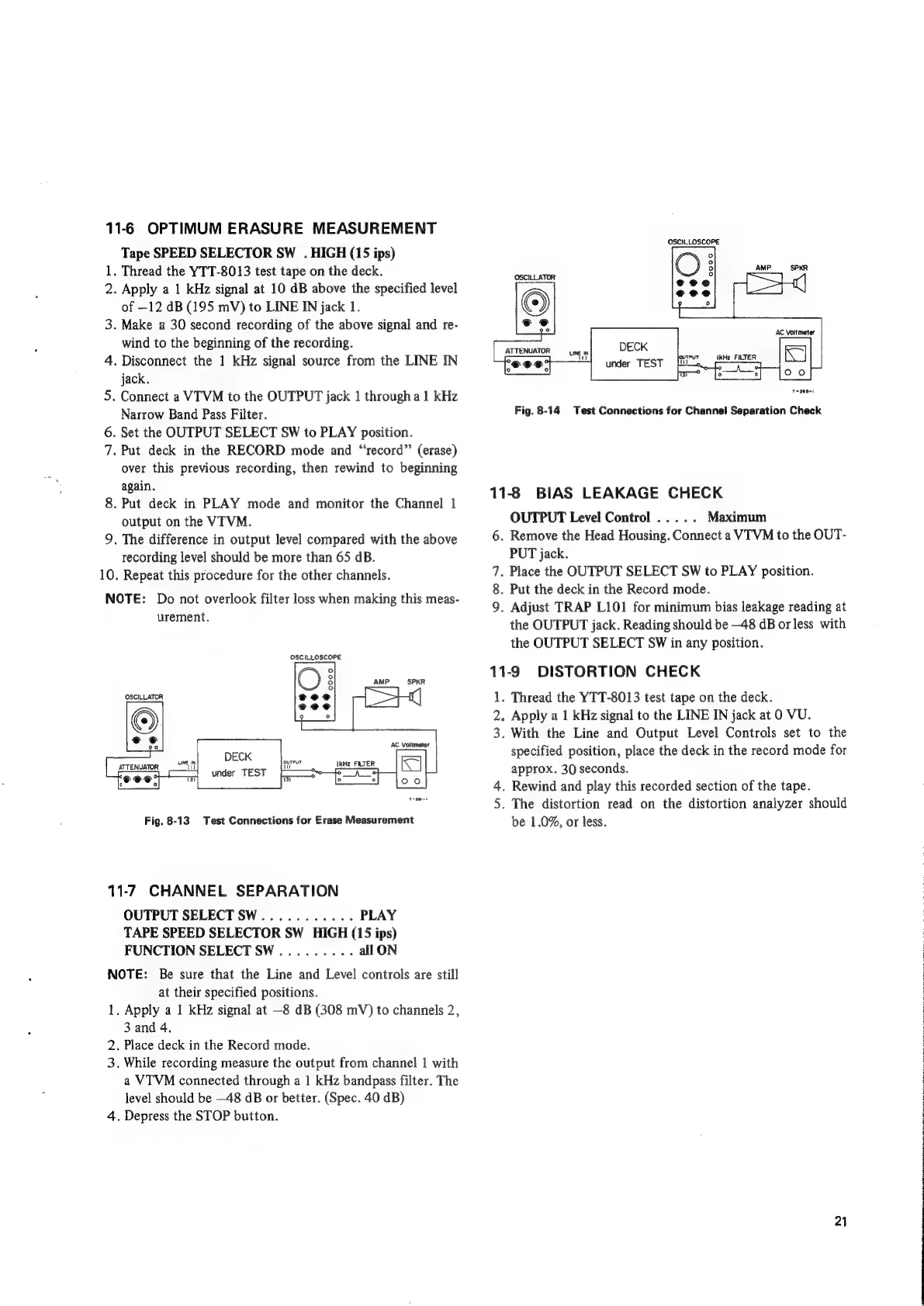
OSCILLATOR
ATTENUATOR
DECK
under
TEST
Fig.
8-13
Test
Connections
for
Erase
Measurement
11-7
CHANNEL
SEPARATION
OUTPUT
SELECT
SW...........
PLAY
TAPE
SPEED
SELECTOR
SW
HIGH
(15
ips)
FUNCTION
SELECT
SW.........
all
ON
NOTE:
Be
sure
that
the
Line
and
Level
controls
are
still
at
their
specified
positions.
1.
Apply
a
1
kHz
signal
at
—8
dB
(308
mV)
to
channels
2,
3 and
4.
2.
Place
deck
in
the
Record
mode.
3.
While
recording
measure
the
output
from
channel
|
with
a
VTVM
connected
through
a
1
kHz
bandpass
filter.
The
level
should
be
—48
dB
or
better.
(Spec.
40
dB)
4.
Depress
the
STOP
button.
OSCILLOSCOPE
ATTENUATOR
Tape2-1
Fig.
8-14
Test
Connections
for
Channel
Separation
Check
11-8
BIAS
LEAKAGE
CHECK
OUTPUT
Level
Control
.....
Maximum
6.
Remove
the
Head
Housing.
Connect
a
VIVM
to
the
OUT-
PUT
jack.
7.
Place
the
OUTPUT
SELECT
SW
to
PLAY
position.
.
Put
the
deck
in
the
Record
mode.
9.
Adjust
TRAP
L101
for
minimum
bias
leakage
reading
at
the
OUTPUT
jack.
Reading
should
be
—48
dB
or
less
with
the
OUTPUT
SELECT
SW
in
any
position.
11-9
DISTORTION
CHECK
1.
Thread
the
YTT-8013
test
tape
on
the
deck.
2.
Apply
a
1
kHz
signal
to
the
LINE
IN
jack
at
0
VU.
3.
With
the
Line
and
Output
Level
Controls
set
to
the
specified
position,
place
the
deck
in
the
record
mode
for
approx.
30
seconds.
4.
Rewind
and
play
this
recorded
section
of
the
tape.
.
The
distortion
read
on
the
distortion
analyzer
should
be
1.0%,
or
less.
ioe)
wn
2)
a
AS
NT
hh
i
a
ol
tlt
ge

Other manuals for Teac A-3440

Related product manuals