ENGLISH
Surround Mode 2
52
When MPEG signals are input and IN-AUTO is selected, the
surround mode is set to MPEG automatically. The DSP button
doesn’t work.
When the source is PCM (2-channel stereo) and IN-AUTO or
IN-PCM is selected, or when analog stereo signals are input,
you can select one of the following surround modes:
DOLBY PRO LOGIC IIx MOVIE, DOLBY PRO LOGIC IIx MUSIC,
DOLBY PRO LOGIC, DOLBY VS REF, DOLBY VS WIDE, DTS
NEO:6 CINEMA, DTS NEO:6 MUSIC, THEATER, HALL,
STADIUM
<
When the DSP button is pressed once, the current surround
mode is displayed. Press the DSP button repeatedly to select
any other surround mode.
<
When you press the DSP button, the sound is cut off for a
moment.
< When the surround back speaker is set to “None”, Dolby Pro
Logic II appears instead of Dolby Pro Logic IIx.
< DOLBY DIGITAL or DOLBY DIGITAL EX can be selected only
during playback of a DVD disc recorded in DOLBY DIGITAL
format.
<
The DSP indicator lights when THEATER, HALL or STADIUM is
selected.
(DSP: Digital Signal Processor)
D
C
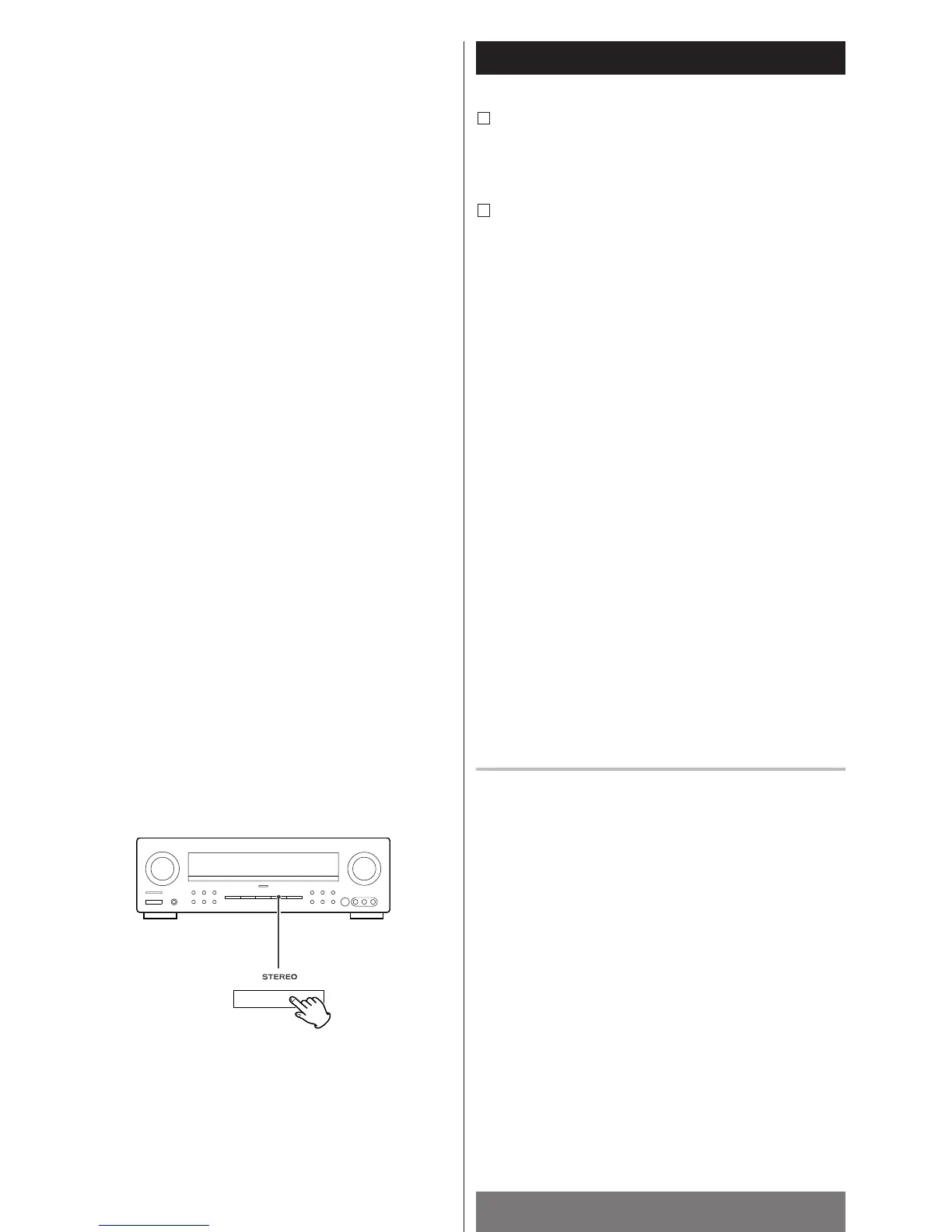
STEREO
Press the STEREO button to select the stereo mode.
“STEREO” is scrolled, and sound is output from front
speakers (and the sub-woofer if connected).
To cancel the stereo mode, select any other surround mode
by pressing the DSP button.
<
If you select the stereo mode while the digital signal of
DOLBY DIGITAL or DTS are being input, the multi-channel
sound is downmixed to 2-channel.
<
If the SPEAKER button is set to off while the digital signal of
DOLBY DIGITAL or DTS are being input, the multi-channel
sound is downmixed to 2-channel automatically. And when
the SPEAKER button is set to on, it will return to the previous
surround mode.



 To Next Page