EasyManua.ls Logo

Teac AG-V4200 - Listening to Compact Discs; Playing Tapes; Recording a Source; Tape Monitoring

Teac AG-V4200
47 pages
Print Icon
To Next Page IconTo Next Page
To Previous Page IconTo Previous Page
Loading...
Listening
to
Compact
Discs
Recording
a
Source
POWER
ON
CD
Player
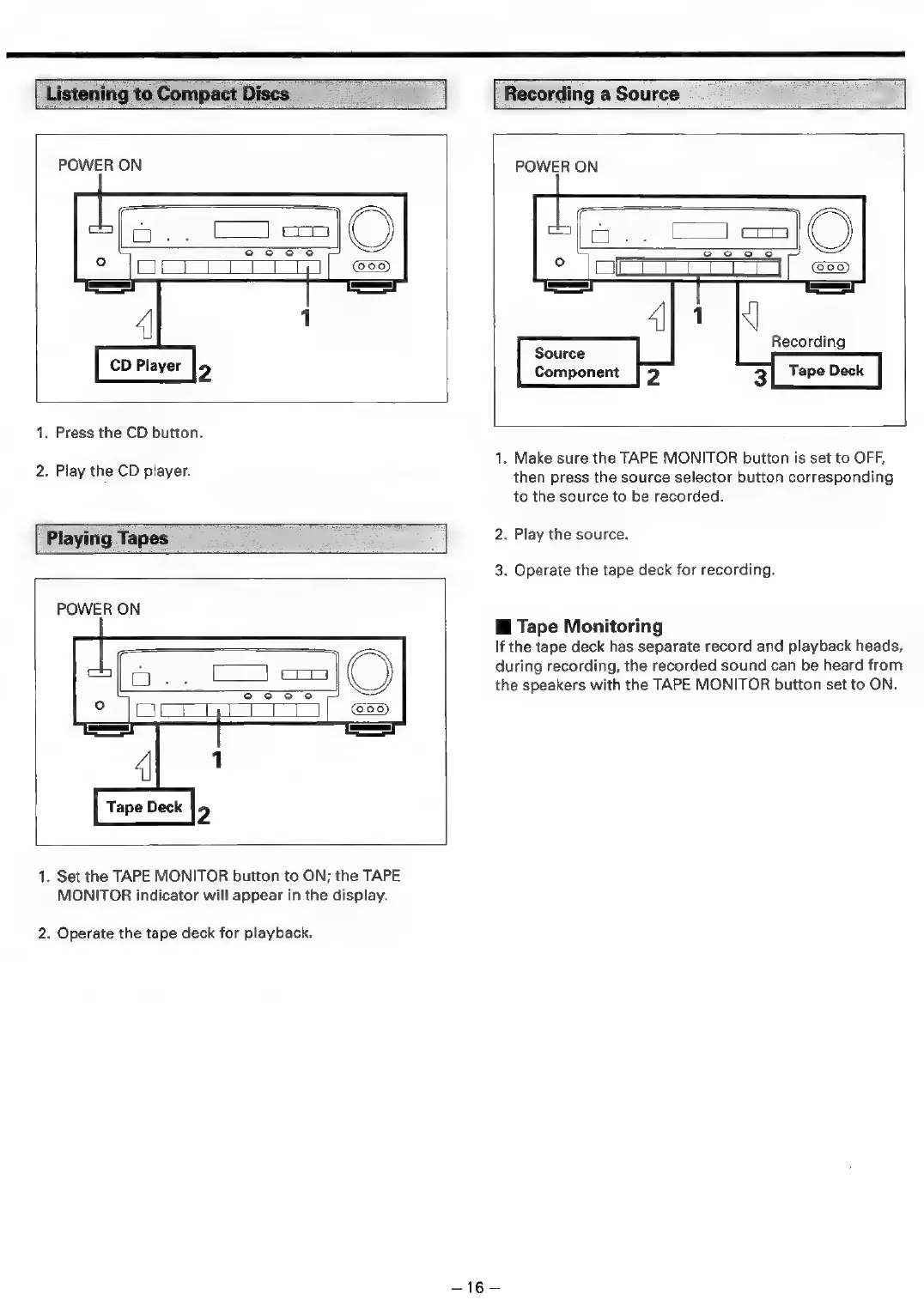
1.
Press
the
CD
button.
2.
Play
the
CD
player.
POWER
ON
Source
Component
[
Playing
Tapes
POWER
ON
Tape
Deck
1.
Set
the
TAPE
MONITOR
button
to
ON;
the
TAPE
MONITOR
indicator
will
appear
in
the
display.
2.
Operate
the
tape
deck
for
playback.
1.
Make
sure
the
TAPE
MONITOR
button
is
set
to
OFF,
then
press
the
source
selector
button
corresponding
to
the
source
to
be
recorded.
2.
Play
the
source.
3.
Operate
the
tape
deck
for
recording.
i
Tape
Monitoring
If
the
tape
deck
has
separate
record
and
playback
heads,
during
recording,
the
recorded
sound
can
be
heard
from
the
speakers
with
the
TAPE
MONITOR
button
set
to
ON.
Tes

Related product manuals