21
ENGLISH
CD
USB
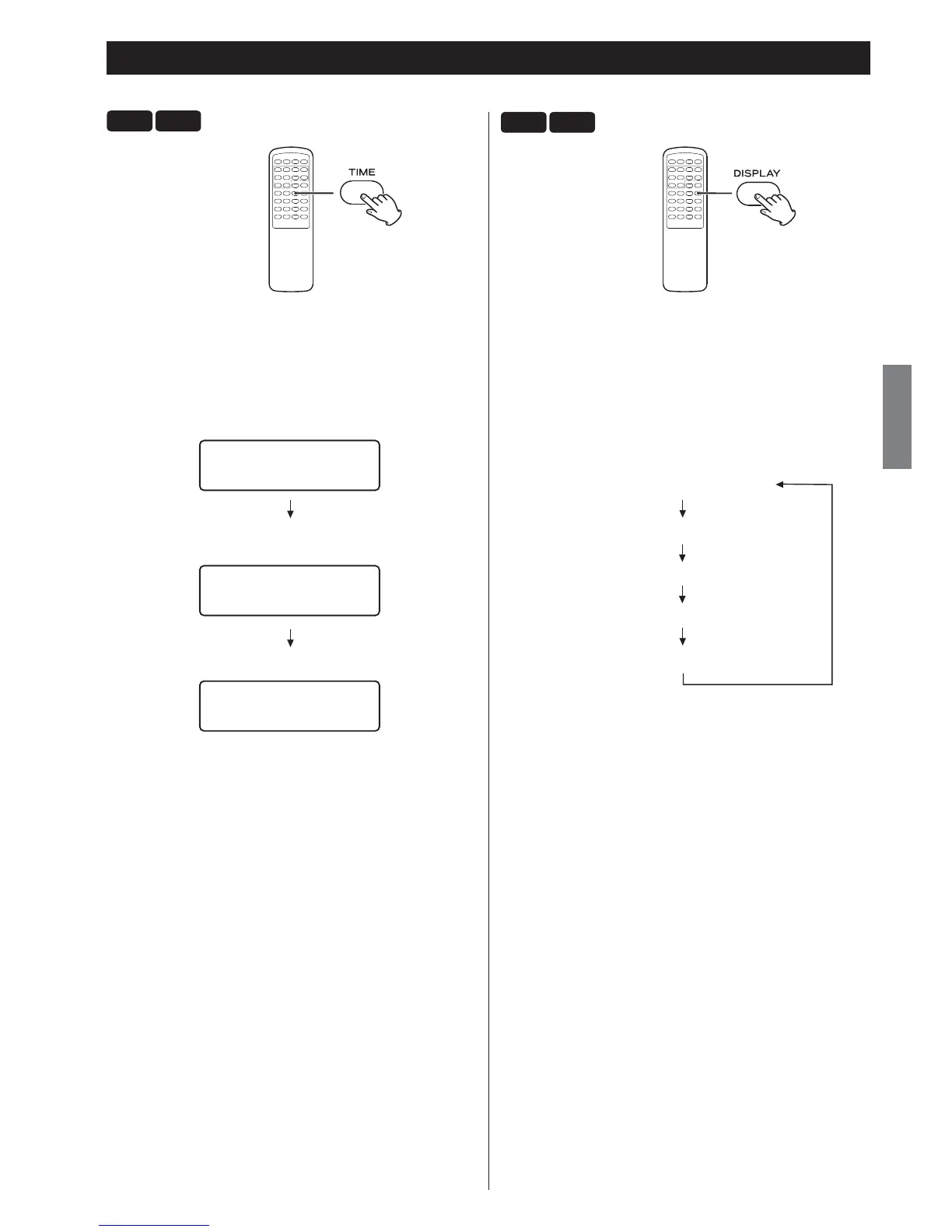
During playback, press the TIME button repeatedly to change the
information on the display.
Audio CD, MP3/WMA file:
The display changes as follows:
current track number and elapsed time of the current track
CD/Play
T003 00:42
current track number and remaining time of the current track
CD/Play
T003 -03:02
current track number and remaining time of the disc (only CD disc)
CD/Play
T003 -69:02 TTL
Display
CD
USB
During playback of WMA/MP3 files, press the DISPLAY button to scroll
the information on the display.
Default display (scrolling):
Title - Artist Name - Album Name
Each time the DISPLAY button is pressed, the display is changed as
follows:
Default display (scrolling)
File Name
Title
Artist Name
Album Name



 To Next Page