16
Playback 2
CD
USB
iPod
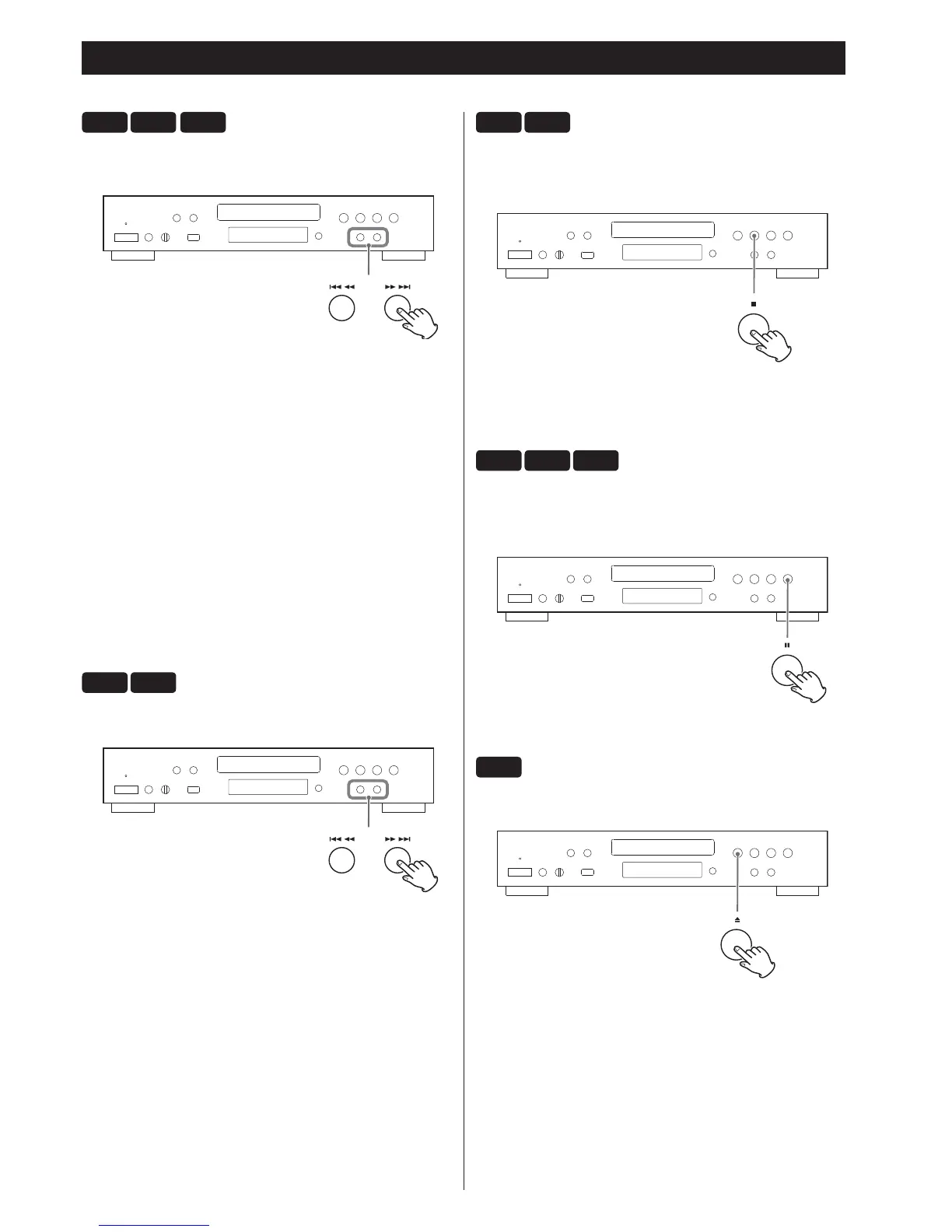
To skip to the next or a previous track/file
During playback, press the Skip/search buttons (
.m
/
,/
) repeatedly until the desired track/file is found.
The selected track/file will be played from the beginning.
On the remote control unit use the Skip buttons (.//).
In stop or pause mode, press the Skip/search buttons
(.m/,/) repeatedly until the track/file you want to
listen to is found. Press the Play button (y) to start playback of the
selected track/file.
< When the .button is pressed during playback, the track/file
being played will be played from the beginning. To return to the
beginning of the previous track/file, press the .button twice.
< During programmed playback, the next or previous track/file in
the program is played.
CD
USB
Search for a part of a track/file
During playback, hold down one of the Skip/search buttons
(
.m
/
,/
) and release it when the part you want
to listen to is found.
On the remote control unit, use the SEARCH buttons (m/,).
< In USB mode, no sound is emitted while searching.
< The unit stops when the end of the last track/file is reached.
CD
USB
To stop playback
Press the Stop button (
H
).
To start playback again, press the Play button (y).
Playback starts from the first track/file.
CD
USB
iPod
To pause playback
Press the Pause button (
J
) during playback.
Playback stops at the current position.
To resume playback, press the Play button (y).
CD
To eject the disc
When the Open/close button (L) is pressed, playback stops and
the tray will open.
After removing the disc, close the tray by pressing the Open/close
button (L).



 To Next Page