22
Display 2 Before Recording
CAUTION
< Do not disconnect the USB storage device during recording.
Do not disconnect the power cord during recording.
It may cause damage to the products.
< Adjust the volume of the external audio source to a suitable level
before recording. If not, the recording quality will be poor.
Note
< The recorded files are saved in the AUDIO folder.
< The FILE NAME is assigned automatically in a regular sequence
such as “Audio001.MP3”, “Audio002.MP3”, …….
For Example:
If there are “Audio004.MP3” and “Audio009.MP3” files in the AUDIO
folder, and you make a recording, the new file will be “Audio010.
MP3”.
< Before recording check the remaining capacity of the USB storage
device using your PC.
You cannot check the remaining capacity with this unit.
< The maximum number of files that CD-P650 can operate is 1999.
If more than 1999 files are stored on the USB storage device,
CD-P6500 can not play correctly, and cannot record any files.
< A track recorded onto a USB storage device is converted to an MP3
file at a bit rate of 64kbt, 96kbit, 128kbit or 192kbit.
iPod
Changing the display mode
You can select the iPod screen or CD-P650 display to show the
menu.
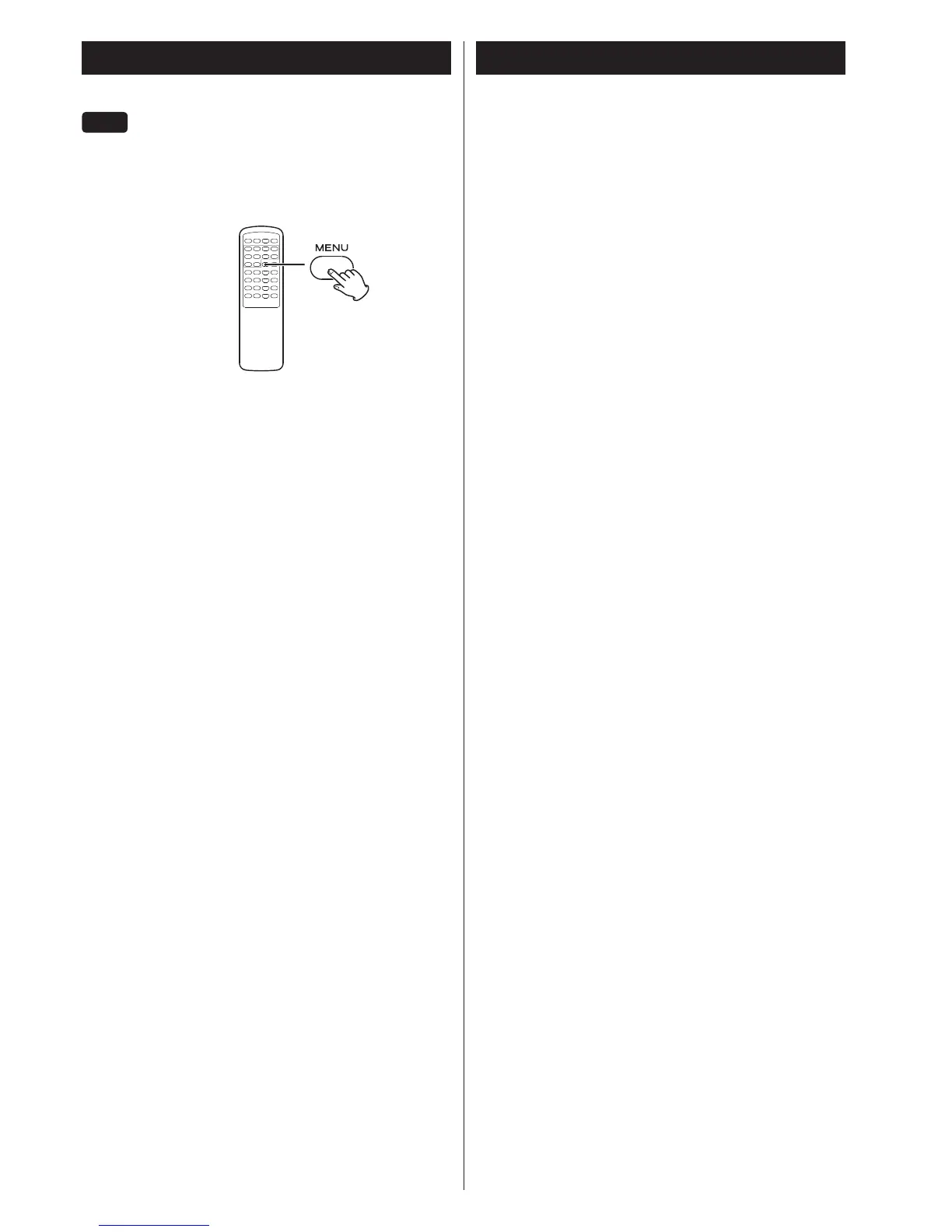
When an iPod is connected, hold down the MENU button for more
than 4 seconds to select which display is used.
Direct Mode (default)
You can control the iPod using the menu on the screen of the
iPod.
The display of CD-P650 constantly shows “Direct Mode”.
Extended mode
You can control the iPod using only CD-P650.
The TEAC logo appears on the iPod screen.
Information of the songs is displayed on the display of CD-P650.
< CD-P650 cannot display symbols or full-size or double-byte
characters (such as Japanese, Chinese, etc.) correctly. Song/Album/
Artist names of songs should be in alphanumeric characters.
< The logo does not appear on the screen of the iPod touch.



 To Next Page