12
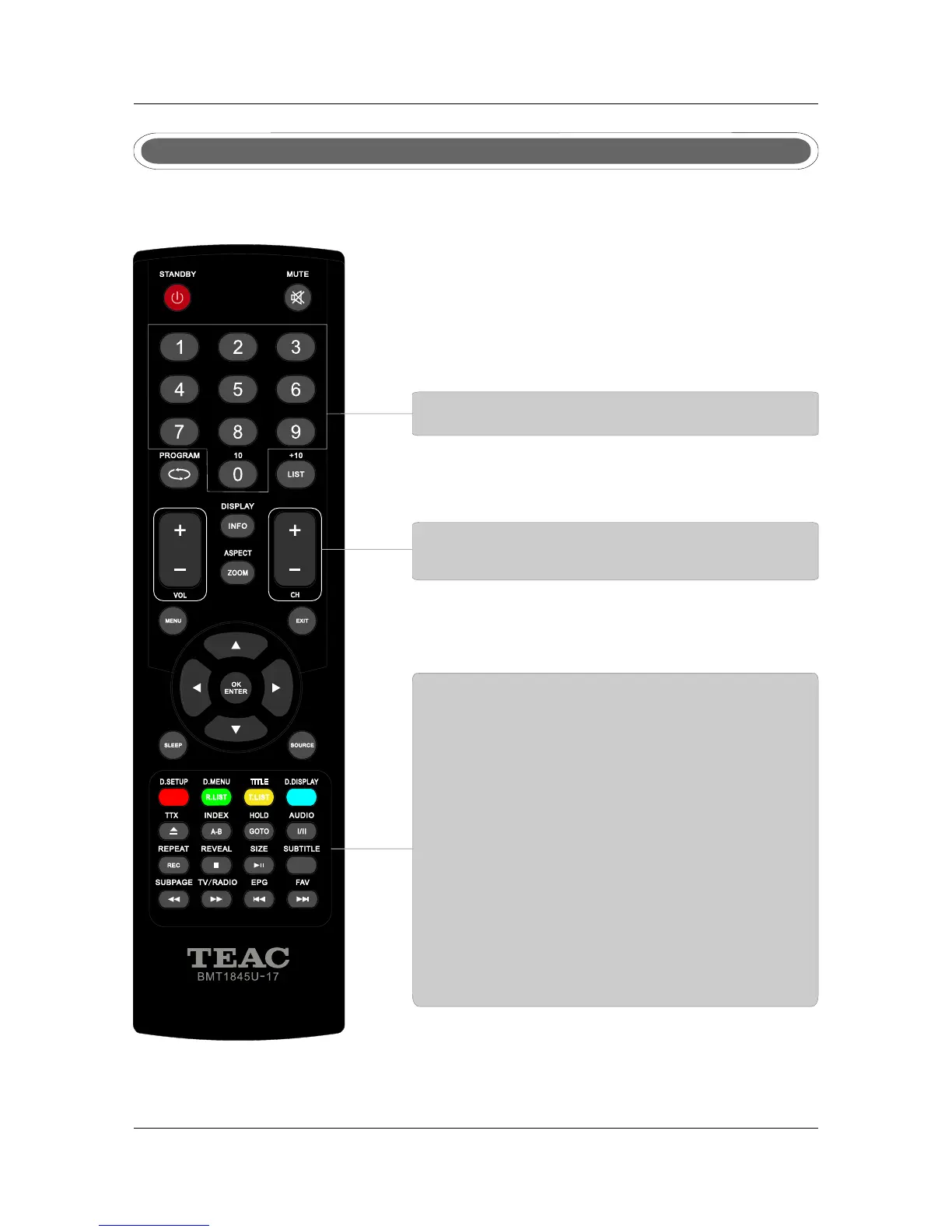
Remote control instructions in TELETEXT mode
TTX
Press to switch between TV and Teletext mode.
SUBPAGE
TELETEXT Subpage.
HOLD
Freeze the current page.
SUBTITLE
To display subtitle.
REVEAL
Reveal or hide the hidden words.
COLOR BUTTONS
Select 4 Preferred TELETEXT page.
NUMBER BUTTONS
Press 0-9 to select a teletext page.
INDEX
Request index page when index link is valid.
CH+/CH-
Page up and Page down.
SIZE
Change the picture size.



 To Next Page