Move Back
MENU
OK
Select
Quit
EXIT
20
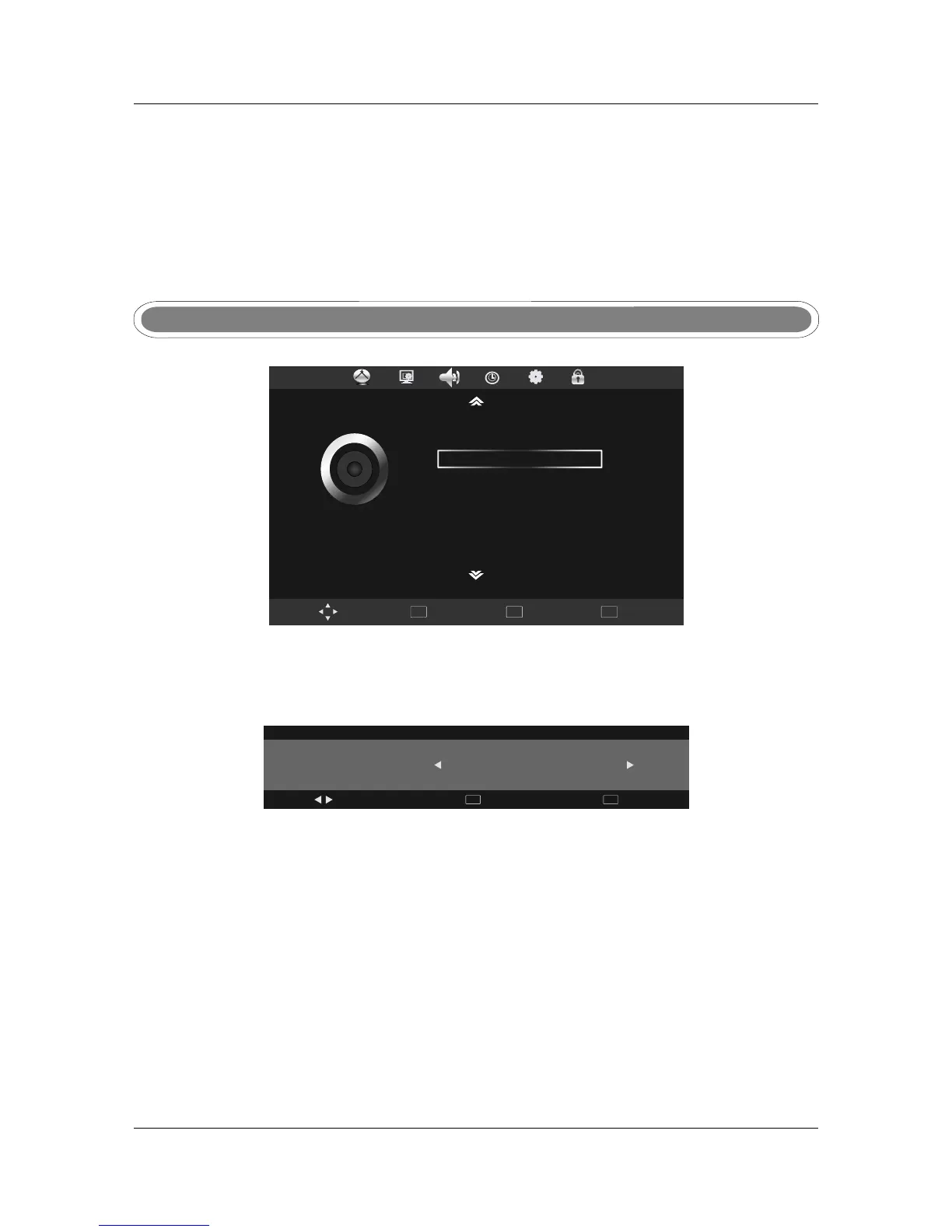
SOUND MenuSOUND Menu
Press MENU button display the main menu, use , ▼
, .
to ◄► to select SOUND menu press OK or
to enter and press menu to return to the main menu
Sound mode Sound mode
Press ◄► to select from the following sound modes: User, Standard, Music, Movie and Sports.
Press MENU or OK to confirm.
Sound Mo de
Treble
Bass
Balance
Auto Volume
Surround Sound
SPDIF MO DE
Standard
50
50
0
Off
Off
Auto
SOUND
Sound Mode
Music
Adjust
Quit
EXIT
Back
MENU
Treble/ Bass /BalanceTreble/ Bass /Balance
Auto Volume
Auto sound adjust, press ◄► to set ON/OFF.
Auto Volume
Use ▲/▼ to select the Treble /Bass /Balance, and press ◄► to adjust.
Treble and Bass are only adjustable in User mode.
Surround sound
Surround sound settings, press ◄► to set ON/OFF.
Surround sound
SPDIF MODE
Press OK to enter the sub menu, use ▲▼ to select Off/PCM/Auto, press MENU or OK to confirm.
SPDIF MODE
Phase
Allows you to adjust the definition.
OVER SCAN
under HDMI SOURCE, user can select the HDMI input signal mode: PC/VIDEO, select PC mode
used for PC input, other signal source input please select VIDEO mode;
Phase
OVER SCAN



 To Next Page