Move Back
MENU
OK
Select
Quit
EXIT
21
31/May 14:25
Off
Off
Off
On
South Australia GMT+9.5
TIME
I
I
I
I
I
I
I
I
Clock
Off Time
On Time
Sleep Timer
Auto Sleep
Time Zone
TIME MenuTIME Menu
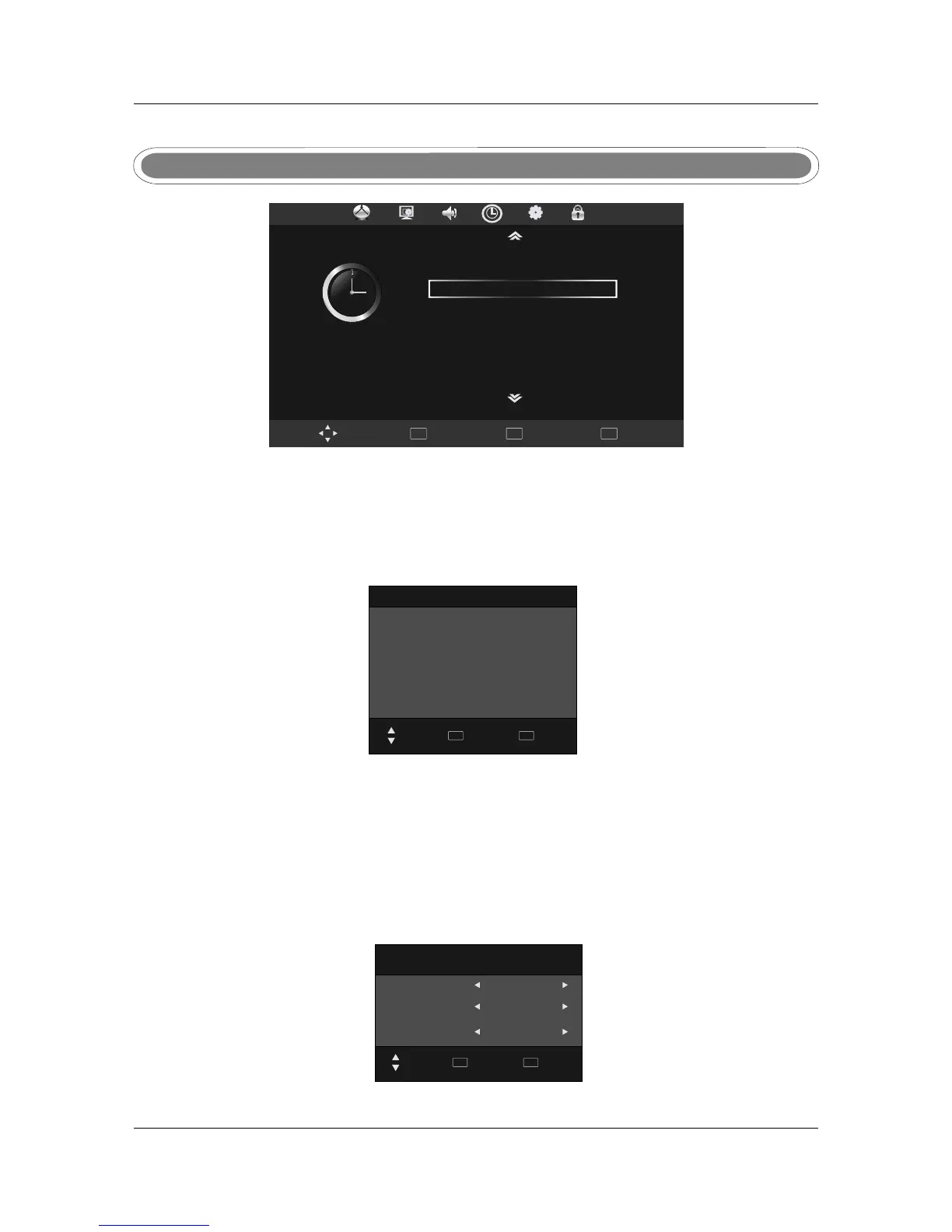
Press MENU button display the main menu, use , ▼
, .
to ◄► to select TIME menu press OK or
to enter and press menu to return to the main menu
Clock
Date
Month
Year
Hour
Minute
Move Back
MENU
Quit
EXIT
ClockClock
◄ ►
20
◄ ►
May
◄ ►
2010
◄ ►
13
◄ ►
25
Press ◄►▲▼ to set the Date/Month/Year/Hour/Minute, press MENU to confirm and return to
Time menu.
Off timeOff time
Off Time
Repeat
Hour
Minute
Once
13
28
Move
Back
MENU
Quit
EXIT
Press MENU to confirm and return to TIME menu.
You can set a time for the TV to turn off automatically. The Repeat mode allows the unit to be set to
turned off Once, Every day, Mon-Fri, Mon-Sat, Sat-Sun or only Sun, use ◄► to select your preference.
Once the Repeat setting has been made, press ▲▼ to select Hour and Minute settings, use ◄►
to adjust.
Auto clock update: please select DTV to obtains the time.
I
I
I
I



 To Next Page