22
On time On time
Press MENU to confirm and return to TIME menu.
Sleep time
Press OK to enter Sleep Time sub menu, use ▲▼ to set the sleep time. You can select from the
following Sleep times: 10, 20, 30, 60, 90, 120, 180, 240 minutes or Off to disable the Sleep time
function. Then press OK or MENU to confirm.
Sleep time
.
Time zone Time zone
Press OK to enter Time Zone sub menu, use ▲▼ to set time zone for your local area. Press OK or MENU
On Time
Repeat
Hour
Minute
Source
Channel
Volume
◄ ►
Once
◄ ►
12
◄ ►
00
◄ ►
DTV
◄ ►
1
◄ ►
30
Move
Back
MENU
Quit
EXIT
You can specify a time, input source, channel and volume for the TV to turn on.
Press ▲▼ to select Repeat mode and use ◄► to select your preference as above.
Use ▲▼ to select the other parameters and ◄► to adjust.
Auto Sleep
Press ◄►to select ON/OFF.
This function allows you to set your TV to automatically turn off after 10 minutes if the TV detects
no signal from the inputs.
Auto Sleep
.
Move Back
MEN U
OK
Select
Quit
EXI T
Move Back
MEN U
OK
Select
Quit
EXI T
English
English
English
English
English
40S
OSD Language
Audio Languages 1st
Audio Languages 2nd
Subtitle Languages 1st
Subtitle Languages 2nd
OSD Duration
OPTION
OPTION MenuOPTION Menu
English
English
English
40s
On
50
Australia
Audio Languages 2nd
Subtitle Languages 1st
Subtitle Languages 2nd
OSD Duration
Blue Screen
Back Light
Country
Restore Factory Default
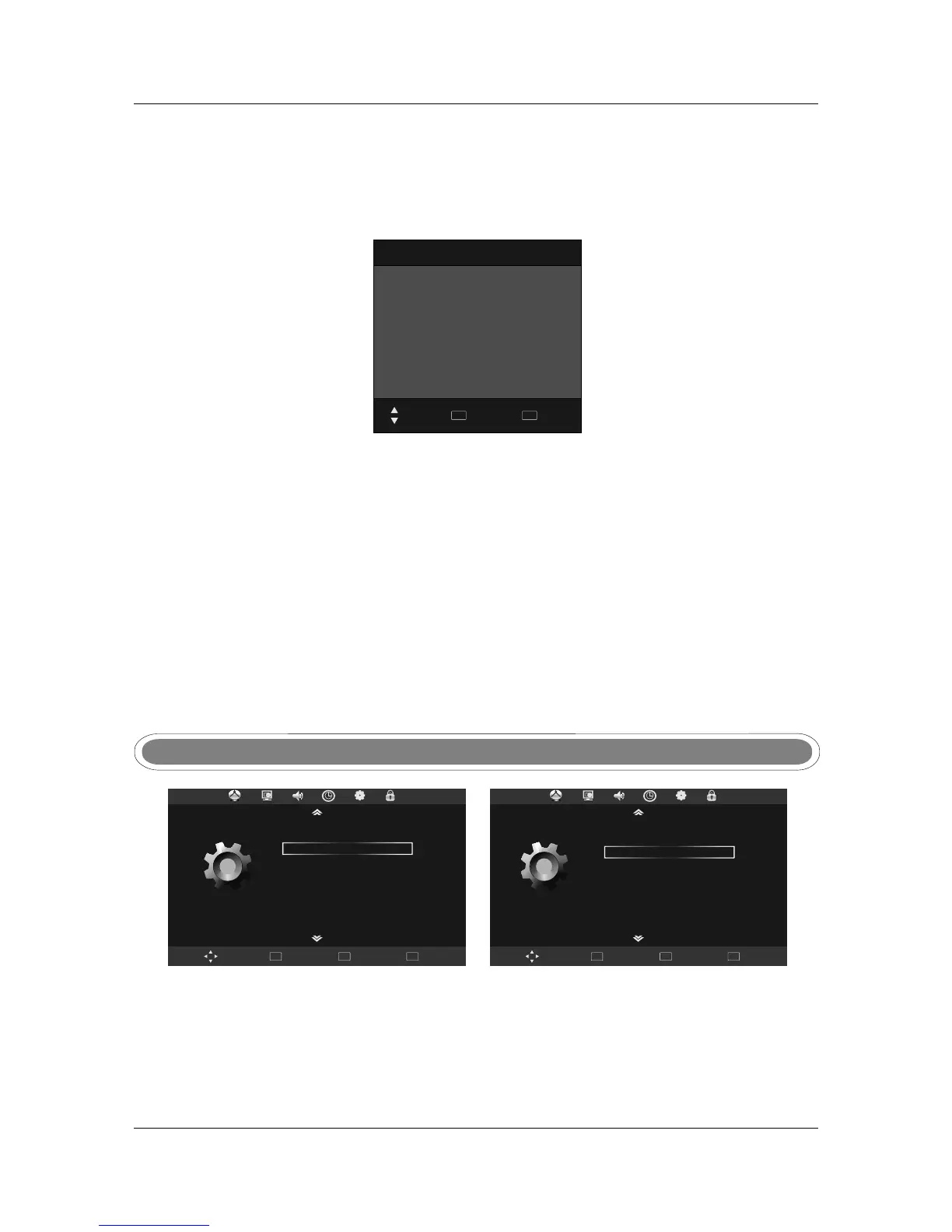
Press MENU to display main menu, use ◄►to select OPTION menu, then press OK or ▼ to
enter, press MENU to return to main menu.
OSD LanguageOSD Language
Audio Language 1St/2ndAudio Language 1St/2nd
Press OK to enter OSD Language sub menu, use ▲▼ to set OSD language.
Press OK to enter Audio Language sub menu, use ▲▼ to set Audio language.
to confirm.
OPTION



 To Next Page