Channel ListChannel List
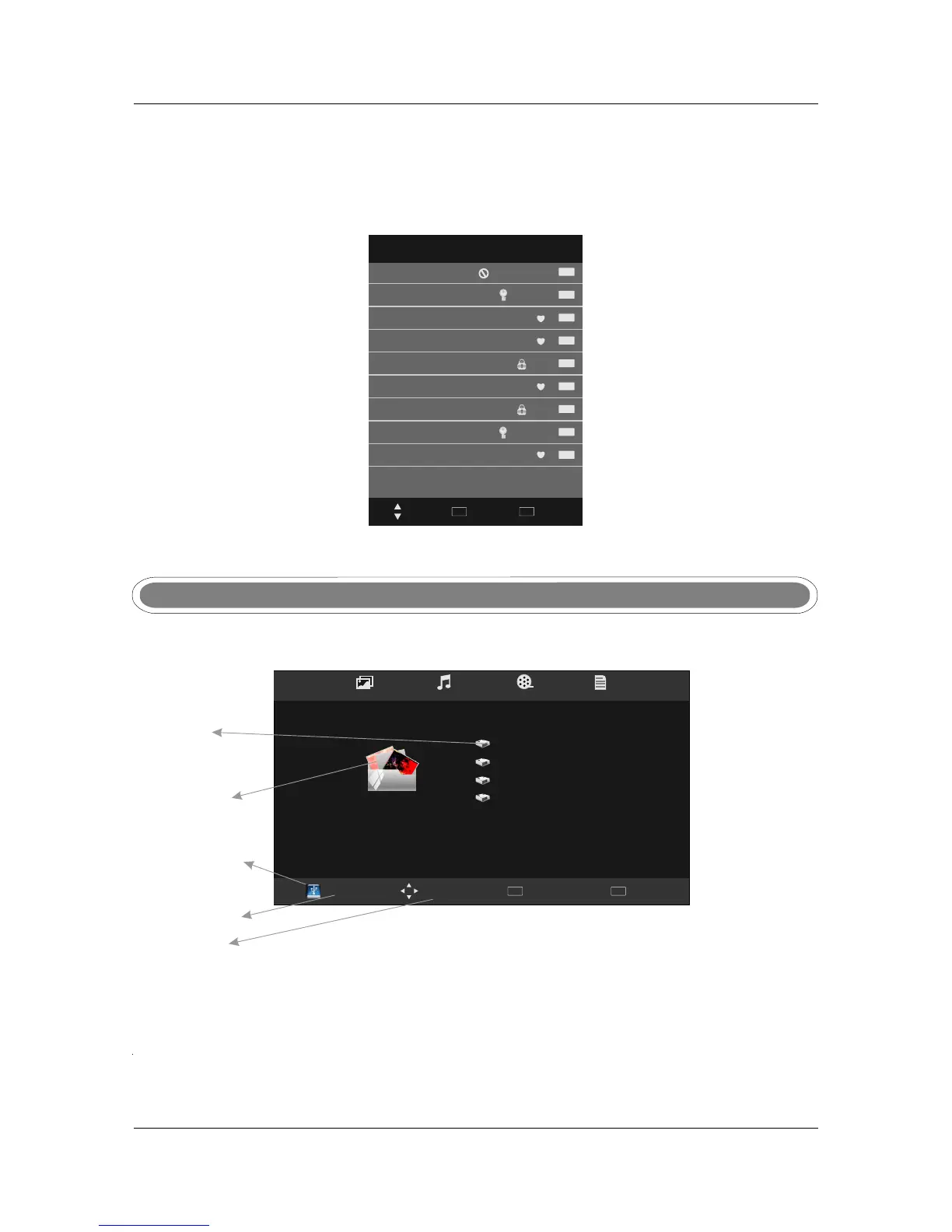
Press LIST button to display a list of tuned channels.
The status of the channels (Skip/Lock/Favourite) will also be displayed, see below.
26
Channel List
DTV
ATV
ATV
ATV
ATV
DTV
DTV
DTV
DTV
Select
Quit
EXIT
OK
5 Five
6 abc1
7 abc2
8 abc3
9 abc5
1 C-01
2 2C-01
3 3S-02
4 4S-03
Move
PHOTO
Disc:C
Multimedia main menu style:
Multimedia(USB) MenuMultimedia(USB) Menu
Discs
Multimedia
Operation
USB Status
Inserted USB
device info
Move
Menu
MENU
OK
Select
2.0
USB Status
If a compatible USB is attached the logo will appear blue. If not USB is attached the logo will be grey.
USB Status
Multimedia style
Choose from the menu across the top of the screen which file type you would like to play: Photo,
Music, Movie or Text.
Multimedia style
DISC (HDD)
Shows the inserted HDD Discs. Each disc is assigned a letter from C onwards.
DISC (HDD)
HDD Discs.
PHOTO MUSIC MOVIES TEXT



 To Next Page