37
Timeshift Play
At Timeshift Play condition, the system record DTV and play it at the same time.
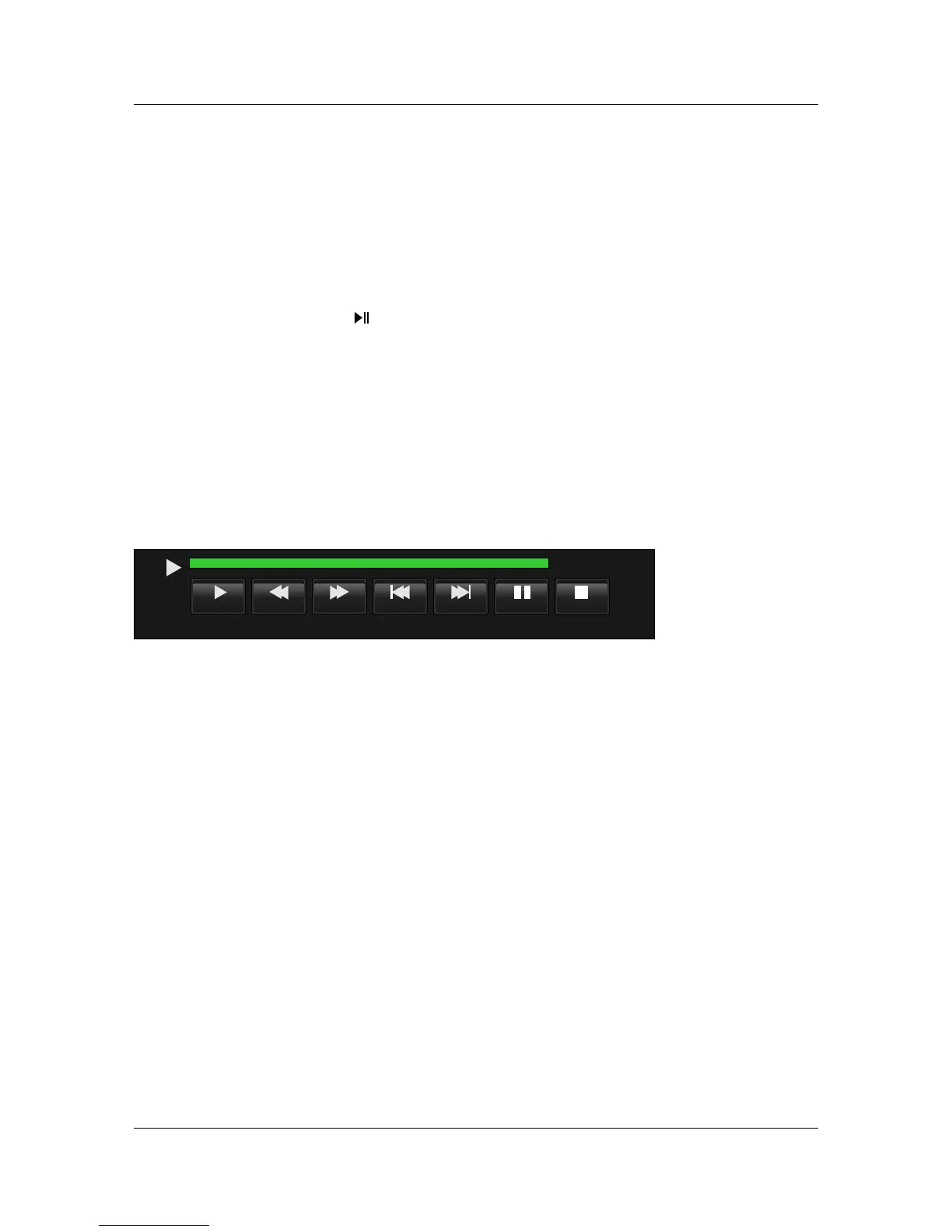
Timeshift Play is start by press ,at Timeshift Play condition, it can work Pause,Fast Forward,
Fast Rewind,and it would enter A->B circle playing condition.
Timeshift Play
Playback
Playback is similar with Timeshift,one is Full Mode,and the other is Simple Mode, they can be
switch by Exit key.
At Playback mode,Playback shows still.
Playback
Note
At Simple mode, there is only power indicator blinking but no operation menu display.
Note
Play
FB FF
NextPrev
Stop
Pause
00:00:00/00:50:00
Full Mode:Full Mode:
18:13
Enter Timeshift Play condition;
PlayPlay
Close Timeshift,pop out Recorded List;From Recorded List menu to enter Playback,and then exit
Timeshift;
R.LISTR.LIST
Timeshift Record
Timeshift Record condition,similar to Record mode.
Timeshift Record



 To Next Page