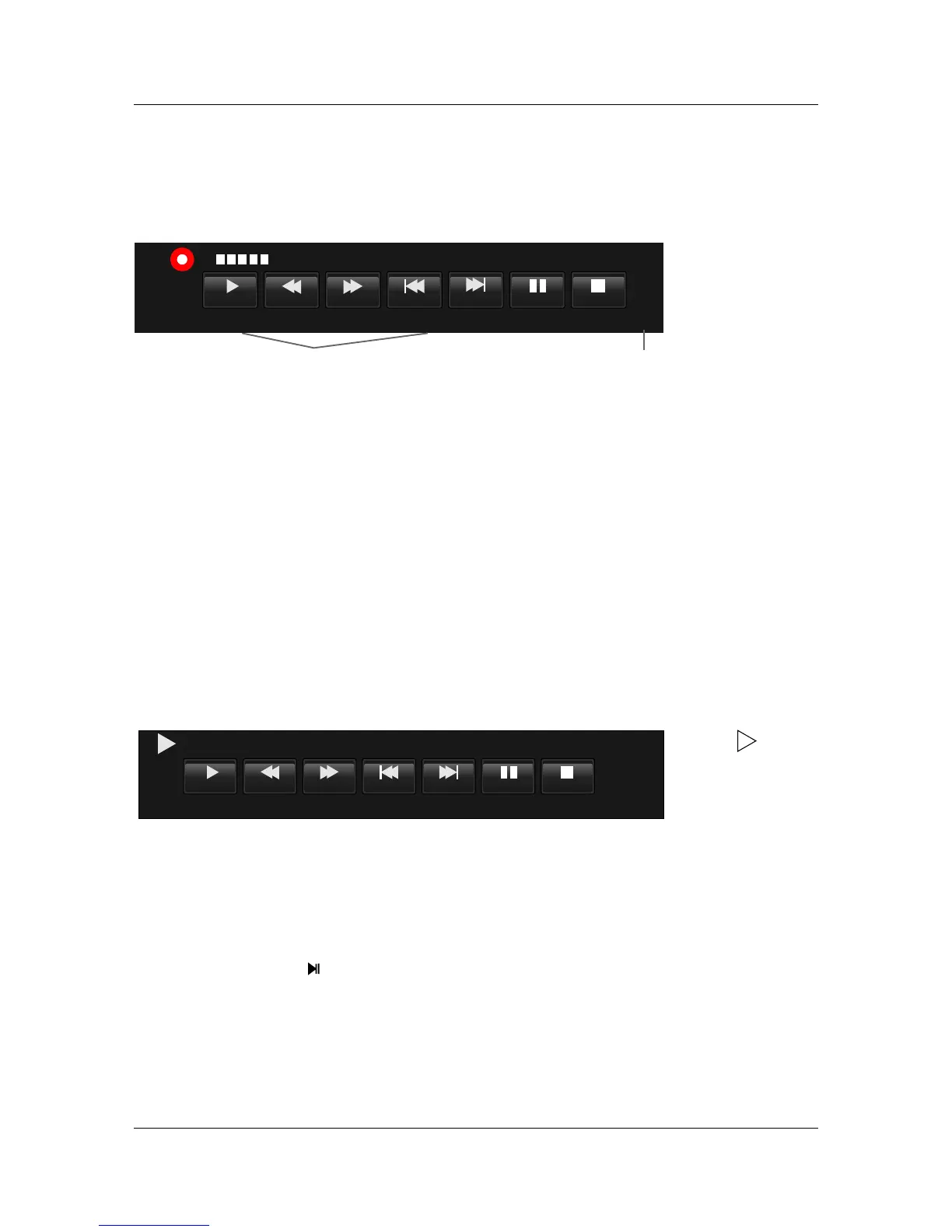
Channel name and Programme name
Full Mode:Full Mode:
Play FB FF
NextPrev StopPause
5 Five
Before Winter Comes
[00:00:20]
14:30
[0000:10:20]
Record/ExitRecord/Exit
Enter Playback mode, play it from the start recorded programme Check Playback instruction in details;
Close Record menu,pop out Recorded List menu;when exit from Recorded List menu, it shows record again;
Max Recording Time
Recording Time
The details is as follows:The details is as follows:
StopStop
Exit Record,shows Processing;
Switch Record menu mode;
PlayPlay
R.LISTR.LIST
Timeshift menu
Timeshift is similar with Record menu, includes two kind: one is Full Mode and the other is
Simple Mode. They can switch by Exit key. At Timeshift mode, Timeshift keeps still.
Timeshift menu
Note
At Simple Mode,it shows current Timeshift playing conditon, such as Play,Pause;
Simple Mode shows on the right down side;
Note
Play
FB FF
NextPrev
Stop
Pause
[00:00:00/00:50:00]
Simple Mode:Simple Mode:
S
S
Full Mode:Full Mode:
TimeshiftTimeshift
SHIFT TIME/MAX SHIFT TIME
36
Current Time
Timeshift Start conditon
Enter Timeshift to press ,and the image paused and it start record from the paused position.
Timeshift Start conditon
Stop Timeshift.
Swich Timeshift menu mode.
Timeshift conditonTimeshift conditon
ExitExit
StopStop



 To Next Page