35
DVR shortcut functionDVR shortcut function
Record
Record menu includes two kind, one is Full Mode,the other is Simple Mode. At Simple mode, there
is only power indicator blinking but no operation menu display.
They can switch by REC/EXIT key.
At Record mode, Record menu shows still.
Record
Enter Timeshift mode;
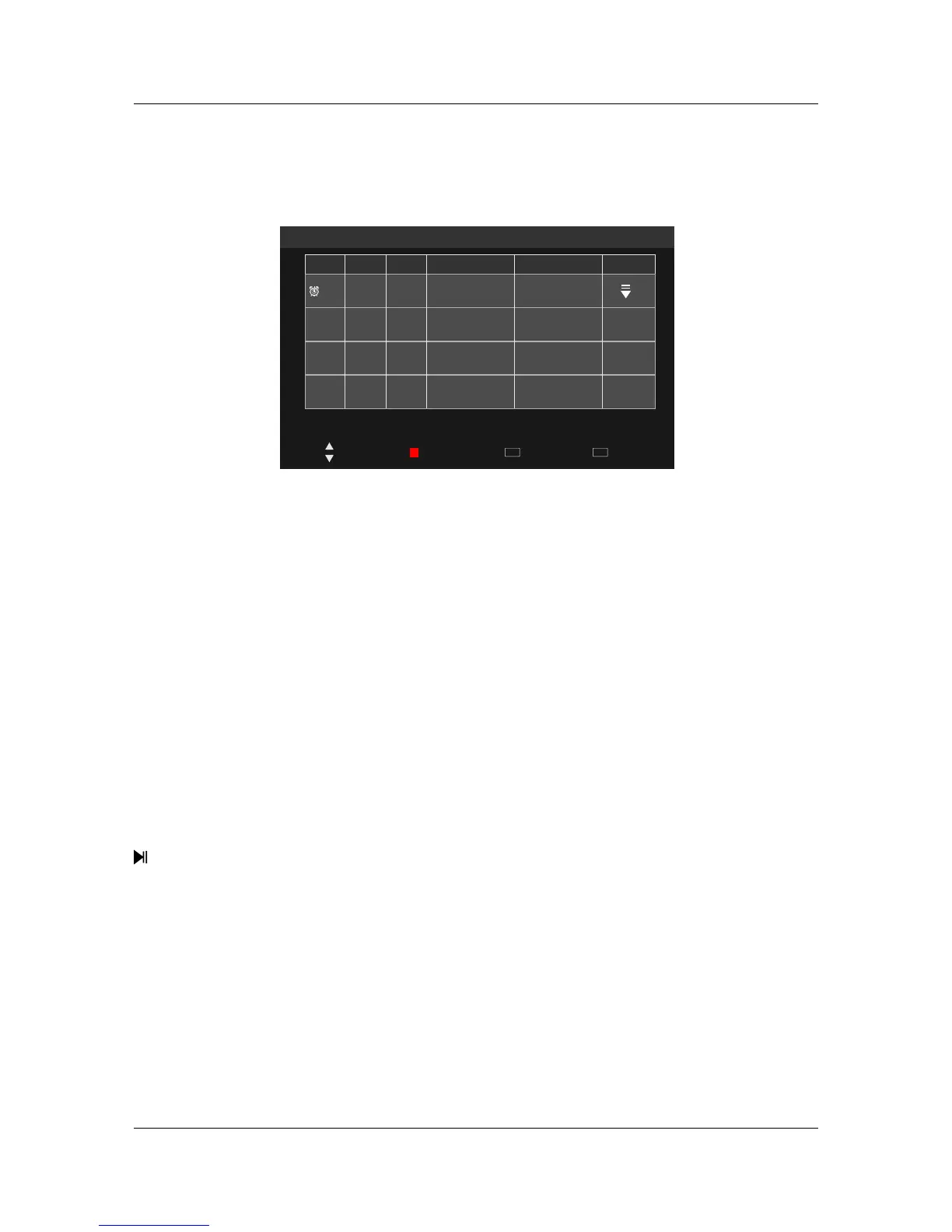
DVR – Recorder ScheduleDVR – Recorder Schedule
Menu and functionMenu and function
Schedule List
Mode Time Date
Programme Title
Result
Channel Name
Delete
Quit
EXIT
Move Back
MENU
18:14 09th Jun
Note
1.List timer recording will start according to date and time priority.
2.Newly added items will be last on the listed.
3.It enter the menu when recording,Focus on current recording plans.
Note
AUTO
19:28- 20:20
Satos Ju n
New Tank s
2 ABC TV
Exit menu;
ExitExit
Delete Focus items;
DeleteDelete
Move Focus up and down;
MoveMove
Exit Recorder Schedule List menu,enter DVR menu,Focus on Recorder Schedule List;
MenuMenu
Enter Record mode;
RECREC
Pop out Recorded List menu, enter OK/Enter to enter Playback,play it;
R.LISTR.LIST
Note
Record and Recorded List can be enter from DVR menu.
Note
Pop out Recorded Timer Schedule List.
T.LISTT.LIST



 To Next Page