34
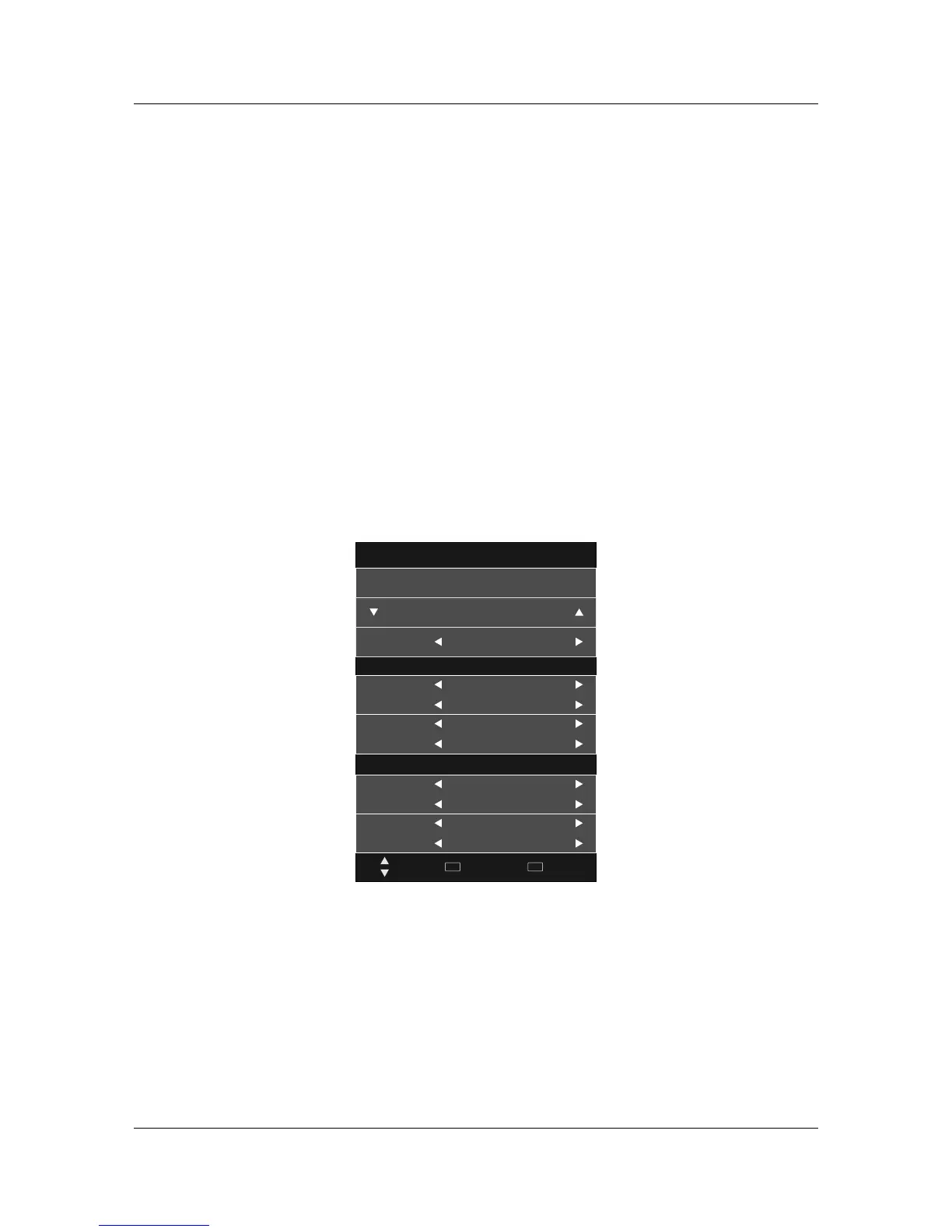
DVR –Record ModeDVR –Record Mode
Choose recording mode; Switch order:Once -> Everyday -> Weekly -> Auto.
Start recording time;
Recording end time.
Title
Shows current channel name.
Title
Recorded Mode
09 Jun 18:14
Once
Start Time
Mode
Month
Date
Jan
2010/05/04
End Time
Minute
Hour
00
00
Month
Date
Jan
2010/05/04
Minute
Hour
00
00
20 ABC HDTV
Move
Select
OK
Back
MENU
Prgramme name
The programme name is construct by channel number and record channel number.
Prgramme name
Operation guide
Show the current available operation.
Operation guide
Pop out or close the programme instruction.
DELETEDELETE
Delete Focused programme.
When no menu, press to show Recorded List; When it show Recorded List menu,switch recording programme
orders.
R.LISTR.LIST
▲▼
Up and down to move Focus to select programme.
Close/pop out the programme instruction.
◄►/OK/Enter◄►/OK/Enter
Info/DisplayInfo/Display
ModeMode
Start TimeStart Time
End TimeEnd Time



 To Next Page